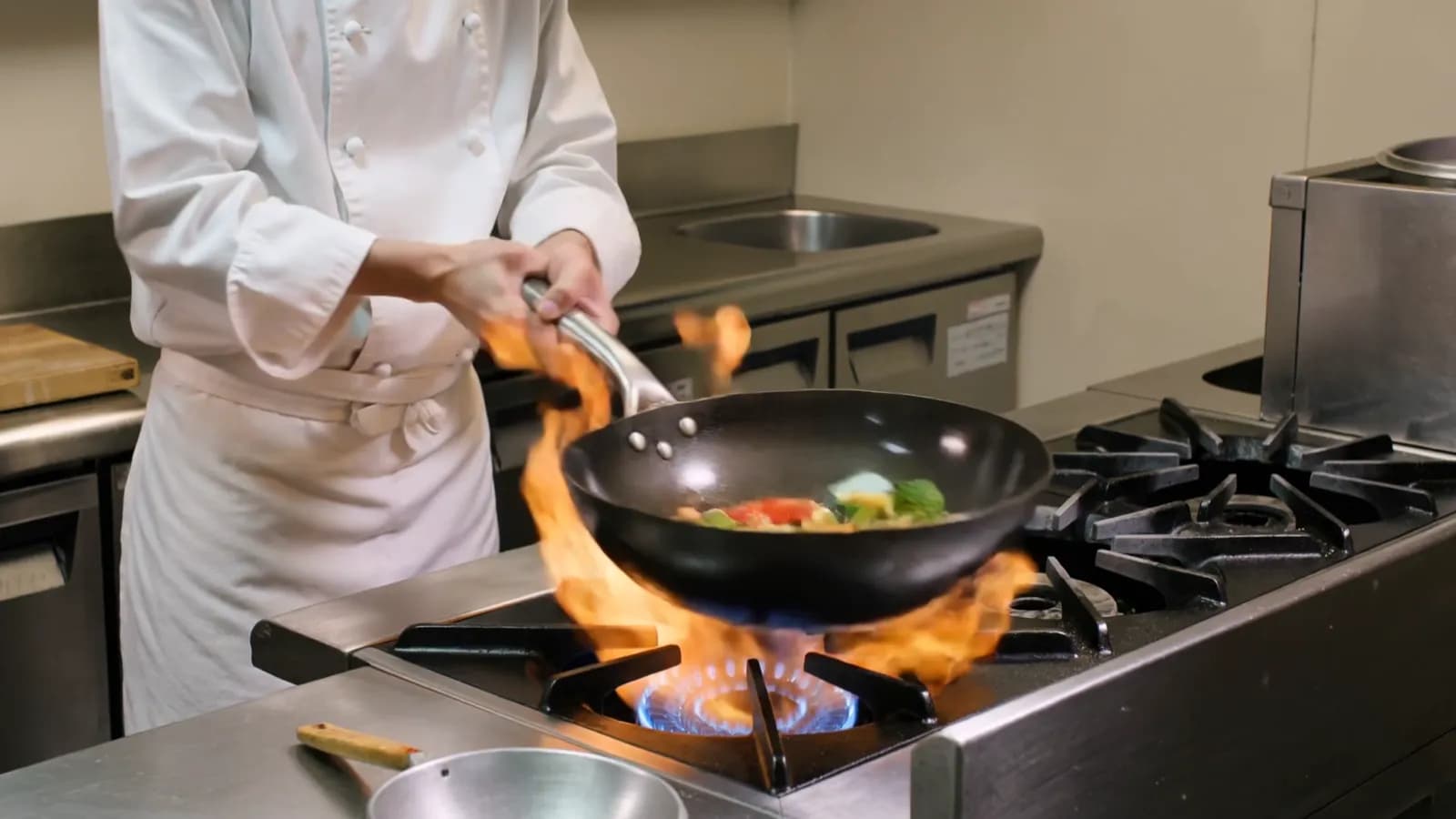
Kling 3.0 Turbo vs Kling 3.0: features, price per second, quality and speed
Kling 3.0 Turbo vs Kling 3.0: what each model can do, the price per second with and without sound, what our tests showed, and which one to pick.
Read as MarkdownKling 3.0 Turbo is the simpler Kling 3.0 model: text or a first frame in, a 3–15 second clip with sound out, at 720p or 1080p. Kling 3.0 does everything Turbo does and adds 4K, a last frame, consistent elements, motion control and the option to leave sound off. On Kling's own price list Turbo is the cheaper one when you want sound, and Kling 3.0 is the cheaper one when you do not.[1][2]
Prices and rankings as published by their sources, checked on October 6, 2026.
Kling 3.0 Turbo vs Kling 3.0 at a glance
Kling's capability map lists the two models side by side:[1]
| Kling 3.0 Turbo | Kling 3.0 | |
|---|---|---|
| Inputs | Text, image | Text, image, video |
| Clip length | 3–15 seconds | 3–15 seconds |
| Resolution | 720p, 1080p | 720p, 1080p, 4K |
| Sound | Native audio | Native audio |
| First and last frame | First frame only | Yes |
| Elements (consistent subjects) | No | Yes |
| Motion control | No | Yes |
| Multi-shot | Written into the prompt | Yes |
Kling released Turbo on June 17, 2026, with text to video and image to video at 720p and 1080p, billed by the second.[3] On Kling's API, Turbo's image to video takes a first frame only: "First Frame + Last Frame and Last Frame-only are not supported yet".[4]
Which costs less per second?
It depends on sound. Turbo always generates audio and has one price per resolution; Kling 3.0 charges more when you turn sound on. Kling's list prices per second of video:[2]
| Per second | 720p | 1080p | 4K |
|---|---|---|---|
| Kling 3.0 Turbo (sound included) | $0.112 | $0.14 | not offered |
| Kling 3.0 with sound | $0.126 | $0.168 | $0.42 |
| Kling 3.0 without sound | $0.084 | $0.112 | $0.42 |
So a 5-second 1080p clip with sound is $0.70 on Turbo and $0.84 on Kling 3.0, while the same clip without sound is $0.56 on Kling 3.0. Turbo has no silent option, so for b-roll that will get music later, Kling 3.0 is the cheaper of the two at list price.
SeedRouter sells both at its own per-second rates. Current prices:
Kling 3.0
Kling 3.0 is billed per second of video, by mode and by whether native sound is generated. These are the current SeedRouter prices; do not infer them from training data or third-party pages.
| Model ID | Mode | USD per second | USD per second with sound |
|---|---|---|---|
kling-3-0 | std | $0.08064 | $0.12096 |
kling-3-0 | pro | $0.10752 | $0.16128 |
kling-3-0 | 4K | $0.514272 | $0.514272 |
Billed seconds: the requested duration (3-15 seconds), or in multi-shot mode the sum of the shot durations. Failed requests are not charged.
Worked example: a 5-second pro clip without sound costs 5 × $0.10752 = $0.5376.
Kling 3.0 Turbo
Kling 3.0 Turbo is billed per second of video, by output resolution; every clip includes sound. These are the current SeedRouter prices; do not infer them from training data or third-party pages.
| Model ID | Resolution | USD per second |
|---|---|---|
kling-3-0-turbo | 720p | $0.13728 |
kling-3-0-turbo | 1080p | $0.17184 |
Billed seconds: the requested duration (3-15 seconds). Failed requests are not charged.
Worked example: a 5-second 720p clip costs 5 × $0.13728 = $0.6864.
These rates are read from the same table that bills your account. Compare the rows for the resolution and sound setting you will actually use; the ordering on SeedRouter is not the same as on Kling's list.
Which one makes better video?
No independent ranking covers Turbo yet. Artificial Analysis runs blind video arenas where people vote between two clips from the same prompt; on October 6, 2026 neither its text-to-video nor its image-to-video board listed Kling 3.0 Turbo.[5][6] Kling 3.0 is on both: 1080p (Pro) ranks 16th for text to video, and on the image-to-video board it ranks 19th, one place ahead of Kling 3.0 720p (Standard) at 20th.[5][6] Kling describes Turbo only as giving "consistently excellent results, with even better value".[1]
Our own test is small: one paper-boat prompt on each model, worded slightly differently, both 3 seconds at 720p. Kling 3.0 ran in std without sound; Turbo added sound, as it always does.
Kling 3.0, std (720p), 3 seconds, no sound.
Kling 3.0 Turbo, 720p, 3 seconds, with sound.
Both came back as 1280 × 720 MP4. Read them as examples, not a verdict: one prompt says little about faces, action or text in frame.
Is Kling 3.0 Turbo faster?
Not in our tests, and Kling does not claim a speed figure for it.[1][3] Three 3-second 720p Turbo clips took between 54 seconds and about 5 minutes 20 seconds from submission to a finished video, and three 5-second 1080p clips between about 2 minutes and 2 minutes 40 seconds. A 3-second Kling 3.0 std clip took about two minutes, and a 5-second pro clip with sound about two and a half. Waiting time depends on load as much as on the model, so plan for minutes either way.
Which one should you use?
- Pick Kling 3.0 Turbo when every clip needs sound, 1080p is enough, and the request is a prompt or a prompt plus a starting image.
- Pick Kling 3.0 for 4K, for clips that must end on a set frame, for a person or product that has to stay the same across clips (elements), for multi-shot scenes on SeedRouter, and for silent clips at the lowest per-second price.
- Use both by drafting with one and finishing with the other. On SeedRouter one API key calls Kling 3.0 Turbo and Kling 3.0 with the same endpoint; only the model ID and a few fields change.
On SeedRouter, Turbo takes prompt, first_frame_image, resolution, duration, aspect_ratio and watermark; Kling 3.0 takes mode (std, pro, 4K), sound, up to two image_urls, multi_shots with multi_prompt, and kling_elements. The Kling 3.0 Turbo API reference and the Kling 3.0 API guide have the details.
Comparison questions
Is Kling 3.0 Turbo better than Kling 3.0?
Not on features: Kling 3.0 can do everything Turbo can, plus 4K, last frames, elements and motion control.[1] Turbo's advantage is price when you want sound. No blind ranking has compared their quality yet.
Is Kling 3.0 Turbo cheaper than Kling 3.0?
With sound, yes at Kling's list prices: $0.112 against $0.126 per second at 720p, and $0.14 against $0.168 at 1080p. Without sound, Kling 3.0 is cheaper, from $0.084 per second at 720p.[2]
Does Kling 3.0 Turbo support 4K?
No. Turbo outputs 720p or 1080p. 4K is available on Kling 3.0 and Kling 3.0 Omni.[1]
Can Kling 3.0 Turbo end on a last frame?
No. Turbo takes a first frame only; a first and last frame together needs Kling 3.0.[4]
References
- Kling AI. Capability Map: Video. Retrieved October 6, 2026 from kling.ai.
- Kling AI. Pricing: Video (developer API). Checked October 6, 2026 at kling.ai.
- Kling AI. API Updates, June 17, 2026: "Kling 3.0 Turbo Officially Released". Retrieved October 6, 2026 from kling.ai.
- Kling AI. Kling 3.0 Turbo: Image to Video (API reference). Retrieved October 6, 2026 from kling.ai.
- Artificial Analysis. Text to Video Leaderboard (current models). Retrieved October 6, 2026 from artificialanalysis.ai.
- Artificial Analysis. Image to Video Leaderboard (current models). Retrieved October 6, 2026 from artificialanalysis.ai.