
Muse Image — pictures from a prompt or your own references
Muse Image is Meta's image model: describe a picture, or add up to 9 reference images, and get one finished image back. $0.0048 per image, nothing to subscribe to.
- Text to image
- Up to 9 references
- Seven aspect ratios
- One image per request
- Pay per image
- Async task API
Try Muse Image before you write any code
Run Muse Image with the exact request your code will send. Every setting that changes the picture is here.
muse-image$0.0048 per image
Describe the picture, add reference images if you have them, pick a shape, and submit once. The Muse Image result arrives with the exact amount it cost.
Subject, setting, style, light and framing. Muse Image needs a prompt even when you add references.
Files are uploaded and sent as URLs.
Optional. Up to 9 images, 11 MB in total. Say in the prompt what to keep from them.
Auto follows your references; a text-only request comes back square.
One price per image at current rates.
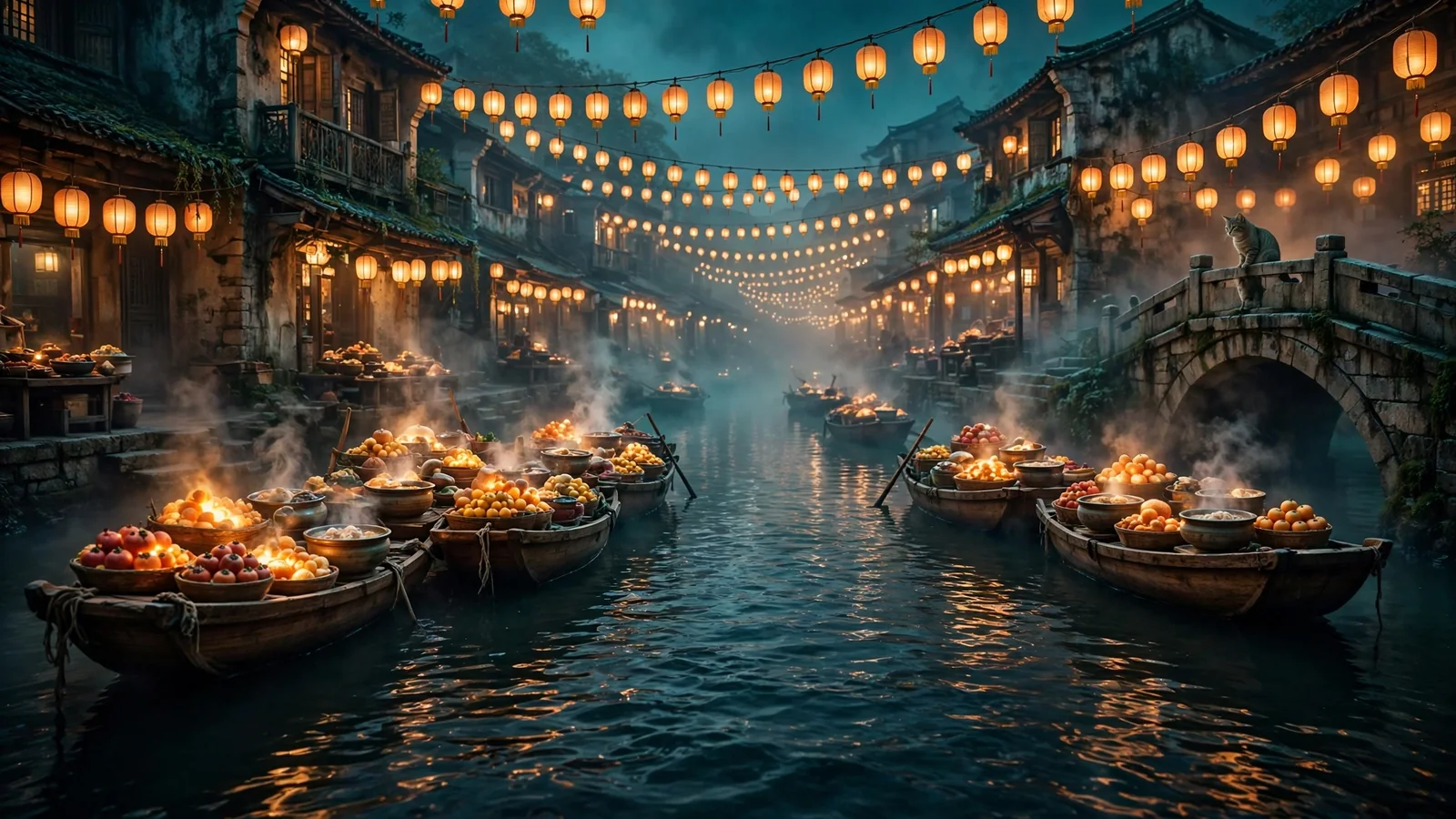
Try one of these prompts
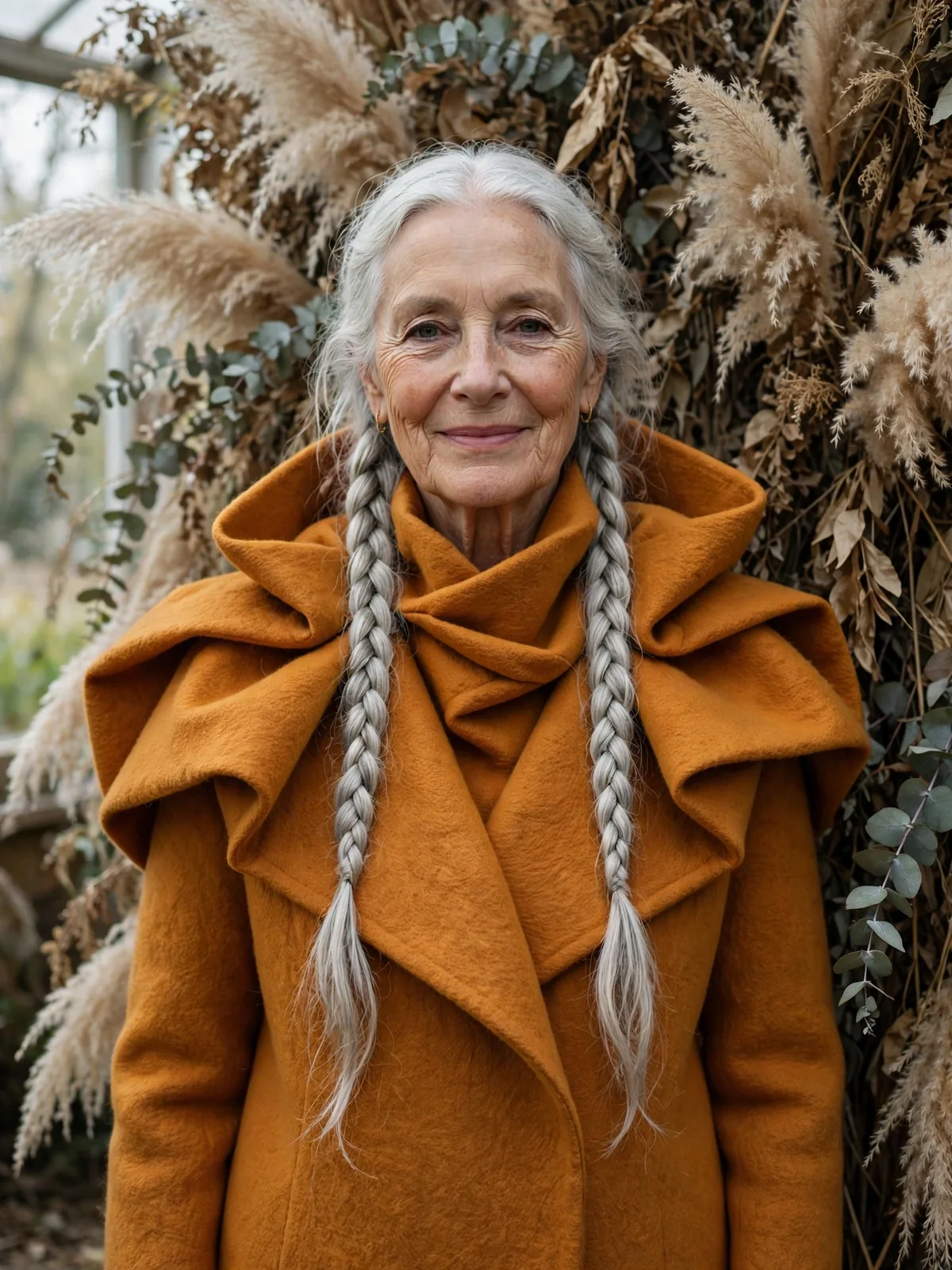
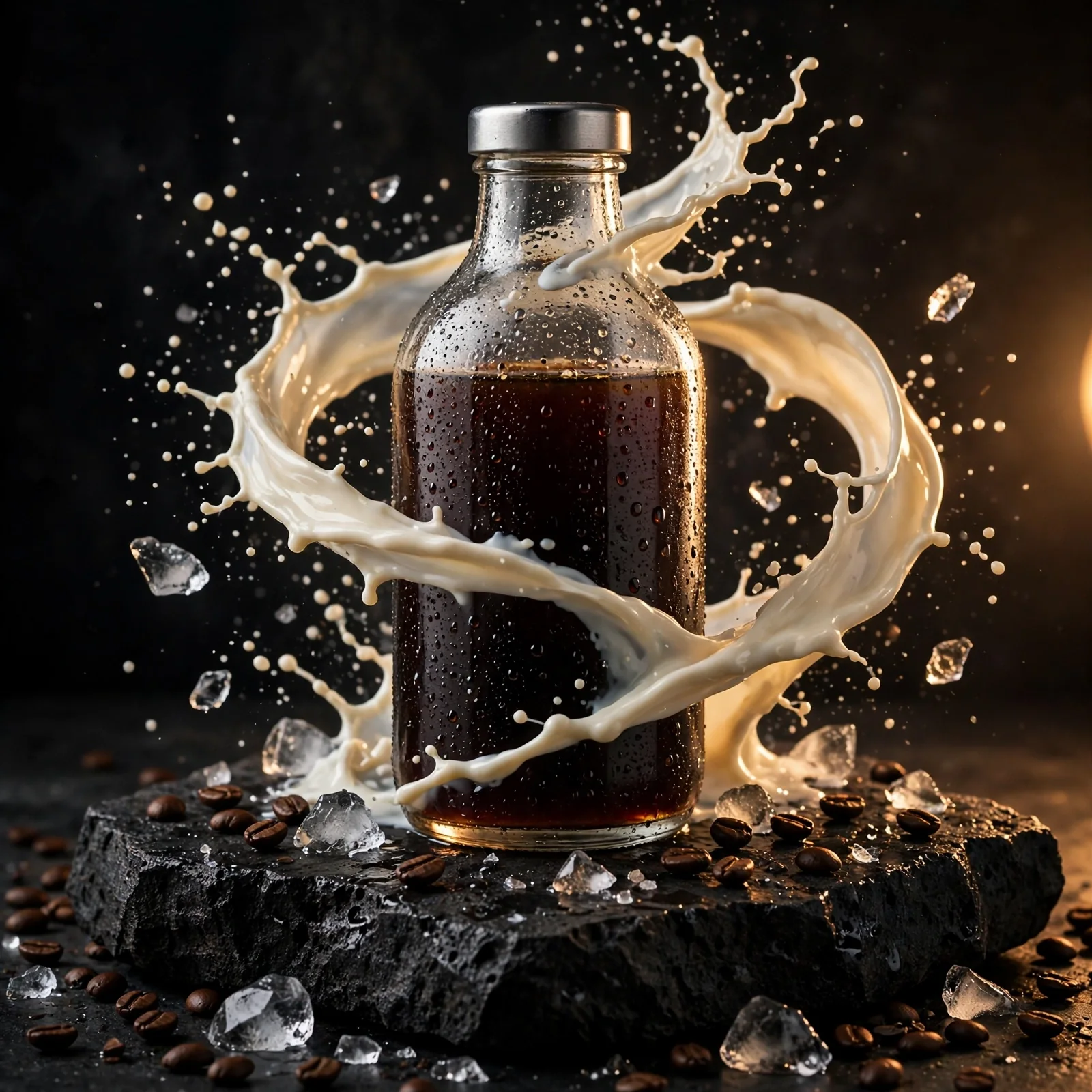
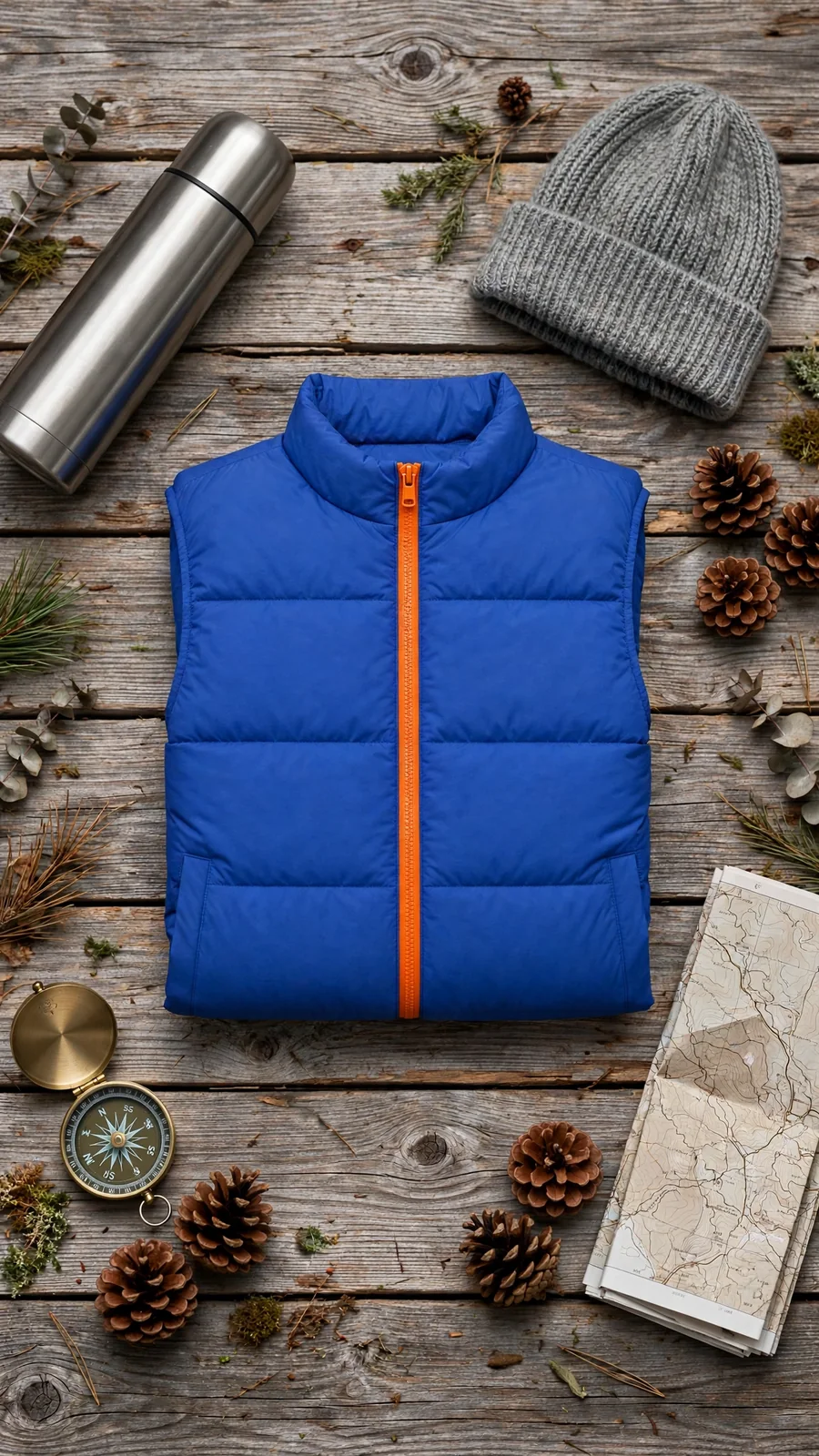
Generated with Muse Image on SeedRouter
Muse Image pricing
Muse Image has one price per image. Text-only requests and requests with references cost the same, and so does every aspect ratio.
- Muse Image
- $0.0048/image
- Muse Image
- 4,166images
Muse Image prices come from the rates that bill your account. Failed requests are not charged.
- Muse Image
- $0.0048Price · 1 image
What is Muse Image?
Muse Image is the image generation model from Meta Superintelligence Labs, launched on July 7, 2026. Meta built it to follow instructions closely, edit with precision and compose a scene from several references.
On SeedRouter, one Muse Image request takes a prompt, up to 9 reference images and an optional aspect ratio, and returns one image. You send the request once, keep the task ID, and read the image URL when the task completes.
In our tests on October 29, 2026, Muse Image returned WebP images: 1600×1600 for a text-only request, 2048×1152 at 16:9 and 1344×1792 at 3:4, in about one to two minutes per image.
Two ways to use Muse Image
Call the API from your backend, or hand the job to a coding agent.
Call the API
Send the Muse Image request from your server, keep the task ID, and read the finished image from the task.
- 1Create an API key
- 2POST the request with your prompt
- 3Poll the task until the image is ready
Let an agent do it
Copy a ready Muse Image prompt into Claude Code, Codex or Cursor. It asks before spending and downloads the result.
- 1Copy the prompt
- 2Paste it into your agent and describe the picture
- 3Approve the cost, then get the image
What Muse Image is good at
Muse Image fits work where a short brief should come back as a finished picture.
Follows the brief
Name the subject, the setting and the light, and Muse Image keeps them in the frame.
Works from your photos
Add a product shot or a style reference and Muse Image keeps what you point to.
Several references at once
Combine up to 9 images in one Muse Image request, such as a product, a backdrop and a mood.
Seven shapes
Square for feeds, 9:16 for stories, 16:9 for banners: one field changes the shape.
Portraits with texture
Muse Image renders skin, hair and fabric with the detail an editorial portrait needs.
One flat price
Every Muse Image request costs the same, so a batch is simple to budget.
What teams use Muse Image for
Product scenes
Place a real product photo in new settings with Muse Image before booking a shoot.
Campaign concepts
Try several looks for one idea and pick a direction with your team.
Social posts
Make vertical, square and wide versions of the same Muse Image idea for each channel.
Article art
Turn the topic of a story into a header image that leaves room for the headline.
Catalogue styling
Show one item in flat lays or room sets, starting from the photo you already have.
In-app image tools
Give your users a create-or-restyle button backed by the Muse Image API.
Start with Muse Image in four steps
- 01
Create a key
Sign in, top up any amount, and create an API key. Credits never expire.
- 02
Send one request
POST your prompt to /v1/images/generations with model muse-image, plus image_urls and aspect_ratio if you need them.
- 03
Poll the task
Keep the Muse Image task ID and check it every 10–20 seconds until the status is completed.
- 04
Download the image
Save the hosted Muse Image URL from the task to your own storage.
Muse Image at a glance
The facts that decide whether Muse Image fits the job.
- Inputs
- Text, up to 9 reference images
- Aspect ratios
- Seven, or auto
- Images per request
- One
- Resolution choice
- None; the model sets the size
- Masked editing
- Not supported
- Billing
- One price per image
Need a chosen resolution up to 4K, several images per request or mask edits? See GPT Image 2.
What to know before you start
A prompt is always required
Even with references, Muse Image needs a prompt that says what to make.
References are sent as URLs
Send each reference as a public HTTP(S) link, 11 MB in total, not base64. The Playground uploads files for you.
One image per request
For four variations, send four Muse Image requests; each one is billed on its own.
Results arrive by task
A Muse Image request returns a task ID first. Poll it until the image is ready, usually within two minutes.
Why run Muse Image on SeedRouter
Pay per image
Muse Image is billed per completed image at the rate shown above. No subscription and no monthly minimum.
Failed requests are free
If a Muse Image task ends failed, nothing is charged. You only pay for images that are delivered.
Credits never expire
Top up once and use the balance whenever you need it.
Hosted results
Finished Muse Image pictures come back as URLs on our CDN. Keep a copy of anything you need long term.
One balance for every model
The same top-up pays for Muse Image and every other image, video and text model in the catalogue.
Other image models on SeedRouter
Same balance, same task-based workflow.
Muse Image guides
Practical guides to Muse Image pricing, prompting and comparisons.
Muse Image FAQ
What is Muse Image?+
Muse Image is the image model from Meta Superintelligence Labs, launched in July 2026. On SeedRouter it makes one image per request from a text prompt, or from a prompt with up to 9 reference images, in seven aspect ratios.
How much does Muse Image cost?+
Muse Image costs $0.0048 per image on SeedRouter. The price is the same with or without references and for every aspect ratio, and failed requests are not charged.
Is Muse Image free?+
Not on SeedRouter. The Muse Image API is paid per image, and new accounts get a small credit to try it. There is no subscription: you top up any amount, credits never expire, and failed requests are not charged.
How do I use the Muse Image API?+
Create a SeedRouter key and POST your prompt to /v1/images/generations with model muse-image. You get a task ID back; poll /v1/tasks/{id} until the image is ready, then download it from output.data[0].url.
Can Muse Image edit my own photo?+
Yes. Pass up to 9 image URLs in image_urls, 11 MB in total, and say in the prompt what to keep and what to change. Muse Image uses them as references for the new picture.
Which aspect ratios does Muse Image support?+
1:1, 16:9, 9:16, 4:3, 3:4, 3:2 and 2:3. Leave aspect_ratio out for auto: Muse Image then follows your references, and a text-only request comes back square.
Can I choose the Muse Image resolution?+
No. Muse Image sets the pixel size itself; you choose only the shape. In our tests a square came back at 1600×1600 and a 16:9 image at 2048×1152.
Can Muse Image make several images at once?+
No. Each Muse Image request returns one image, so n accepts only 1. Send several requests for variations; each one is billed separately.
Make your first Muse Image picture
Try Muse Image in the Playground, then move the same request into your code.