
Hotel Lobby AI — Your duo, one mic
Hotel Lobby AI turns two character photos into a two-person rap performance. Pick your duo, use the motion template and download your video with the soundtrack.
- Two character photos
- Motion reference included
- Four Seedance models
- Video with soundtrack
Make your Hotel Lobby AI video
The two performer images, motion video and prompt are filled in. Review the settings and estimate, then generate a silent video. The soundtrack is added afterwards.
dreamina-seedance-2-015-second preset from $2.9218
Two photos and a motion video are loaded. Audio generation is off; the soundtrack is added after generation.
The shot: subject, action, camera move, lighting and style.
Use images as references, as the first frame, or as the first and last frames.
Files are uploaded and sent as URLs.
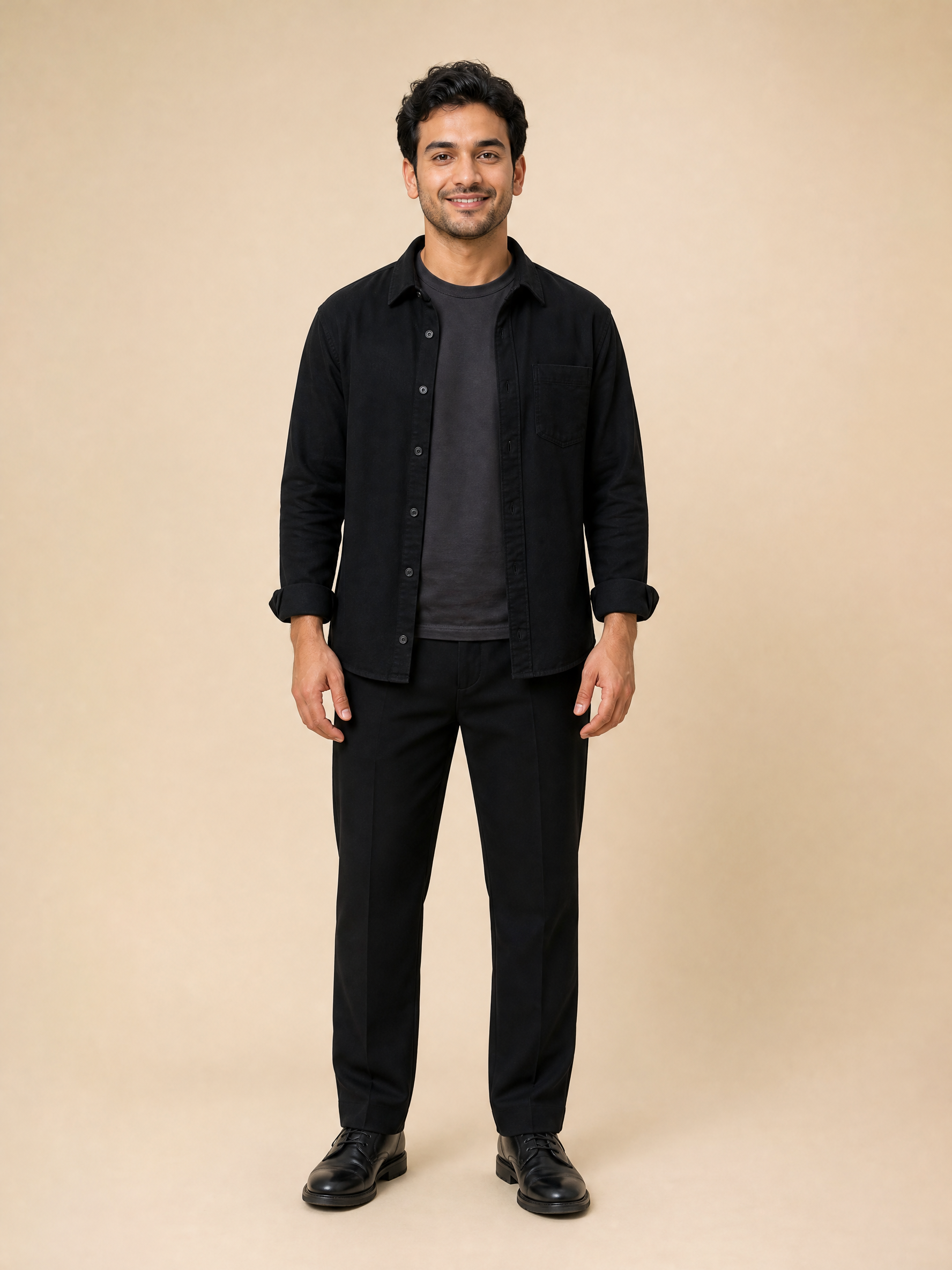
A sample performer is loaded. Remove it to add your own image, keeping the face, hairstyle and outfit visible. This slot sets the character’s side in the scene.
Files are uploaded and sent as URLs.
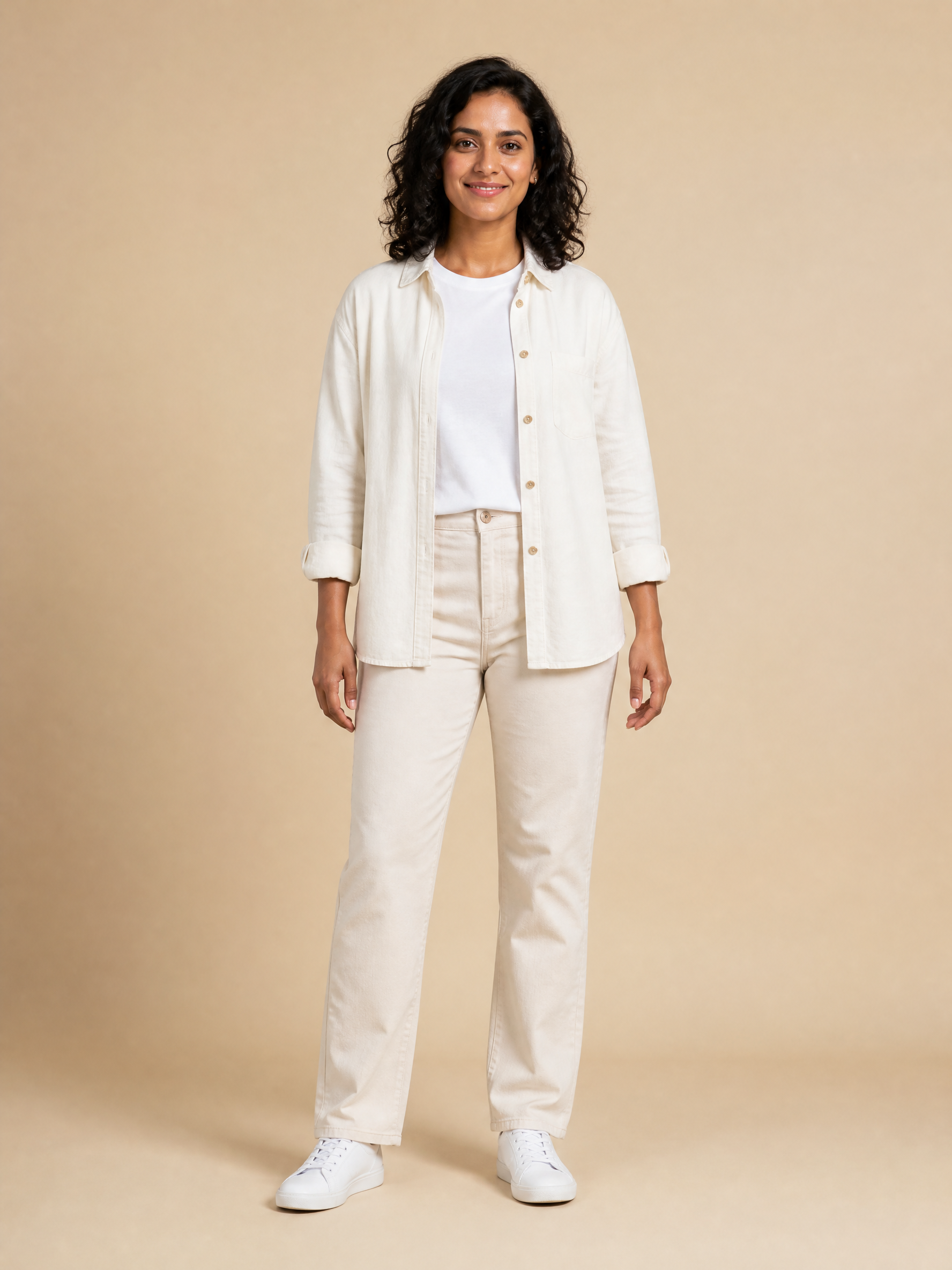
A sample performer is loaded. Remove it to add your own image, keeping the face, hairstyle and outfit visible. This slot sets the character’s side in the scene.
Files are uploaded and sent as URLs.
Optional supporting views come after the two performer images. Keep Image 1 and Image 2 assigned to your main cast.
Files are uploaded and sent as URLs.
The motion template is loaded as Video 1. Preview it here or replace it with an MP4 or MOV. Its duration is included in the estimate.
Output resolution. 720p is the default.
Default is adaptive: the frame follows your prompt or input.
A fixed length, or auto to let the model choose.
The scene preset uses 15 seconds. The slider follows the selected model’s duration range.
Always off for this scene. Generate silent footage, then add the supplied soundtrack.
Add a watermark to the video. Off by default.
Also return the final frame as an image, for chaining shots.
Seconds before an unfinished task expires, 3600–259200. Default 172800.
Whole number, 0–9.
An ID for your end user, up to 64 characters. A hash is fine.
On by default. Turning it off is available through the API only.
Greyed-out options relax content filtering. They are available through the API only, not in the playground.
Includes output and motion-reference seconds. Actual charges follow the completed generation.
Two reference photos, one Hotel Lobby AI video
These are the two character images used for the sample performance. Play the finished clip to see how they follow the motion reference, with the soundtrack added.
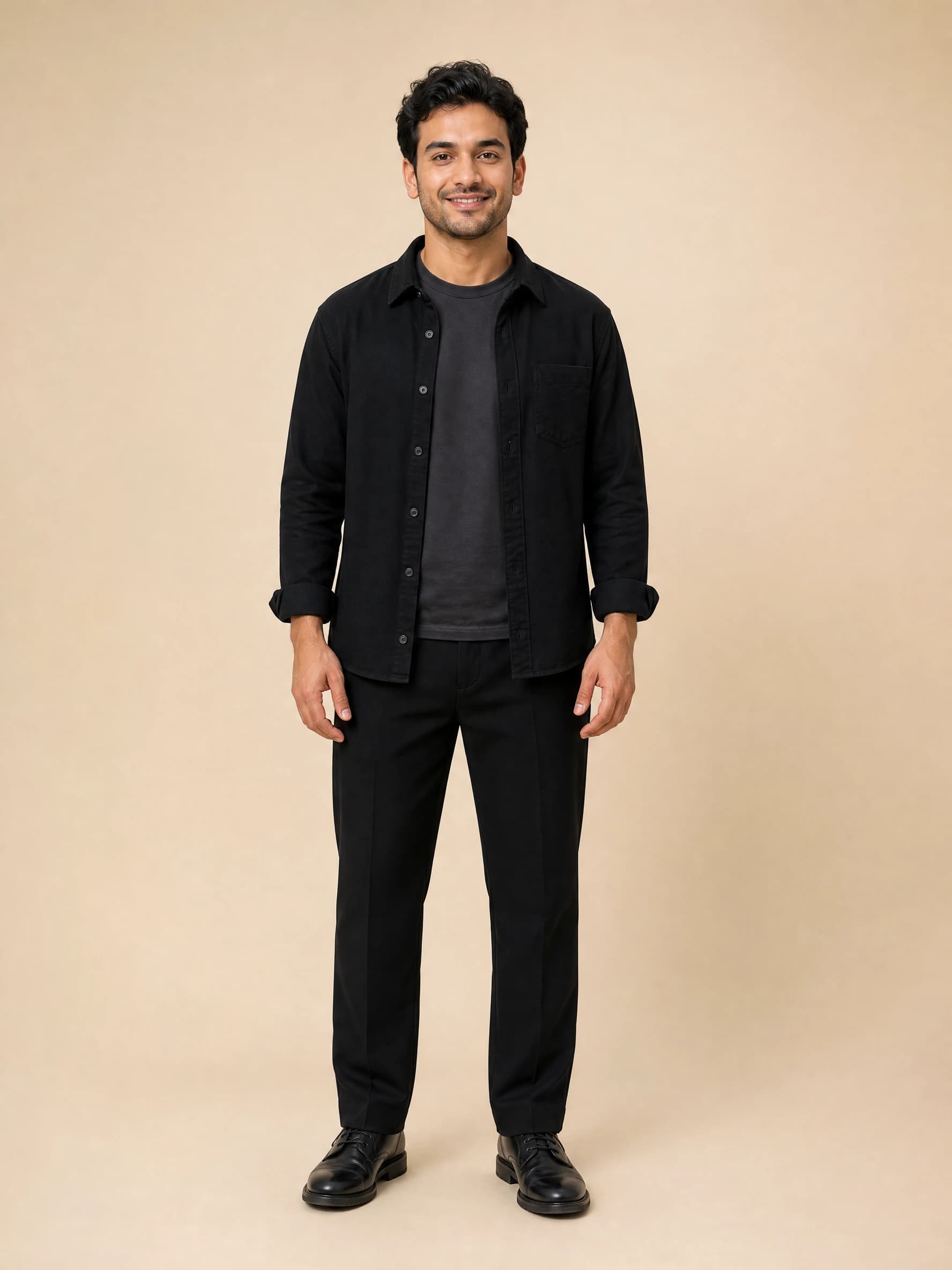
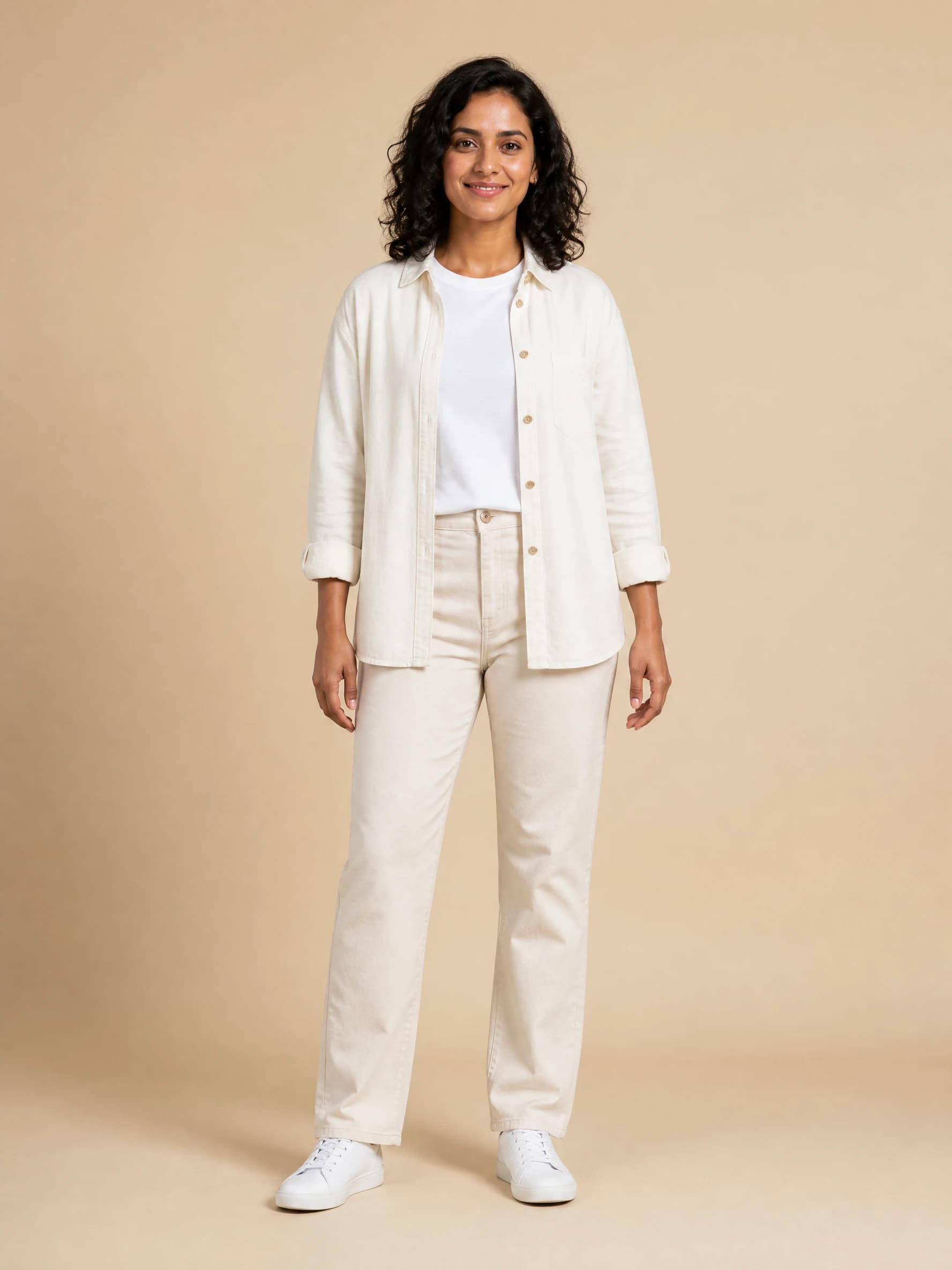
Choose your Hotel Lobby AI cast
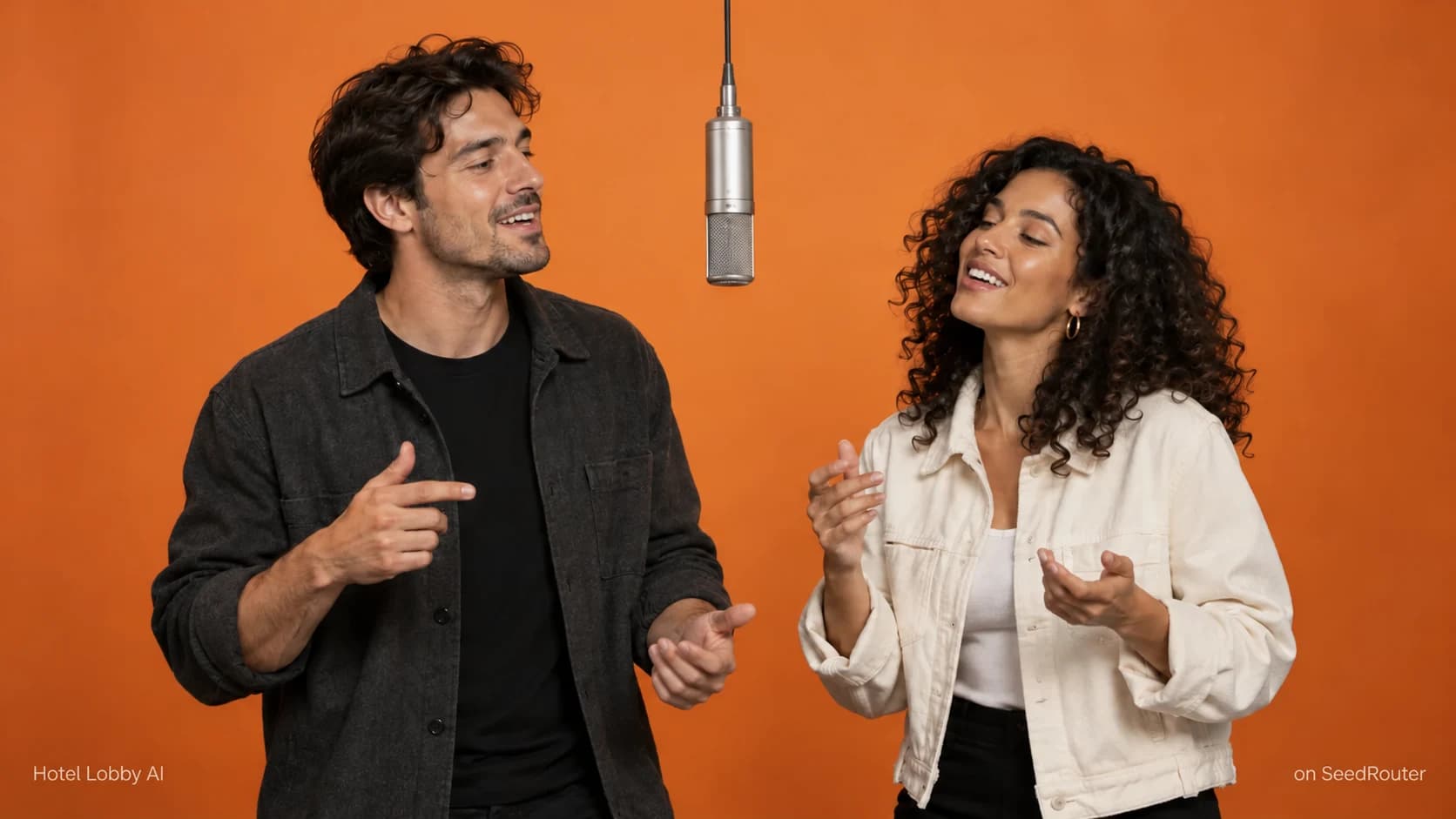
A duo of your own
Start with two portraits for a personalized Hotel Lobby AI performance. Distinct outfits make the left and right roles easier to tell apart.
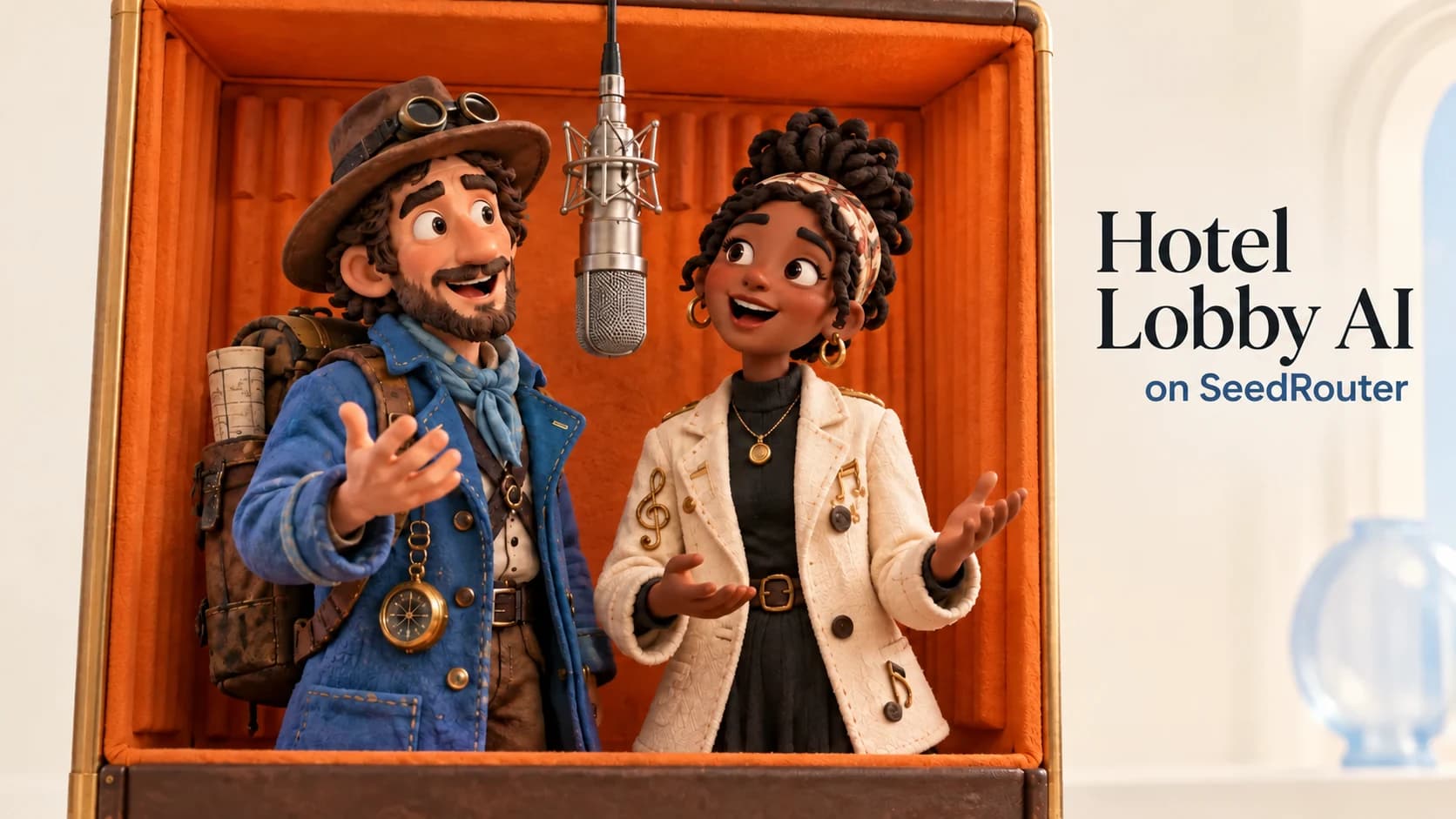
Original characters
Bring illustrated characters into the same scene. Use source images with a consistent visual style, then keep the prompt focused on the performance.
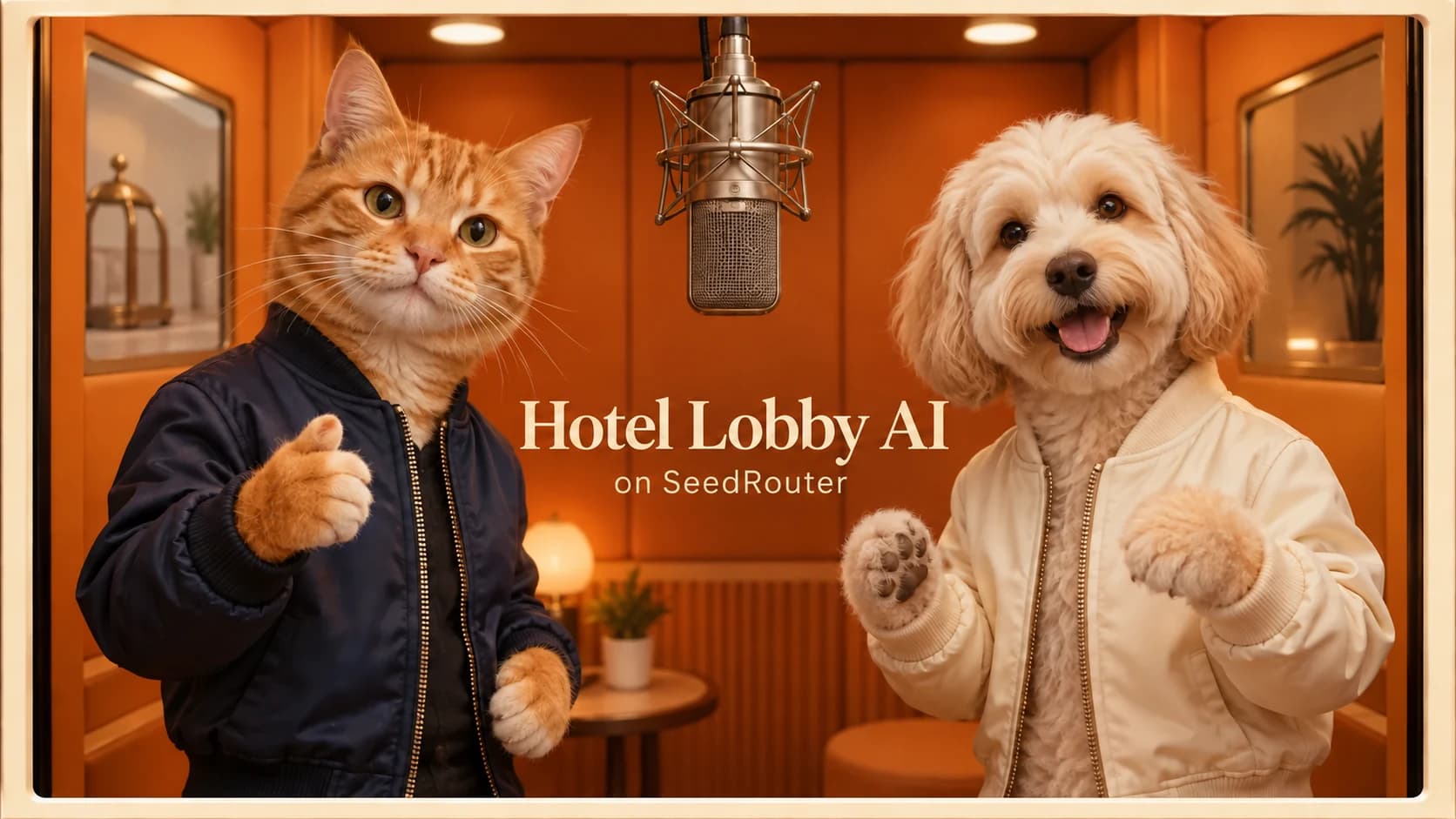
An animal double act
Try your pet characters behind the mic. An upright pose can make the intended gestures clearer; review paws, faces and body motion in the result.
Scene illustrations, not guaranteed generation results.
Hotel Lobby AI pricing
Hotel Lobby AI uses your SeedRouter balance. Each model has its own live rate, and the motion-reference seconds contribute to the estimate along with your output length.
Estimated / video
- Seedance 2.0
- $2.9218
- Seedance 2.0 Fast
- $2.2393
- Seedance 2.0 Mini
- $1.5213
- Seedance 2.5
- $4.3436
Compare current Seedance rates
Use the rows with a reference video for this preset. The per-second rate applies to the combined output and reference-video duration.
| Category | dreamina-seedance-2-0 | dreamina-seedance-2-0-fast | dreamina-seedance-2-0-mini | dreamina-seedance-2-5 |
|---|---|---|---|---|
| 480P & reference video | $0.0454Price · 1 second | $0.0348Price · 1 second | $0.0236Price · 1 second | $0.0646Price · 1 second |
| 480P | $0.0739Price · 1 second | $0.0591Price · 1 second | $0.0394Price · 1 second | $0.1080Price · 1 second |
| 720P & reference video | $0.0977Price · 1 second | $0.0748Price · 1 second | $0.0508Price · 1 second | $0.1452Price · 1 second |
| 720P | $0.1590Price · 1 second | $0.1271Price · 1 second | $0.0848Price · 1 second | $0.2428Price · 1 second |
| 1080P & reference video | $0.2400Price · 1 second | — | — | $0.3576Price · 1 second |
| 1080P | $0.3929Price · 1 second | — | — | $0.5971Price · 1 second |
| 4K & reference video | $0.4918Price · 1 second | — | — | — |
| 4K | $0.8169Price · 1 second | — | — | — |
What is Hotel Lobby AI?
Hotel Lobby AI is a two-photo video workflow for the orange-studio rap duet: two performers, one shared microphone and coordinated gestures. Choose the cast in your images, then let the supplied motion reference guide the performance.
On SeedRouter, Hotel Lobby AI brings the images, prompt and movement reference together in an editable Playground. You can review the exact generation request, choose a Seedance model and finish the result with the supplied soundtrack.
Two ways to create the duet
Create in the Playground
Upload your images, inspect the template and choose the output settings. The Hotel Lobby AI Playground shows an estimate before you generate and a downloadable result when it is ready.
Build your own workflow
Use the same Seedance model with your own application. The JSON tab shows the generation body, and the model documentation explains submission and result retrieval; soundtrack export is a separate finishing step.
Keep your Hotel Lobby AI scene consistent
Give each performer a role
Separate image slots assign your characters to the left and right. The preset prompt asks the model to preserve each character’s face, hair and clothing throughout the performance.
Start from the movement
The Hotel Lobby AI reference supplies gestures and camera framing. You can preview it first, then change the prompt without describing every arm movement from scratch.
Finish with sound
After generation, the tool adds the supplied soundtrack to your video. If that step fails, retry the export using the existing result instead of paying for another generation.
How to make a Hotel Lobby AI video
- 01
Choose your two characters
Upload a clear image for each side. Use photos or original characters you have permission to use, with visible faces and enough of the outfit to guide the scene.
- 02
Review the Hotel Lobby AI preset
Watch the motion reference and listen to the soundtrack. Keep the preset prompt for a first attempt, or edit the scene description to suit your characters.
- 03
Pick a model and generate
Choose among the four Seedance models and check the live estimate. Start generation once the images are ready; your task continues while the result is being prepared.
- 04
Preview and download
Watch the whole duet before sharing it. Check both characters, hands and timing, then download the Hotel Lobby AI video with the soundtrack added.
Hotel Lobby AI or a general video Playground?
Use this page when you want the duet setup ready to go. Open a model page when you want to begin a different video scene.
| Starting point | Hotel Lobby AI | Seedance model page |
|---|---|---|
| Character inputs | Separate left and right slots | General frame and reference inputs |
| Prompt | Two-person performance preset | General example prompt |
| Motion | Included reference clip | Add your own reference |
| Soundtrack | Added to the finished download | Model-generated audio setting |
| Billing | Selected model’s live rate | Same model’s live rate |
Before you generate
Movement and likeness can vary
Hotel Lobby AI asks the model to follow the reference, but exact gestures, identity and lip sync are not guaranteed. Review the full result and simplify conflicting instructions before another attempt.
Match the clip to the music
The included soundtrack is intended for the roughly 15-second template. Keep the preset duration to align the video and soundtrack lengths.
Create Hotel Lobby AI on SeedRouter
One balance, four model choices
Try the same scene with Seedance 2.0, Fast, Mini or 2.5. The selected model and its estimate remain visible, so you can choose what to spend on each attempt.
Pay for each generation
There is no separate Hotel Lobby AI subscription. Top up your balance as needed, keep unused credit for later and pay for the generations you make. Failed requests are not charged.
Explore the Seedance models
See each model’s capabilities, current pricing and full API documentation.
Hotel Lobby AI guides
Follow the two-photo workflow, copy the prompt and check the common input issues before another generation.
Hotel Lobby AI questions
Is Hotel Lobby AI free?+
Generation uses your SeedRouter balance. The page shows current estimates for the selected Seedance model; there is no separate subscription for this tool. Previewing the template does not start a paid generation.
Which photos should I use?+
Use one clear character per image, with the face and outfit visible. Put the intended left performer in Image 1 and the right performer in Image 2. Matching visual styles can make the scene easier to describe, but likeness still varies.
Where is the Hotel Lobby AI prompt?+
It is already filled into the Playground and remains editable. The prompt assigns the two performers, asks for one continuous shot and uses the reference video for movement. Reset restores the prompt and the scene’s starting settings.
Does my Hotel Lobby AI download include music?+
The tool adds the supplied soundtrack after generation. The finished download contains both video and audio. If soundtrack export fails, retry that step with the existing video; the generated video remains available separately.
Can I change the model or format?+
Yes. Choose Seedance 2.0, Fast, Mini or 2.5 and use the settings supported by that model. The scene starts at 720p, 16:9 and 15 seconds. Changing those settings updates the request and its estimate.
Why does the Hotel Lobby AI result look different from the reference?+
The reference guides movement while your photos guide appearance. Busy backgrounds, obscured bodies or conflicting prompt instructions can make the intended result less clear. Review both performers and the full clip before deciding whether another paid generation is worthwhile.
Put your duo behind the mic
Choose two character photos and start with the Hotel Lobby AI preset. Check the estimate, generate your performance and download it with sound.