
GPT Image 2.5 — Image Generation & Editing
GPT Image 2.5 is OpenAI's newest image model, in two tiers: Flare for fast everyday work and Sunburst for the most precise edits. Standard IDs cost about $0.03 per image at any quality. Try it in the Playground.
- Flare & Sunburst
- Quality up to max
- Transparent backgrounds
- Batch up to 10
- Task API
- No subscription
Try GPT Image 2.5 before you write any code
Pick Flare or Sunburst, Standard or Official, then generate or edit with the same parameters your integration will send.
gpt-image-2.5-flare$0.03 /image
Generate from a prompt or edit reference images. Submit once; results appear when the task completes.
required · up to 32,000 characters
Reference images for image-to-image and editing. Files are uploaded and sent as URLs; on Official IDs each one adds image input tokens.
Let the model choose the image dimensions.
auto or WIDTHxHEIGHT · custom sizes supported
Reference images for image-to-image and editing. Files are uploaded and sent as URLs; on Official IDs each one adds image input tokens.
PNG smaller than 4 MB, matching the first reference image dimensions. Transparent areas are edited.
default auto · xhigh and max are new
1 to 10 · default 1
auto, opaque or transparent · transparency requires PNG
default png
Choose JPEG to set compression.
default auto
Greyed-out options relax content filtering. They are available through the API only, not in the playground.
Standard IDs show the flat per-image price. Official IDs estimate from a 1024×1024 sample at the selected quality. Actual size, prompt and reference images can change an Official charge.

Try one of these prompts
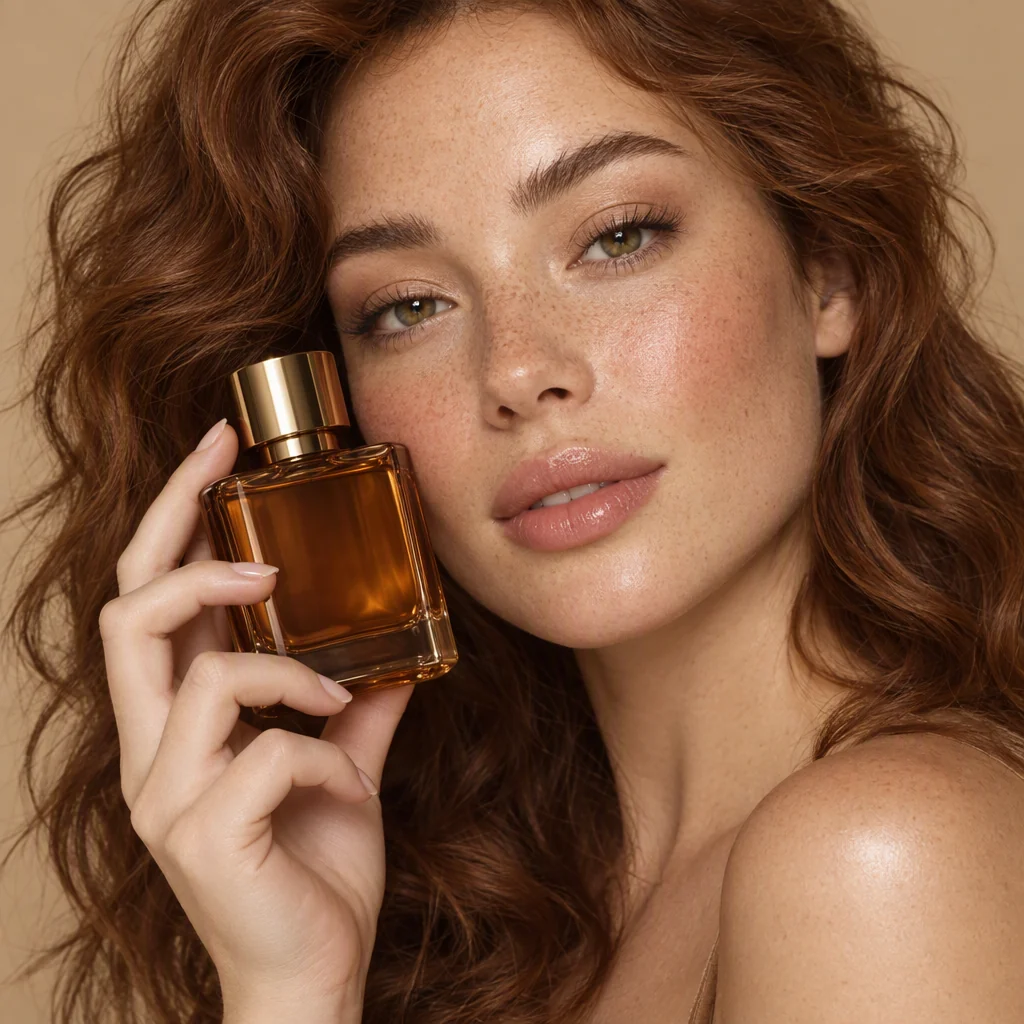

Generated with GPT Image 2.5 through this API.
What GPT Image 2.5 costs
Every figure below is computed from the rate that actually bills you, read live when the page loads. If that rate changes, these numbers change with it.
- Standard
- $0.03/image
- Official
- $0.00448/image
- Standard
- $0.30/request
- Official
- $0.04417/request
- Standard
- 666images
- Official
- 4,466images
Standard GPT Image 2.5 IDs charge one flat price per delivered image, whatever the size or quality. Official IDs bill the tokens each render reports. Nothing is charged when a request fails or returns no image.
On Official GPT Image 2.5 IDs, one 1024×1024 image at low quality measured 196 image output tokens plus 18 tokens for the prompt. Standard IDs charge the same flat price whatever the tokens.
GPT Image 2.5 cost per quality step
One 1024×1024 image per step. On Standard IDs the price is the same at every step; on Official IDs the output tokens below decide the cost.
| Quality | Output tokens | Cost per image · Standard | Cost per image · Official |
|---|---|---|---|
| low | 196 | $0.03 | $0.00448 |
| medium | 439 | $0.03 | $0.00995 |
| high | 1,756 | $0.03 | $0.03958 |
| xhigh | 3,122 | $0.03 | $0.07031 |
| max | 7,024 | $0.03 | $0.15811 |
| auto (model picks) | 229 | $0.03 | $0.00522 |
Official token counts at 1024×1024: low 196, medium 439, high 1,756, xhigh 3,122, max 7,024. They are measured samples, not guarantees: size and content move them.
Price your own request
Move the controls and watch the figure. It is computed from the live rate, so it changes when the price does.
A pre-submit estimate. Standard bills the images delivered; Official bills the text-input and image-output usage the model reports.
| Item | Rule | Rate | Billed as |
|---|---|---|---|
| Standard · Per image | One flat price per delivered image, at any size or quality. | $0.03 /image$0.04 /image | Images delivered |
| Official · Image output tokens | Output token usage depends on image size and quality. | $22.50 / 1M$30.00 / 1M | Output tokens |
| Official · Text input tokens | The tokens your prompt spends. | $3.75 / 1M$5.00 / 1M | Input tokens |
| Failed requests | A request that returns no image. | Free | Not billed |
GPT Image 2.5 overview
Generate posters, product shots and precise edits with GPT Image 2.5 through SeedRouter. Start from a text prompt or up to 16 reference images, pick a size and one of six quality steps, and get back image URLs you can download.
GPT Image 2.5 comes in two tiers. Flare is the default choice for most work; OpenAI says it delivers higher quality than GPT Image 2 at 50% lower latency. Sunburst is the most capable tier, built for workflows that need tight control across edits.
Best fit: posters, product shots and edits that must keep the rest of the frame · Cost basis: flat per image on Standard IDs, reported tokens on Official IDs · Output boundary: up to 10 images per request, delivered as CDN URLs
Use GPT Image 2.5 your way
Call it from your own server for product features and batch jobs, or drive it from a coding agent for one-off creative work. Both use the same key, the same balance and the same task history.
Integrate it in your backend
Call the image endpoint from your server and keep control of the prompt, the parameters, the queue and where the results are stored.
- 1Try a real brief in the playground above and check the cost
- 2Create an API key in your dashboard
- 3POST the prompt and keep the task id you get back
- 4Poll the task id and download the image URLs it returns
Drive it from a coding agent
Give an agent the key and the endpoint and let it write the request, wait for the task and save the files, instead of hand-coding each step.
- 1Put the key in your environment as SEEDROUTER_API_KEY, never in a file you commit
- 2Paste the prompt below into Claude Code, Codex or Gemini CLI
- 3Fill in the subject, size, quality and how many images you want
- 4Approve the estimated cost, then let the agent submit, poll and download
What GPT Image 2.5 gives you
GPT Image 2.5 is OpenAI's image generation and editing model, released September 8, 2026. It renders more natural lighting and richer texture, keeps the subject of a reference photo intact, and edits only the element you name. On SeedRouter you send one request, get a task id back, and download the finished GPT Image 2.5 images from the URLs it returns.
Two tiers, one request body
Flare and Sunburst read the same fields. Switching GPT Image 2.5 tiers is one change to the model field.
Submit once, get results asynchronously
GPT Image 2.5 returns a task id right away. Poll it when you like, even for a slow max-quality render.
Downloadable URLs, not base64 blobs
Finished images land on a CDN. You get links you can hand straight to a browser or a job queue.
Up to 10 images in one call
Ask GPT Image 2.5 for a batch when you want options. You pay for the images that come back.
Six quality steps
GPT Image 2.5 adds xhigh and max above high. Draft at low, finish at the step your output needs.
Credits that never expire
Top up once and spend it whenever. No subscription, no monthly minimum, no plan to outgrow.
What teams build with GPT Image 2.5
Product shots with real texture
Glaze, fabric, brushed metal. GPT Image 2.5 renders materials and light closely enough for a catalog page.
Posters and layouts with type
Headlines, captions and small print on one frame. GPT Image 2.5 handles complex layouts better than earlier models.
Edits that leave the rest alone
Change the color of one object and keep everything else. Use Sunburst when a GPT Image 2.5 edit has to be exact.
Social variants at volume
One idea, ten framings. Ask GPT Image 2.5 Flare for a batch and post the best.
Assets on transparent backgrounds
Stickers, icons and cut-outs ready to drop on any page, as transparent PNG.
Image features inside your app
Let your own users generate with GPT Image 2.5. The task id makes progress easy to show in your UI.
Calling GPT Image 2.5 takes four steps
- 01
Create a key
Sign in, open the dashboard, create a key. The same key calls GPT Image 2.5 and every other model you have access to.
- 02
Add credits
Top up once. Credits do not expire and there is no plan attached to them.
- 03
Submit a prompt
POST your prompt with a GPT Image 2.5 model ID. You get a task id back immediately.
- 04
Poll and download
GET the task until GPT Image 2.5 reports completed, then download the image URLs it returns.
GPT Image 2.5 at a glance
Facts about how this model is served on SeedRouter, read from the same catalogue that bills you.
| Feature | GPT Image 2.5 |
|---|---|
| Billing model | Flat per image (Standard) or per token (Official) |
| Input | Text and up to 16 reference images |
| Output | Up to 10 image URLs per request |
| Quality steps | auto, low, medium, high, xhigh, max |
| Failed request | Not charged |
Other image models on SeedRouter are listed below.
GPT Image 2.5 limits worth planning for
Text inside an image still needs review
GPT Image 2.5 handles layouts and type better, but check any words in the image before it ships.
Editing uses reference image URLs
Provide up to 16 reference images and an optional PNG mask. The mask must match the first image dimensions.
Result URLs are a handoff, not storage
Download what you intend to keep and put it wherever your product already stores assets.
Sunburst and max take longer
The most capable tier and the highest step render slowest. Poll on a schedule instead of blocking a user on it.
Why call GPT Image 2.5 through SeedRouter
One key for every model
The key that calls GPT Image 2.5 calls the rest of the catalog too. One integration, one balance.
A price you can read before you run
Standard GPT Image 2.5 IDs cost the same per image at every quality step, so a batch is easy to budget.
No subscription
Buy credits, spend them whenever. Nothing expires and nothing renews.
Failures are free
A GPT Image 2.5 request that produces no image produces no charge.
Two ways to be billed
Standard GPT Image 2.5 IDs cost a flat price per image. Official IDs cost the tokens the model reports.
Nothing rendered, nothing charged
If a request ends without an image, it costs nothing. That is the one reliability promise worth making.
Short batches are billed short
Ask GPT Image 2.5 for ten and get seven, and you pay for seven.
Higher steps take longer
xhigh and max render slower than low. Prototype GPT Image 2.5 at low, ship at the step you need.
Images live on a CDN
Download what you want to keep. GPT Image 2.5 hands you a URL, not permanent storage.
Other image models on SeedRouter
Same key, same balance, same task API. Read live from the catalogue, so nothing here is a model you cannot actually call.
Create and edit images with GPT Image 2 on SeedRouter. Use text prompts, reference images and transparent backgrounds, with a live playground and usage-based pricing.
View pricingCreate and edit images with Nano Banana 2 (Gemini 3.1 Flash Image): 512px to 4K, 14 aspect ratios, up to 14 references. Pay per image or per token.
View pricingCreate and edit images with Nano Banana Pro (Gemini 3 Pro Image): 1K to 4K output, built-in thinking, up to 14 references. Pay per image or per token.
View pricingCreate and edit images with Nano Banana 2 Lite (Gemini 3.1 Flash Lite Image), Google's fastest and cheapest image model: 1K output, 14 aspect ratios.
View pricingGPT Image 2.5 guides
Practical guides to costs, prompts, batch requests, and integration.
See current GPT Image 2.5 API pricing per image for Flare and Sunburst, compare flat and token billing, and estimate a monthly budget from real rates.
Call the GPT Image 2.5 API from Python and JavaScript, poll the task for image URLs, edit with references, and fix model ID and parameter errors.
Compare GPT Image 2.5 Flare and Sunburst on speed, edit control, parameters and cost, and pick the right model ID for each kind of image job.
Write GPT Image 2.5 prompts that hold up across revisions, describe reference edits and masks clearly, and use the six quality steps without wasted renders.
Common questions
What is GPT Image 2.5?+
GPT Image 2.5 is OpenAI's image generation and editing model, released September 8, 2026. It ships as two models, Flare and Sunburst, that read the same parameters. On SeedRouter you POST a prompt, get a task id, and poll it until the image URLs are ready.
How much does GPT Image 2.5 cost?+
It depends on the channel. Standard GPT Image 2.5 IDs cost $0.03 per delivered image at any size or quality. Official IDs bill the tokens each render reports: a 1024×1024 image at low quality measures about $0.00448. Every figure on this page is computed from the rate that bills you.
Do failed GPT Image 2.5 requests cost anything?+
No. If a request ends without an image, nothing is charged. Ask for ten images and receive seven, and you are billed for seven.
What is the difference between GPT Image 2.5 Flare and Sunburst?+
Flare is OpenAI's default choice for most applications and is very fast. Sunburst is the most capable GPT Image 2.5 model, with tighter control across edits and longer generation times. Both accept the same fields, so switching is one change to model.
How many images can one GPT Image 2.5 request return?+
Up to ten. You are billed for the images that come back, which makes batching a cheap way to get options.
What are the xhigh and max quality steps?+
They are new in GPT Image 2.5; earlier GPT Image models stop at high. They take longer to render. On Official IDs they spend more output tokens: 3,122 and 7,024 at 1024×1024, against 1,756 for high.
Will my existing image code work with GPT Image 2.5?+
Use the official GPT Image 2.5 parameters with asynchronous submission and polling. Submit once, save the task id, then poll for image URLs. An official synchronous or streaming SDK call needs this polling step added.
Does GPT Image 2.5 support transparent backgrounds?+
Yes. Set background to transparent and output_format to png. JPEG has no alpha channel, so a transparent request with JPEG is rejected before it runs.
Start building with GPT Image 2.5
Try your first GPT Image 2.5 prompt in the Playground, or open the API docs to add it to your app.