
MiniMax H3 Image — compose with purpose
MiniMax H3 Image creates pictures from text and edits existing images. Build product scenes, editorial illustrations and compositions from several references.
- Text to image
- Reference editing
- Up to 16 references
- 1K / 2K / 4K
- Exact dimensions
- Token billing
Try MiniMax H3 Image before you write any code
Describe the subject and composition for MiniMax H3 Image. Add references for an edit, then choose automatic framing or an exact size.
minimax-h3-imageActual token usage determines the charge. Resolution is not a fixed price. Failed requests are not charged.
Generate from a prompt or edit reference images. Submit once; results appear when the task completes.
1–32000 Unicode characters after trimming.
Up to 16 references. Each image: JPEG, PNG, WebP, HEIC or HEIF; up to 64 MiB; 128–8192 pixels per side; maximum 4:1 ratio.
1–16 ordered images, each ≤64 MiB and 128–8192 px per side; long/short ≤4.
auto or WIDTHxHEIGHT; 655360–20000000 pixels; ratio 1:3–3:1.
auto or X:Y; integers 1–300; ratio 1:3–3:1.
1K, 2K or 4K (default). Omit with exact size.
1–10 images; default 1.
Default false. True requires no references and fixed dimensions or ratio.
jpeg (default) or png; jpg aliases jpeg in the API.
0–100; default 95; PNG ignores it.
Default false; visible mark only, not embedded metadata.
The final price depends on actual text and image tokens. See the live rates below.
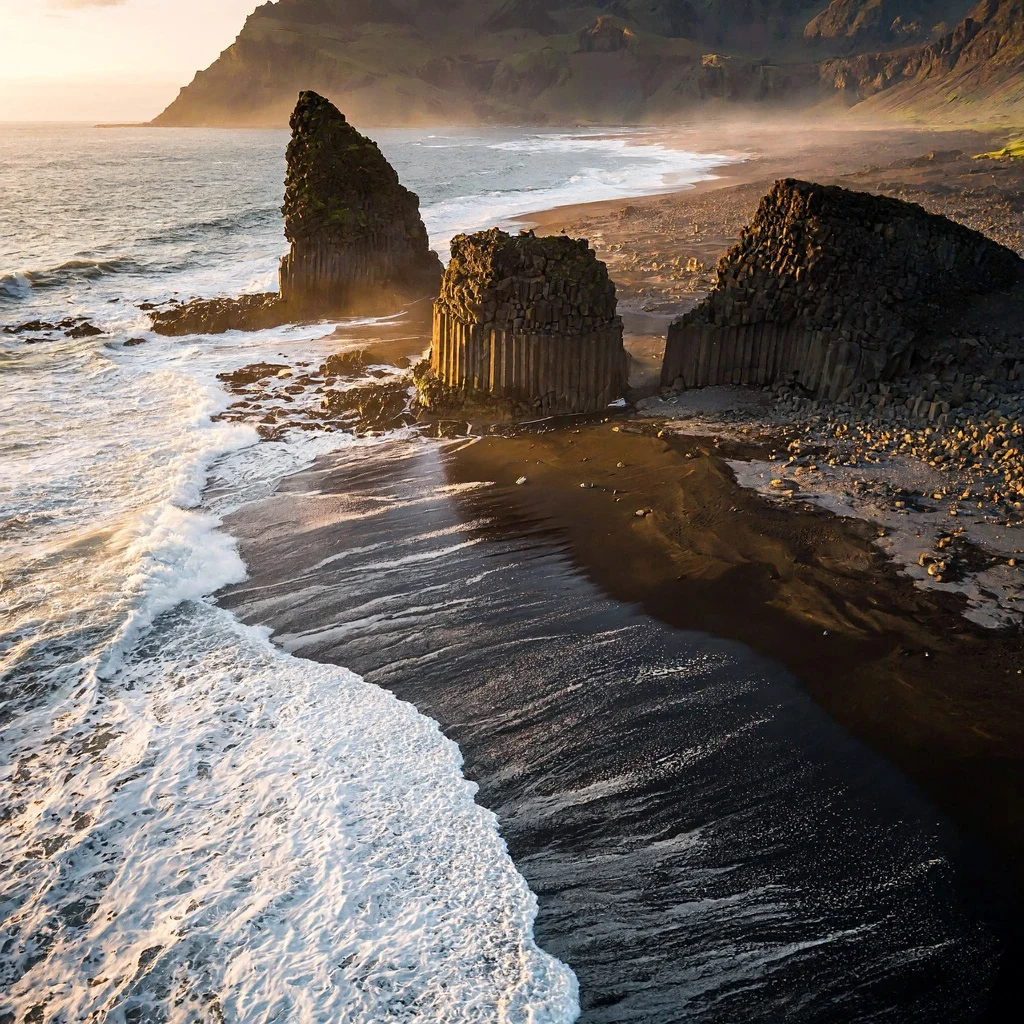
Try one of these prompts
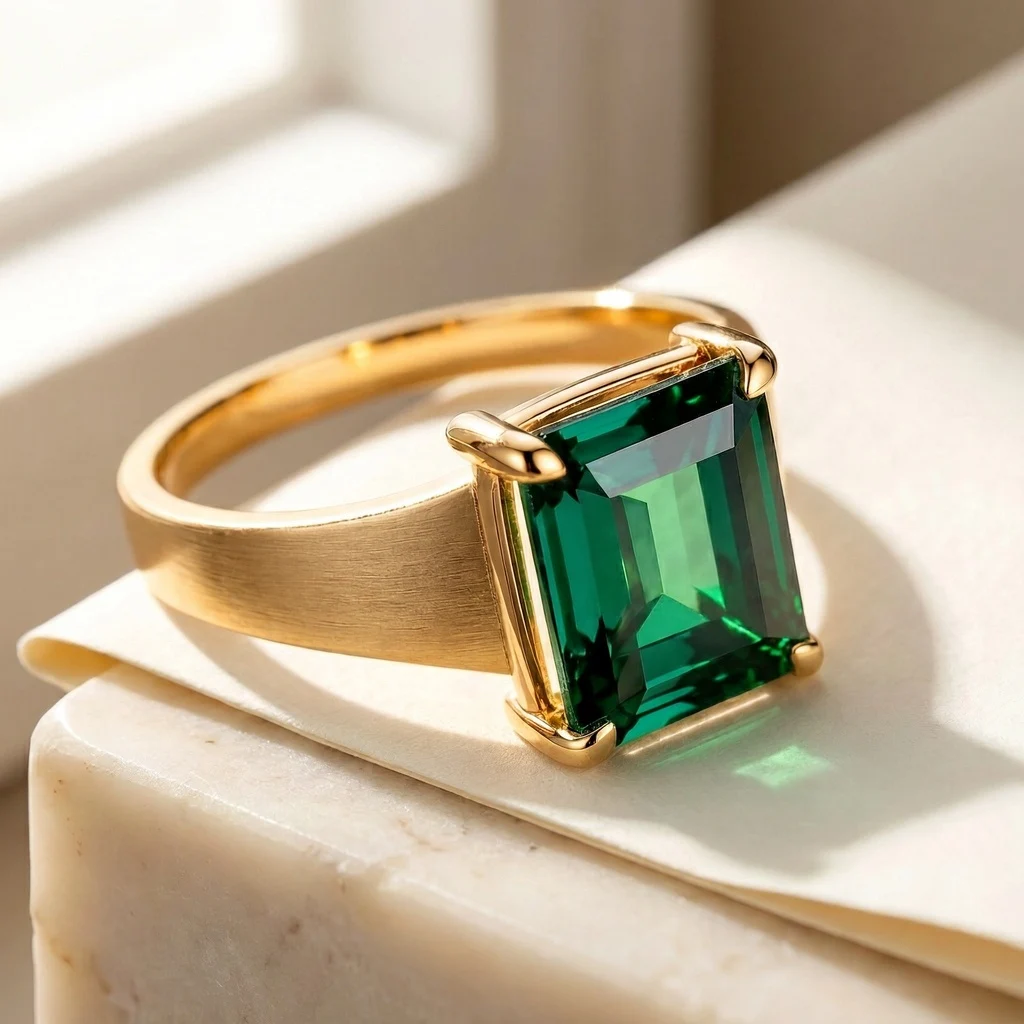
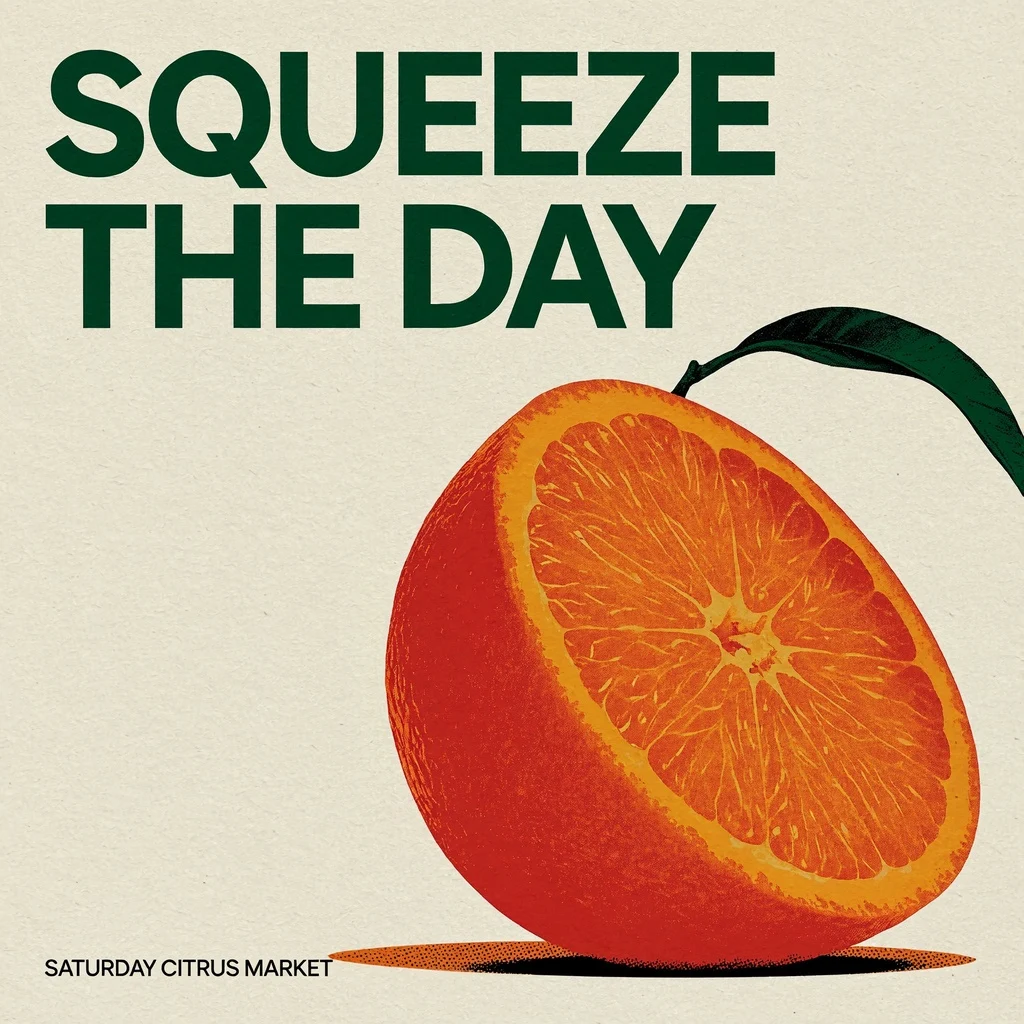
Generated with MiniMax H3 Image · 1K · 1:1 · JPEG
MiniMax H3 Image pricing
MiniMax H3 Image uses three token categories. Check the live rates below before generating.
Actual token usage determines the charge. Resolution is not a fixed price. Failed requests are not charged.
Measured gallery usage
| Sample | Text input tokens | Image input tokens | Image output tokens | Cost at current rates |
|---|---|---|---|---|
| Volcanic coast | 2,577 | 0 | 4,096 | $0.021158 |
| Reference ring edit | 3,375 | 2,050 | 4,096 | $0.026029 |
| Citrus poster | 2,333 | 0 | 4,096 | $0.020609 |
These are individual 1K samples, not fixed resolution prices or speed guarantees. Other prompts, references and dimensions can use different token counts.
- Text input
- $2.25Price · 1M tokens
- Image input
- $1.50Price · 1M tokens
- Image output
- $3.75Price · 1M tokens
What is MiniMax H3 Image?
MiniMax H3 Image offers text-to-image generation and reference editing. The standard version has lower image token rates than Highspeed.
Give MiniMax H3 Image a complete brief and assign each reference a role. Check lettering, product shapes and recognizable features before publishing. Describe the camera position, light direction and space needed for text. For an edit, put the product reference first and identify the background reference separately.
Default area: 4K. Editing always uses prompt enhancement.
Two ways to use MiniMax H3 Image
Call the MiniMax H3 Image API from your backend, or hand the job to a coding agent.
Call the API
Submit a MiniMax H3 Image request and read its completed image URLs.
- 1Create an API key
- 2POST the MiniMax H3 Image request with your prompt
- 3Poll the task until the image is ready
Let an agent do it
Give a coding agent this MiniMax H3 Image prompt. It requests approval before spending.
- 1Copy the prompt
- 2Describe your image to the agent
- 3Approve the request
What MiniMax H3 Image is good at
Turn a brief or visual references into a finished picture.
Start from words
Describe a subject, setting and viewpoint for MiniMax H3 Image. Add lighting and texture where they matter.
Revise a photograph
Ask MiniMax H3 Image to change a material, garment or background. Name what should stay unchanged.
Combine visual references
Give MiniMax H3 Image references for the subject, setting or material. State each image’s role.
Plan the composition
Choose a MiniMax H3 Image frame with space for a headline or later cropping.
Drafts to 4K
Choose 1K–4K for MiniMax H3 Image, or set exact dimensions.
JPEG or PNG
Choose compact JPEG or lossless PNG. JPEG quality is adjustable.
Projects to make with MiniMax H3 Image
Product concepts
Try a new backdrop with MiniMax H3 Image before a shoot. Check the result against the real product.
Editorial illustrations
Turn a story brief into a MiniMax H3 Image illustration, with framing that leaves room for your headline.
Campaign variations
Compare MiniMax H3 Image variations by changing one detail at a time.
Restyled product shots
Keep a real product photo and change the backdrop, surface or light with MiniMax H3 Image.
Moodboards
Combine several references with MiniMax H3 Image to show a visual direction to your team.
In-app image tools
Give your users create and edit buttons backed by the MiniMax H3 Image API.
Start with MiniMax H3 Image in four steps
- 01
Create a key
Sign in, add credits and create an API key for MiniMax H3 Image.
- 02
Send one request
Send a MiniMax H3 Image prompt, optional references and size settings. Keep the task ID.
- 03
Poll the task
Check the MiniMax H3 Image task every 10–20 seconds until completed or failed.
- 04
Download the image
Save the hosted MiniMax H3 Image URL from the task to storage.
MiniMax H3 Image controls at a glance
Compare the supported controls with the needs of your next image.
- Reference images
- Up to 16
- Output area
- 1K / 2K / 4K; 4K by default
- Exact dimensions
- 655360–20000000 pixels, ratio 1:3–3:1
- Images per request
- 1–10
- Prompt enhancement
- Optional for text generation; always on for edits
- Output formats
- JPEG or PNG
- Image token rate
- Lower than Highspeed
Highspeed is designed for faster generation. Completion time varies with the request.
What to know before you start
Choose batch size deliberately
MiniMax H3 Image can generate ten images at once. Start with one when testing a brief.
Size controls work in two modes
Give MiniMax H3 Image an area and ratio, or exact dimensions. These modes cannot be combined. Area selects an approximate pixel budget; it does not specify the two sides. Choose exact dimensions when an export must fit a canvas. Keep the aspect ratio between 1:3 and 3:1 in either mode.
Enhancement and editing
MiniMax H3 Image always enhances edits. Without enhancement, text generation needs fixed framing and reads roughly 4096 prompt tokens.
Prepare accessible references
MiniMax H3 Image needs public image URLs. Order references as your prompt names them.
Why run MiniMax H3 Image on SeedRouter
See the price first
Review MiniMax H3 Image token rates and settings before generating.
Pay for completed work
Failed MiniMax H3 Image requests are not charged. Keep the task ID for status checks.
Credits never expire
Use your MiniMax H3 Image balance whenever you need it.
Hosted results
Download finished MiniMax H3 Image images from their hosted URLs.
One balance for every model
Your MiniMax H3 Image balance also works with other models.
Other image models on SeedRouter
Same balance and the same task workflow as MiniMax H3 Image.
MiniMax H3 Image guides
Practical MiniMax H3 Image guidance for reference editing.
MiniMax H3 Image FAQ
Can MiniMax H3 Image edit an existing image?+
Yes. Give MiniMax H3 Image one or more references and describe the change. Specify what should remain. Editing enhances prompts automatically; preservation instructions cannot guarantee identical faces, logos or products.
How many references can I use with MiniMax H3 Image?+
MiniMax H3 Image accepts sixteen ordered references. Name Image 1, Image 2 and each image’s purpose. Start with a focused pair when a larger set has conflicting styles.
What is the default MiniMax H3 Image resolution?+
MiniMax H3 Image defaults to 4K. Set 1K or 2K explicitly for smaller output. Area and ratio determine approximate dimensions; use pixel size when you need a fixed canvas.
How is MiniMax H3 Image priced?+
MiniMax H3 Image bills text input, image input and image output tokens separately. The live rates are not a guaranteed single-image charge. Failed requests are not charged.
Can I turn off MiniMax H3 Image prompt enhancement?+
For text generation, yes. MiniMax H3 Image then needs fixed dimensions or a ratio and reads roughly 4096 prompt tokens. Enhancement stays on when references are present.
When should I choose MiniMax H3 Image?+
Choose MiniMax H3 Image for lower image token rates. Highspeed has the same documented controls. Compare a representative brief in both versions before deciding.
Make your next image with MiniMax H3 Image
Give MiniMax H3 Image a scene or edit instruction.