GLM-5.3 Pricing: Input, Output and Cache Costs
Compare GLM-5.3 token rates, cached input and reasoning settings. Estimate a request bill and distinguish API usage from a coding subscription.
Read as MarkdownGLM-5.3 pricing has three main quantities: ordinary input, cached input and output. Z.ai's published list rates are $1.40, $0.26 and $4.40 per million tokens respectively, checked on October 29, 2026. These are manufacturer prices. Use the live table below for the current rates on SeedRouter.[1]
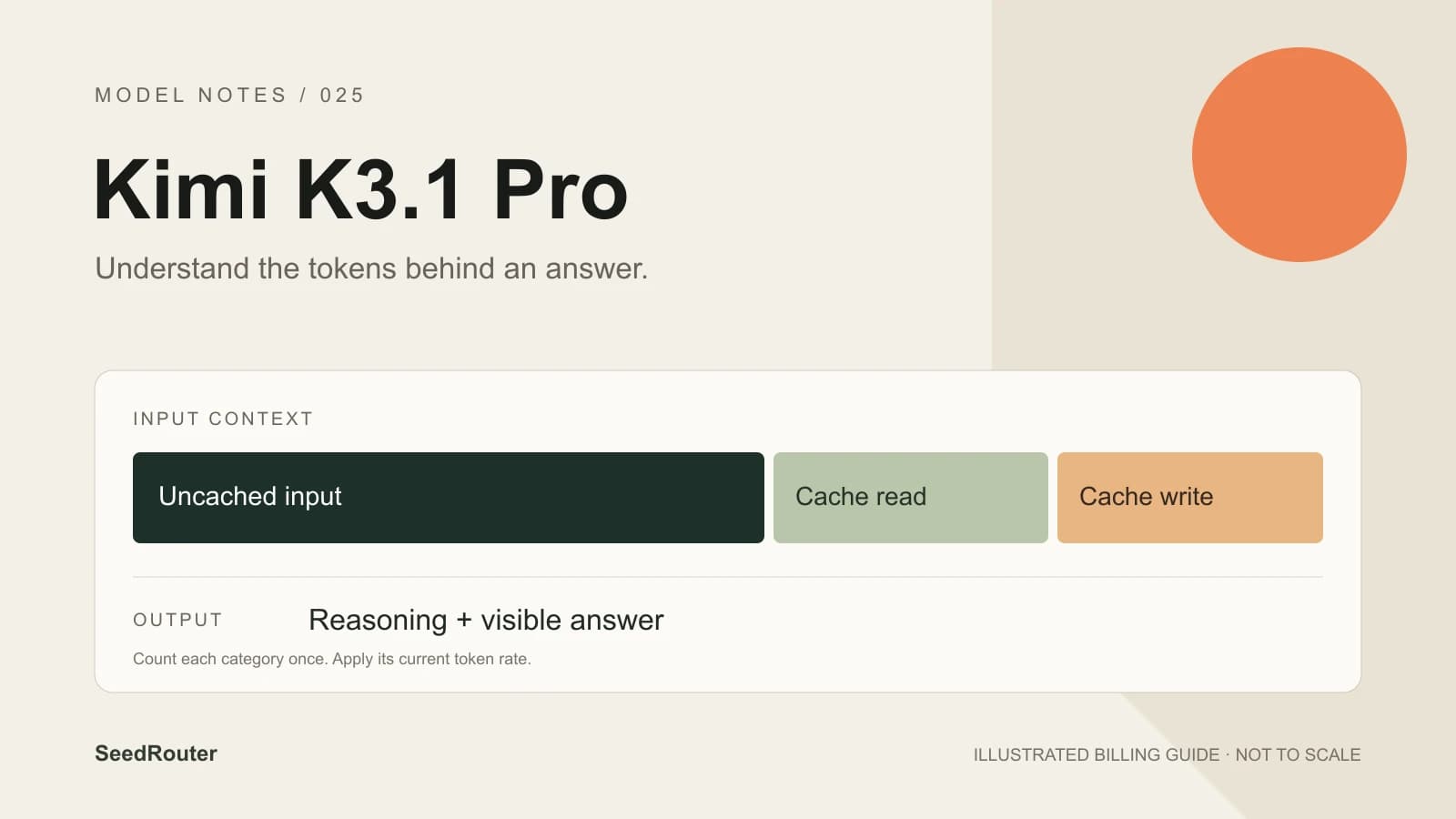
Two details matter when estimating a request. Cached tokens are part of the prompt, so adding them to the full input count charges for the same text twice. Reasoning tokens are part of output, so the length of the visible answer can understate the work that was billed.
The GLM-5.3 model page combines the Playground, model limits and live pricing. This guide explains the arithmetic behind a request, without assuming a cache hit or presenting an illustrative calculation as a measured result.
Current GLM-5.3 pricing on SeedRouter
The following table reads current rates from the billing settings. It is the rate source to use for requests made through this service.
GLM-5.3
GLM-5.3 current SeedRouter rates, USD per 1M tokens. Read live from the billing settings.
| Model ID | Input | Cached input | Cache write, if reported | Output including reasoning |
|---|---|---|---|---|
glm-5.3:glm | $1.12 | $0.208 | $1.12 | $3.52 |
Cached reads and separately reported writes are part of total input. Subtract them before applying the ordinary input rate. Output already includes reasoning; do not charge it twice. No GLM cache lifetime pricing is assumed. Example: 2,000 uncached input and 1,000 output tokens cost $0.00576. Failed requests are not charged.
Keep the model ID beside your estimate: the Default model ID is glm-5.3. GLM-5.3, GLM-5.3-Flash and GLM-5.3-FlashX are different models. A price attached to a similar name does not establish what your request will cost.
The million-token context is a capacity limit, not a fixed purchase. A request containing a small amount of text does not buy the entire context window. Use the input and output counts actually returned for that request.[2]
Which tokens belong in the calculation?
For a Chat Completions response, read these fields inside usage:
| Field | Meaning |
|---|---|
prompt_tokens | Total input, including cached input |
prompt_tokens_details.cached_tokens | The input portion served from cache |
completion_tokens | Output, including reasoning |
total_tokens | Input plus output; not a third billing category |
With rates expressed per million tokens, the ordinary calculation is:
uncached input = total input - cached input

cost = (
  uncached input × input rate
  + cached input × cached-input rate
  + output × output rate
) / 1,000,000
Consider a hypothetical request with 10,000 total input tokens, 2,000 cached input tokens and 1,000 output tokens. The ordinary input portion is 8,000 tokens. At the dated Z.ai list rates above, the calculation is (8000 × 1.40 + 2000 × 0.26 + 1000 × 4.40) / 1000000, or $0.01612. This is an arithmetic example using manufacturer rates, not a measured request or a price quote for this service.
If a response reports cache writes separately, follow the applicable live rate and subtract that separately reported portion from ordinary input too. Do not manufacture a write count from the text length. The API reference explains how the three protocol formats express usage; their field names are not interchangeable.
What does cached input mean?
GLM-5.3's documented context cache is automatic. You do not need to declare an explicit cache lifetime in an ordinary Chat request. Reusing an unchanged prefix, such as instructions followed by reference material, makes reuse possible; changing that prefix can change the opportunity for a hit.[3]
Eligibility is not evidence of a hit. Read prompt_tokens_details.cached_tokens from the completed response rather than estimating savings from how much text looks familiar. The official caching example includes 800 cached tokens within 1,200 total prompt tokens; only the remaining 400 are ordinary input.
The manufacturer pricing page separately describes cache storage as temporarily free. That statement does not turn every cached request into free inference, establish a fixed lifetime or provide a guarantee that repeated text will hit cache. It also does not justify importing another model's five-minute and one-hour write schedule into GLM-5.3 pricing.[1]
Keep estimates conservative until your own responses provide cache usage. If you are budgeting a new workload, a no-cache calculation gives you a useful starting point. Once you have representative results, compare actual uncached input, cached input and output across complete tasks.
Why a short answer can use many output tokens
GLM-5.3 always reasons. Its effort choices are low, high and max, with max as the documented default. Low effort does not mean thinking is disabled. The model does not accept thinking.type: "disabled".[2]
Reasoning and answer text share the output budget. A one-sentence answer may follow substantial reasoning, while an overly small output cap can stop before any useful answer appears. Check the finish reason or terminal status before deciding that a request met your acceptance criteria.
There is no documented price multiplier attached to these effort labels. They influence how the model approaches a task; the token counts determine the bill. Compare effort settings against the same inputs and checks if you want to understand the tradeoff for your application. Record the total cost of completing a task, including any additional requests you choose to make.
The output ceiling is 131,072 tokens. Chat has no published default output cap in its request schema; Responses documents a default of 65,536. Neither number is a recommendation to request the maximum for a small task. Pick a budget that leaves enough room for reasoning and the desired answer, then inspect actual usage.
API billing versus a Coding Plan
Z.ai's Coding Plan is a separate subscription product. A coding tool can make API requests, but that alone does not establish which balance or subscription pays for them.
The manufacturer's API-key rules changed on October 16, 2026. Newly issued Standard API keys and Coding Plan keys have separate billing types. Changing the endpoint does not change a new key's billing type. Older Compatible keys have different endpoint-dependent rules, so use the current key management guide when checking an existing setup.[4]
Requests made with a SeedRouter key use this service's prepaid credit and current rates. An external Coding Plan subscription does not transfer its allowance here. Keep the key issuer, model ID and rate source together in your integration notes so that a change of client does not silently change your cost assumptions.
Questions before your first request
Is GLM-5.3 free?
Requests here use prepaid credit at the live rates above. There is no subscription requirement, and failed requests are not charged. A low token rate is still a usage charge; estimate both input and output before running a batch.
Do GLM-5.3-Flash prices apply?
No. This guide covers the text-only GLM-5.3 flagship. Flash and FlashX have their own model identities, capabilities and prices. Match the exact model ID in your request to the rate table you use.
Does a long context always cost more?
The capacity itself is not charged. More actual input tokens generally add input usage, while cache hits can change which rate applies to a portion of that input. A long output also changes the total, so compare both sides of the request.
How should I estimate a batch?
Start with representative tasks, not just a single short prompt. Record each request's input, cache and output usage. Multiply those quantities by the applicable rates, then sum across the batch. Keep a separate record of whether each result passed your acceptance checks; cheap incomplete answers are not completed work.
Where can I inspect the parameters?
Use the GLM-5.3 API reference for complete Chat, Responses and Messages field tables. The Playground lets you inspect a request before sending it. Start with a question you can verify, and read its usage alongside the answer.
Sources
- Z.ai pricing, checked on October 29, 2026.
- GLM-5.3 model guide, checked on October 29, 2026.
- Context caching, checked on October 29, 2026.
- API key management, checked on October 29, 2026.