
Grok Imagine Image 2.0 — Text-to-Image & Multi-Image Editing
Create sharp typography, editorial photography, and multi-reference compositions with Grok Imagine Image 2.0. Generate up to ten variations per request or edit using up to five input images across 1K, 1.5K, and 2K.
- Text to image
- Single & multi-image editing
- 1K, 1.5K, and 2K output
Try Grok Imagine Image 2.0 before you write any code
Test a studio poster brief or switch to a widescreen editorial scene to see how Grok Imagine Image 2.0 handles layout, lighting, and lettering. Check the live cost estimate before submitting.
grok-imagine-image-2.0From $0.017 / image
Generate from a prompt or edit reference images. Submit once; results appear when the task completes.
Describe the subject, framing, light, and any visible text. When editing with multiple references in Grok Imagine Image 2.0, tag each input as <IMAGE_0>, <IMAGE_1>, and so on.
Attach 1 to 5 JPEG, PNG, or WebP images (up to 20 MiB each) to switch Grok Imagine Image 2.0 into image editing mode.
Optional 1–5 JPEG, PNG, or WebP images up to 20 MiB each. Leaving this empty runs Grok Imagine Image 2.0 text-to-image; attaching images switches to editing.
Ask Grok Imagine Image 2.0 for 1 to 10 output variations in a single request.
Pick from 15 fixed ratios or keep Automatic so Grok Imagine Image 2.0 selects the framing (or preserves the source framing during single-image edits).
Choose 1K for fast drafts, 1.5K for balanced detail, or 2K for print and large displays in Grok Imagine Image 2.0.
Auto lets Grok Imagine Image 2.0 serve Low for text-to-image and Medium for image editing, billed at the served tier.
Estimated from output quality, resolution, image count, and any attached reference images.

Try one of these prompts
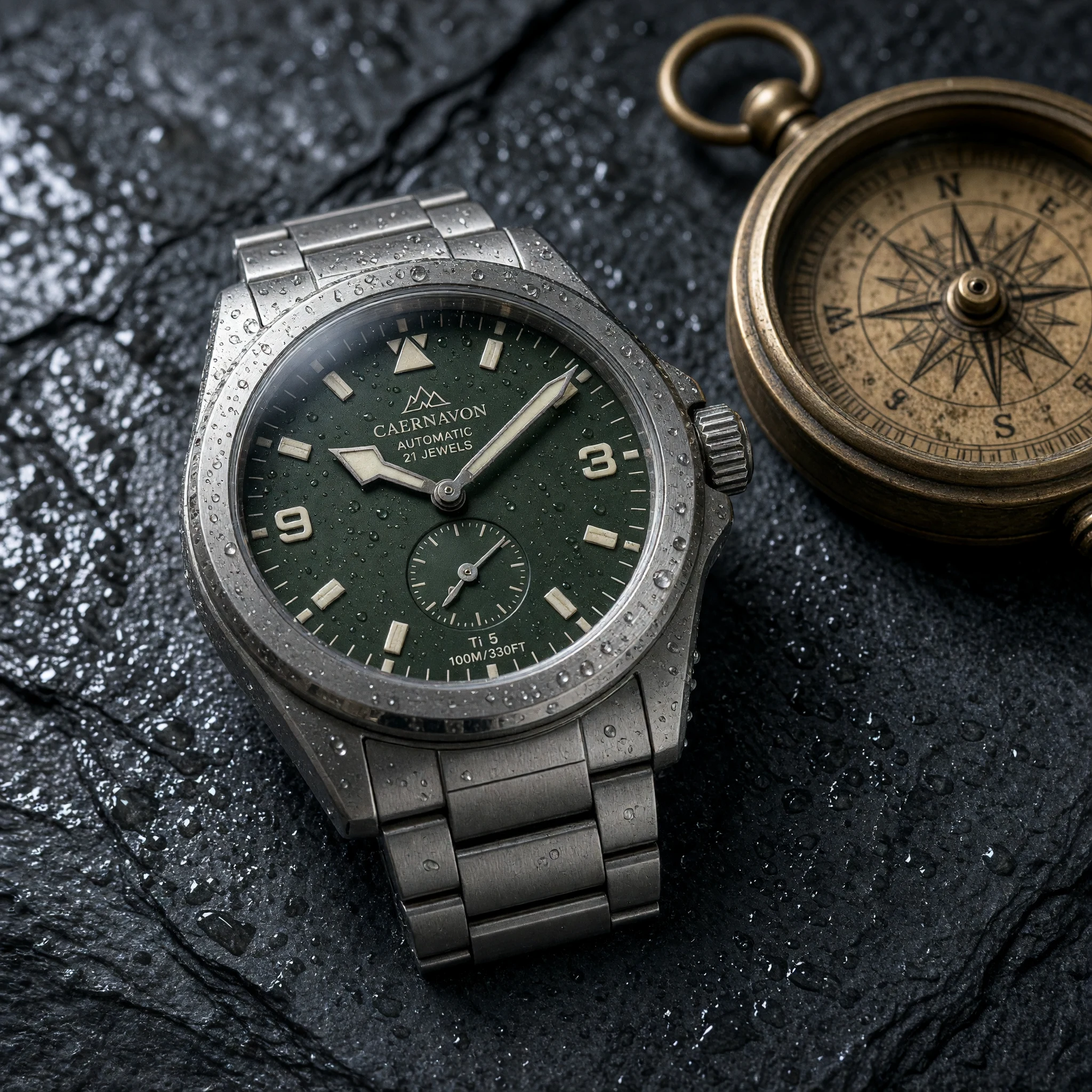
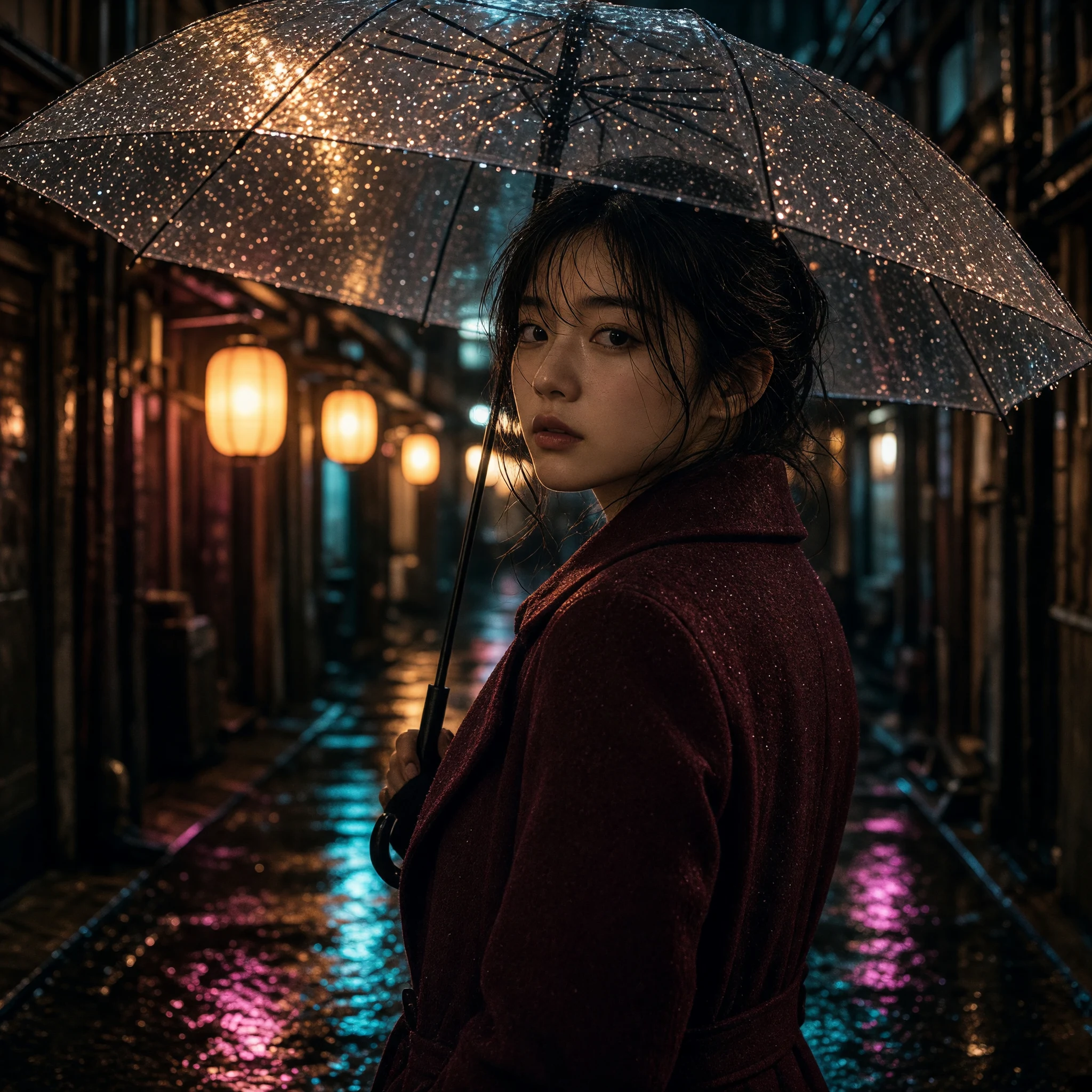
Three 2K Medium works generated with Grok Imagine Image 2.0 through this API — poster typography, macro product still life, and rainy street portrait.
What Grok Imagine Image 2.0 costs
Grok Imagine Image 2.0 bills per delivered output image according to quality and resolution, plus a flat rate per reference image supplied in image_urls. All figures come from current billing rates.
- Grok Imagine Image 2.0
- $0.017/ request
- Grok Imagine Image 2.0
- $0.03705/ request
- Grok Imagine Image 2.0
- 1,176images
Grok Imagine Image 2.0 final billing settles on delivered images. Failed requests are not charged.
Grok Imagine Image 2.0 rates by quality and resolution
Match your Grok Imagine Image 2.0 quality tier (Low or Medium) and output resolution (1K, 1.5K, or 2K), then add the input reference rate once per attached image.
- Low quality · 1K output
- $0.017Price · 1 image
- Low quality · 1.5K output
- $0.021Price · 1 image
- Low quality · 2K output
- $0.025Price · 1 image
- Medium quality · 1K output
- $0.025Price · 1 image
- Medium quality · 1.5K output
- $0.029Price · 1 image
- Medium quality · 2K output
- $0.033Price · 1 image
- Input reference image (each)
- $0.00405Price · 1 image
Price your Grok Imagine Image 2.0 request
Pick a quality and resolution tier, set the output image count (1–10), and add any reference images (0–5) to calculate the exact Grok Imagine Image 2.0 total before running.
In Grok Imagine Image 2.0 with quality set to Auto, text-to-image bills at Low and image editing bills at Medium. Each reference image is billed once per request regardless of n.
Working with Grok Imagine Image 2.0
Grok Imagine Image 2.0 is xAI's flagship image generation and editing model. Describe subjects, camera lenses, materials, lighting direction, and exact on-image lettering in plain sentences up to 10,000 characters. When a single brief needs multiple creative directions, ask Grok Imagine Image 2.0 for up to ten outputs in one call.
To edit an existing scene or fuse several visual elements, pass one to five public HTTPS URLs in image_urls on the same POST /v1/images/generations endpoint. Grok Imagine Image 2.0 handles single-image edits while keeping the original aspect ratio when aspect_ratio stays on auto, and resolves multi-image composites when you refer to inputs as <IMAGE_0>, <IMAGE_1>, up to <IMAGE_4>.
Every Grok Imagine Image 2.0 request runs asynchronously: submit JSON to POST /v1/images/generations, store the returned task ID, and poll GET /v1/tasks/{task_id} until the delivered image URLs are ready. Failed requests are not charged.
Two ways to run Grok Imagine Image 2.0
Call Grok Imagine Image 2.0 directly from backend code or hand a ready-made brief to a coding agent. Both paths use the same asynchronous task contract.
Call Grok Imagine Image 2.0 from your app
Submit Grok Imagine Image 2.0 text-to-image and multi-image editing requests to one unified endpoint with the bare model ID.
- 1Create a SeedRouter API key for Grok Imagine Image 2.0 and store it in your environment.
- 2POST your prompt, settings, and optional image_urls to /v1/images/generations with model grok-imagine-image-2.0.
- 3Poll GET /v1/tasks/{id} until completed and download every URL in output.data.
Brief a coding agent on Grok Imagine Image 2.0
The prompt below teaches your agent the exact Grok Imagine Image 2.0 fields, live pricing check, and polling loop.
- 1Copy the instructions into your coding agent.
- 2Provide your Grok Imagine Image 2.0 brief and any public HTTPS reference URLs.
- 3Approve the exact request body and cost estimate, then review the saved outputs.
What Grok Imagine Image 2.0 gives you
One Grok Imagine Image 2.0 model ID covers fast text drafts, clean typography, and multi-image scene compositing.
Crisp on-image typography
Put exact title copy in quotes and describe typeface weight and placement. Grok Imagine Image 2.0 renders posters, packaging labels, and UI cards with legible lettering.
Multi-image compositing up to five inputs
Pass up to five reference URLs and label each subject with <IMAGE_0> through <IMAGE_4>. Grok Imagine Image 2.0 combines products, outfits, and rooms in one edited frame.
Flexible 1K, 1.5K, and 2K tiers
Prototype layouts with Grok Imagine Image 2.0 at 1K Low, then step up to 1.5K or 2K Medium for final campaign visuals without switching endpoints or rewriting prompts.
Sixteen aspect ratio options
Choose auto or pick from 15 explicit Grok Imagine Image 2.0 ratios—including square 1:1, portrait 9:16, tall mobile 9:19.5 and 9:20, cinema 21:9, and banner 5:2—to fit exact layout slots.
Up to ten variations in one task
Set n from 1 to 10 so Grok Imagine Image 2.0 explores lighting and framing options in parallel, while billing only for the images actually delivered.
Smart Auto quality default
Keep quality on auto to let Grok Imagine Image 2.0 choose Low for text-to-image drafts and Medium for reference edits, or override it explicitly whenever your budget requires.
Where teams use Grok Imagine Image 2.0
Campaign posters and editorial covers
Combine clear composition notes with quoted headline text so Grok Imagine Image 2.0 delivers ready-to-review poster concepts in 3:4, 2:3, or 16:9.
Product restyling and scene swaps
Attach a clean studio cutout in image_urls and instruct Grok Imagine Image 2.0 to place the product on marble, timber, or outdoor surfaces while preserving proportions.
Multi-reference lookbooks and storyboards
Reference a model photo as <IMAGE_0>, a garment as <IMAGE_1>, and a location as <IMAGE_2> so Grok Imagine Image 2.0 keeps wardrobe and setting aligned across frames.
How to run Grok Imagine Image 2.0 in four steps
- 01
Generate an API key
Create a key in your SeedRouter dashboard and save it as SEEDROUTER_API_KEY. Use the bare model ID grok-imagine-image-2.0 in every Grok Imagine Image 2.0 request.
- 02
Pick resolution, quality, and aspect ratio
Start text-to-image tests at 1k with quality set to auto (served as low). Switch to 1.5k or 2k and medium when finalizing hero assets in Grok Imagine Image 2.0.
- 03
Attach public HTTPS image URLs for edits
Include 1 to 5 JPEG, PNG, or WebP links in image_urls (each 20 MiB or smaller). Tag inputs as <IMAGE_0> through <IMAGE_4> when combining multiple photos in Grok Imagine Image 2.0.
- 04
Poll the task ID and save outputs
Store the task ID returned by POST /v1/images/generations, poll GET /v1/tasks/{task_id} until completed, and download every Grok Imagine Image 2.0 URL from output.data.
Choosing quality and resolution in Grok Imagine Image 2.0
Match the Grok Imagine Image 2.0 quality and resolution settings to your stage of production.
| Workflow stage | Recommended settings | Why it fits Grok Imagine Image 2.0 |
|---|---|---|
| Rapid concept exploration | quality: auto (low) · 1k · n: 4 | Explores four Grok Imagine Image 2.0 compositions at the lowest per-image rate before committing to higher resolution. |
| Single-photo lighting or background edit | quality: auto (medium) · 1.5k · aspect_ratio: auto | Preserves the source photo's framing in Grok Imagine Image 2.0 while keeping material details sharp. |
| Final poster or multi-reference composite | quality: medium · 2k · 2–5 image_urls | Maximizes fine texture and typography fidelity in Grok Imagine Image 2.0 for hero banners and print assets. |
Grok Imagine Image 2.0 limits and input rules
URL-only references, 20 MiB maximum
Grok Imagine Image 2.0 accepts 1 to 5 public HTTP or HTTPS URLs in JPEG, PNG, or WebP format, up to 20 MiB each. Base64 payloads and data URIs are rejected.
Asynchronous polling and moderation settlement
Every Grok Imagine Image 2.0 request returns a task ID to poll via GET /v1/tasks/{task_id}. If moderation filters part of a multi-image batch, billing settles only on the images delivered; failed requests are not charged.
Using Grok Imagine Image 2.0 on SeedRouter
Transparent live pricing before you run
Check every Grok Imagine Image 2.0 tier—1K, 1.5K, and 2K across Low and Medium plus input reference rates—directly in the Playground and price calculator before sending a request.
One key across image, video, and text models
Use the same SeedRouter API key, task polling schema, and JSON preview across Grok Imagine Image 2.0 and every other model in your stack.
Other image models on SeedRouter
Compare Grok Imagine Image 2.0 with other image generation and editing models available under the same API key.
No other image models are currently listed in the catalog.
Grok Imagine Image 2.0 guides
Full parameter tables, multi-image editing syntax, and runnable code snippets for Grok Imagine Image 2.0.
Grok Imagine Image 2.0 questions
What model ID do I send for Grok Imagine Image 2.0?
Send model: "grok-imagine-image-2.0" to POST /v1/images/generations. The same Grok Imagine Image 2.0 model ID and endpoint handle both text-to-image generation and image editing.
How does quality: "auto" work in Grok Imagine Image 2.0?
When quality is omitted or set to "auto", Grok Imagine Image 2.0 serves "low" for text-to-image generation and "medium" for requests that include image_urls. Your account is billed at the quality tier actually served.
How do I edit multiple images with Grok Imagine Image 2.0?
Pass 1 to 5 public HTTPS image URLs (JPEG, PNG, or WebP, ≤ 20 MiB each) in the image_urls array. In your Grok Imagine Image 2.0 prompt, reference each input by its zero-based index using <IMAGE_0>, <IMAGE_1>, up to <IMAGE_4>.
Which resolutions and aspect ratios does Grok Imagine Image 2.0 support?
Grok Imagine Image 2.0 supports 1k, 1.5k, and 2k output resolutions across 16 aspect_ratio values: auto, 1:1, 3:4, 4:3, 9:16, 16:9, 2:3, 3:2, 9:19.5, 19.5:9, 9:20, 20:9, 1:2, 2:1, 21:9, and 5:2.
Can I send base64 image data or upload files directly to the Grok Imagine Image 2.0 API?
No. The API only accepts public HTTP or HTTPS URLs in image_urls. In the Playground, uploaded files are hosted automatically as temporary URLs before submitting to Grok Imagine Image 2.0.
Am I charged if a Grok Imagine Image 2.0 request fails?
No. Failed Grok Imagine Image 2.0 requests are not charged on SeedRouter, and multi-image batches settle only on the number of images actually delivered.
Create with Grok Imagine Image 2.0
Run your first Grok Imagine Image 2.0 prompt in the Playground or start calling POST /v1/images/generations with your API key.