
Grok Imagine Image — Flat-Rate 1K & 2K Image Generation
Run predictable text-to-image batches and multi-image edits with Grok Imagine Image. Every delivered image bills at one flat rate across 1K and 2K, with up to ten variations per call and no extra reference-image surcharge.
- Flat per-image pricing
- 1K and 2K output
- Up to 5 reference images
Try Grok Imagine Image before you write any code
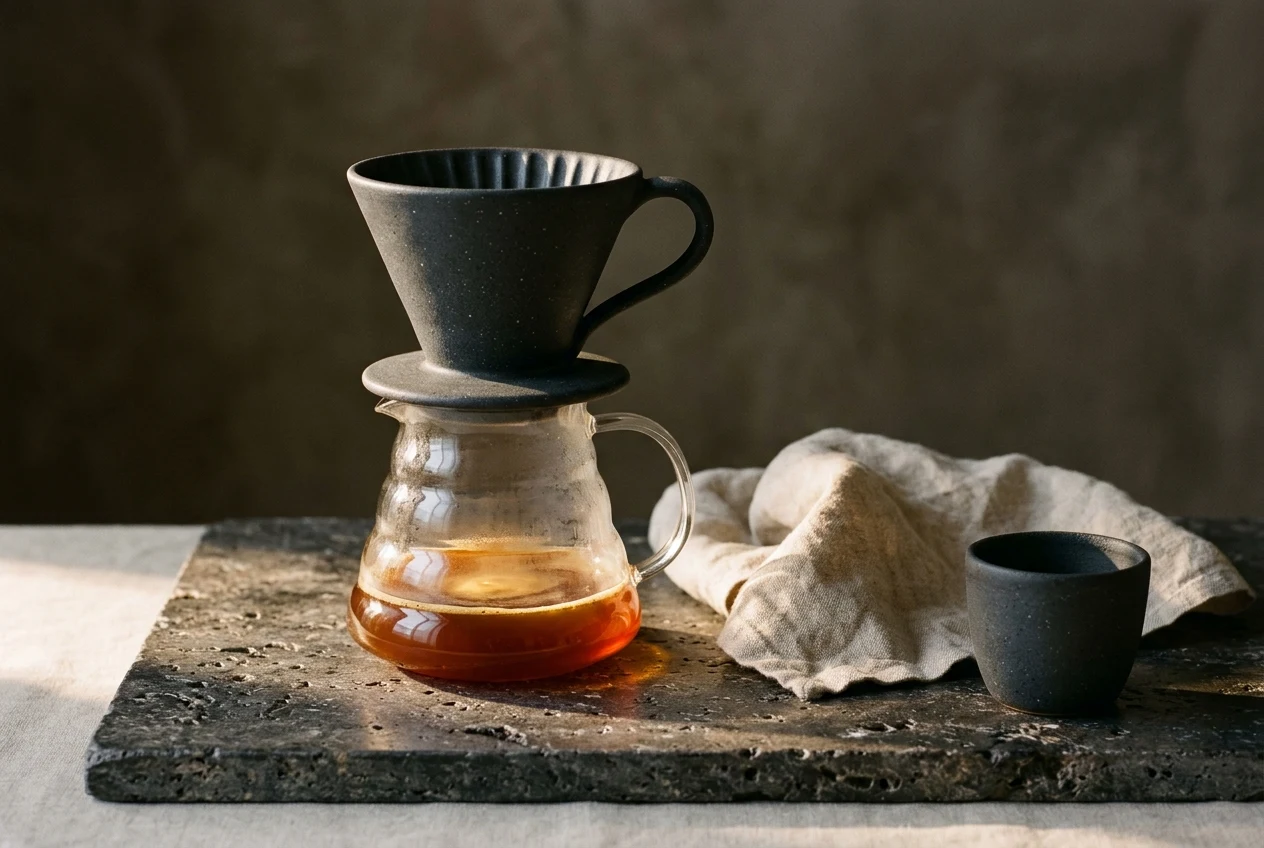
Test a studio still life or load a four-image 2K widescreen batch to see how Grok Imagine Image handles materials, lighting, and framing. Review the exact flat cost before running.
grok-imagine-image$0.01 / image
Generate from a prompt or edit reference images. Submit once; results appear when the task completes.
Describe subject, lighting, camera angle, and any visible copy. When editing multiple inputs, refer to them as <IMAGE_0>, <IMAGE_1>, up to <IMAGE_4>.
Attach 1 to 5 JPEG, PNG, or WebP images (up to 20 MiB each) to switch Grok Imagine Image into editing mode with no extra reference surcharge.
Optional 1–5 JPEG, PNG, or WebP images up to 20 MiB each. Leave empty for text-to-image, or attach photos for editing at no added input fee.
Request 1 to 10 output images in a single asynchronous call.
Choose from 15 explicit ratios or leave Automatic so the model picks the framing (or preserves source proportions during single-image edits).
Pick 1K for fast drafts or 2K for sharper print and display deliverables—both share the same flat per-image price.
Estimated directly from the live flat per-image rate multiplied by the requested image count n.
Try one of these prompts


Three editorial showcase scenes styled for Grok Imagine Image — studio ceramic still life, coastal concrete architecture, and artisan portrait.
What Grok Imagine Image costs
Grok Imagine Image bills one flat rate per delivered image across 1K and 2K, with zero surcharge for reference inputs. Every number reflects current live billing settings.
- Grok Imagine Image
- $0.01/ request
- Grok Imagine Image
- $0.04/ request
- Grok Imagine Image
- 2,000images
Grok Imagine Image settles strictly on delivered images. Failed requests are not charged.
Grok Imagine Image flat rate schedule
Both 1K and 2K outputs in Grok Imagine Image use the same unit price, and attached reference images carry no additional fee.
- 1K output image
- $0.01Price · 1 image
- 2K output image
- $0.01Price · 1 image
- Input reference image (up to 5)
- $0.00Price · 1 image
Price your Grok Imagine Image request
Select 1K or 2K and set the output count (1–10) to preview the exact Grok Imagine Image request total before submitting.
In Grok Imagine Image, total cost equals delivered image count times the flat rate; 1K, 2K, and up to five reference URLs cost the same.
Working with Grok Imagine Image
Grok Imagine Image gives existing xAI image pipelines a simple, predictable flat per-image billing structure. Send prompts up to 10,000 characters, choose 1K or 2K output across 16 aspect ratios, and ask Grok Imagine Image for up to ten variations per task without tracking per-tier multipliers.
To edit an image or composite multiple subjects, pass 1 to 5 public HTTPS URLs in image_urls on the same POST /v1/images/generations endpoint and tag them as <IMAGE_0> through <IMAGE_4>. Every output settles at one flat per-image price across 1K and 2K with zero input-image surcharge on SeedRouter.
Every Grok Imagine Image job runs asynchronously via POST /v1/images/generations and GET /v1/tasks/{task_id}. Failed requests are not charged.
Two ways to run Grok Imagine Image
Integrate Grok Imagine Image directly into production services or brief a coding agent with the exact task contract.
Call Grok Imagine Image from your app
Keep calling the bare grok-imagine-image model ID on SeedRouter's unified asynchronous image endpoint.
- 1Create a SeedRouter API key for Grok Imagine Image and store it in your environment.
- 2POST your prompt, resolution (1k or 2k), aspect_ratio, and optional image_urls to /v1/images/generations.
- 3Poll GET /v1/tasks/{id} until completed and download every URL in output.data.
Brief a coding agent on Grok Imagine Image
The prompt below supplies the exact Grok Imagine Image schema, live cost check, and polling loop.
- 1Copy the instructions into your coding agent.
- 2Give Grok Imagine Image your visual brief and any public HTTPS reference URLs.
- 3Approve the exact request body and flat cost estimate before submission.
What Grok Imagine Image gives you
Simple flat billing paired with 2K resolution and multi-image editing on one unified endpoint.
Predictable flat per-image billing
Budgeting is straightforward in Grok Imagine Image: multiply your image count by one flat rate whether you request 1K drafts or 2K final assets.
Zero reference-image surcharge
Attach up to five public HTTPS reference images in image_urls so Grok Imagine Image edits scenes or combines subjects without adding per-input fees.
1K and 2K output resolutions
Switch Grok Imagine Image between 1k and 2k in the same JSON body whenever your layout needs higher pixel detail.
Sixteen aspect ratio choices
Pick auto or any of 15 explicit Grok Imagine Image aspect ratios—including 1:1, 4:3, 16:9, 9:16, 19.5:9, 20:9, 21:9, and 5:2.
Up to ten variations per request
Set n from 1 to 10 so Grok Imagine Image explores composition options in parallel while settling only on images actually delivered.
Simple flat-rate integration
Keep production grok-imagine-image calls running on one predictable flat per-image rate without managing tier tables, or upgrade to Grok Imagine Image 2.0 whenever you want explicit quality tiers.
Where teams use Grok Imagine Image
High-volume 2K catalog generation
Because 2K shares the same flat price as 1K, teams run Grok Imagine Image directly at 2K for product mockups, hero thumbnails, and landing artwork.
Reference-heavy editing workflows
Pass up to five reference photographs to Grok Imagine Image with <IMAGE_0> through <IMAGE_4> tags without worrying about extra input-image charges.
Existing xAI image integrations
Services already configured with model grok-imagine-image continue executing cleanly on SeedRouter's asynchronous task API.
How to run Grok Imagine Image in four steps
- 01
Create an API key
Generate a SeedRouter key and export it as SEEDROUTER_API_KEY. Pass the bare model ID grok-imagine-image in every request.
- 02
Set resolution, ratio, and count
Choose 1k or 2k, pick an aspect_ratio from auto or 15 fixed ratios, and set n between 1 and 10 for your batch.
- 03
Optionally attach 1–5 reference URLs
Add public HTTPS JPEG, PNG, or WebP links (≤ 20 MiB each) in image_urls to switch into editing mode.
- 04
Poll the task ID and save images
Save the returned task ID, poll GET /v1/tasks/{task_id} until completed, and download every output URL from output.data.
Grok Imagine Image vs Grok Imagine Image 2.0
Decide whether flat-rate Grok Imagine Image or explicit quality-tiered Grok Imagine Image 2.0 fits your workload.
| Capability | Grok Imagine Image | Grok Imagine Image 2.0 |
|---|---|---|
| Pricing structure | One flat rate per image (1K & 2K; $0 input refs) | Tiered by quality (Low/Medium) & resolution + per-ref rate |
| Resolutions | 1k and 2k | 1k, 1.5k, and 2k |
| Quality parameter | Fixed (no quality parameter accepted) | Selectable: auto, low, or medium |
Grok Imagine Image limits and lifecycle notes
URL-only inputs and 7-field schema
Grok Imagine Image accepts public HTTP(S) JPEG, PNG, or WebP links up to 20 MiB each (max 5). Base64 payloads, 1.5k resolution, and the quality field are rejected with HTTP 400.
Asynchronous polling and delivered-image settlement
Every call returns a task ID to poll via GET /v1/tasks/{task_id}. Billing settles strictly on delivered images; failed requests are not charged.
Using Grok Imagine Image on SeedRouter
Simple flat-rate cost predictability
Check the live Grok Imagine Image flat rate right in the Playground and price calculator before running single stills or 10-image batches.
Shared key and task API across Grok models
Switch between Grok Imagine Image, Grok Imagine Image 2.0, and Grok Imagine Video 1.5 using one SeedRouter API key and polling contract.
Other image models on SeedRouter
Compare Grok Imagine Image with Grok Imagine Image 2.0 and other image models under the same API key.
No other image models are currently listed in the catalog.
Grok Imagine Image guides
Complete request schemas, multi-image editing syntax, and runnable code snippets for Grok Imagine Image.
Grok Imagine Image questions
What model ID do I send for Grok Imagine Image?
Send model: "grok-imagine-image" to POST /v1/images/generations. The same Grok Imagine Image model ID handles both text-to-image generation and reference image editing.
Does 2K cost more than 1K in Grok Imagine Image?
No. On SeedRouter, Grok Imagine Image charges one flat per-image rate for both 1k and 2k outputs, and attaching up to five reference images adds no extra surcharge.
Can I pass quality or 1.5k resolution to Grok Imagine Image?
No. Grok Imagine Image accepts resolution values 1k and 2k and does not expose a quality parameter. If you need 1.5k resolution or explicit medium quality, use grok-imagine-image-2.0.
When should I choose grok-imagine-image over grok-imagine-image-2.0?
Choose grok-imagine-image when you want the lowest flat per-image price across 1K and 2K with zero reference-image surcharge. Switch to grok-imagine-image-2.0 when you need 1.5K output or explicit low and medium quality tiers.
How do I edit multiple images with Grok Imagine Image?
Pass 1 to 5 public HTTPS URLs (JPEG, PNG, or WebP, ≤ 20 MiB each) in image_urls and reference them as <IMAGE_0>, <IMAGE_1>, up to <IMAGE_4> in your prompt.
Am I charged if a Grok Imagine Image request fails?
No. Failed requests are not charged on SeedRouter, and multi-image batches settle only on delivered images.
Create with Grok Imagine Image
Run your first Grok Imagine Image prompt in the Playground or call POST /v1/images/generations with your SeedRouter API key.