
MAI-Image-2.7 — Microsoft image generation & editing
Generate and edit PNG images with Microsoft MAI-Image-2.7 using text prompts or up to 5 reference URLs, 1K/2K presets or exact pixel dimensions, billed by measured tokens from — per 1M image output tokens.
- Text to image
- Single-image editing
- Multi-image composition (up to 5 URLs)
- 1K / 2K tiers or exact pixels
- PNG output up to 2048×2048
- Asynchronous task polling
Try MAI-Image-2.7 in the browser
Every parameter below matches the MAI-Image-2.7 API 1:1. Submit a prompt or attach up to 5 reference images to test MAI-Image-2.7 directly with your SeedRouter balance.
mai-image-2.7Each MAI-Image-2.7 task settles strictly on measured token usage across text input, reference image input, and PNG output. Failed requests are not charged.
Generate from a prompt or edit reference images. Submit once; results appear when the task completes.
Text description or editing instruction (1–20,000 characters).
Upload JPEG, PNG, WebP, or GIF references (up to 5 files) or paste public HTTPS URLs.
Optional 1–5 public HTTPS URLs (JPEG, PNG, WebP, GIF) for editing or composition. Overrides size/resolution.
Text-to-image only: aspect ratio 1:4–4:1 (e.g. 16:9) or WIDTHxHEIGHT (sides >= 768, total <= 4,194,304). auto not allowed.
1K or 2K tier when size is an aspect ratio. Ignored if exact pixels or image_urls are set.
Exact pixel width (>= 768). Must pair with height; overrides size and resolution.
Exact pixel height (>= 768). Must pair with width; width × height <= 4,194,304.
auto or opaque. Transparent background is not supported.
Fixed at 1 image per task.
- Text input
- — Price · 1M tokens
- Image input
- — Price · 1M tokens
- Image output
- — Price · 1M tokens
Live MAI-Image-2.7 pricing is temporarily unavailable. Check back shortly.
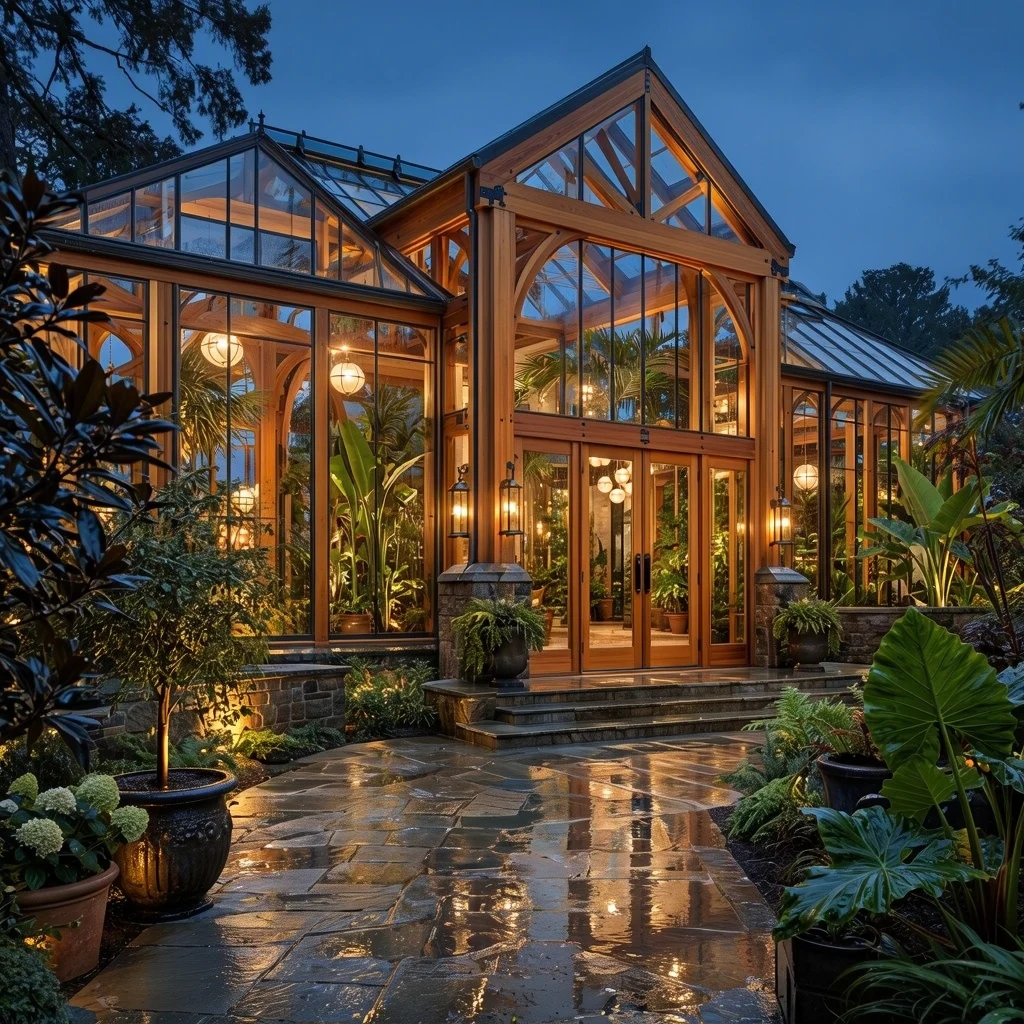
Try one of these prompts

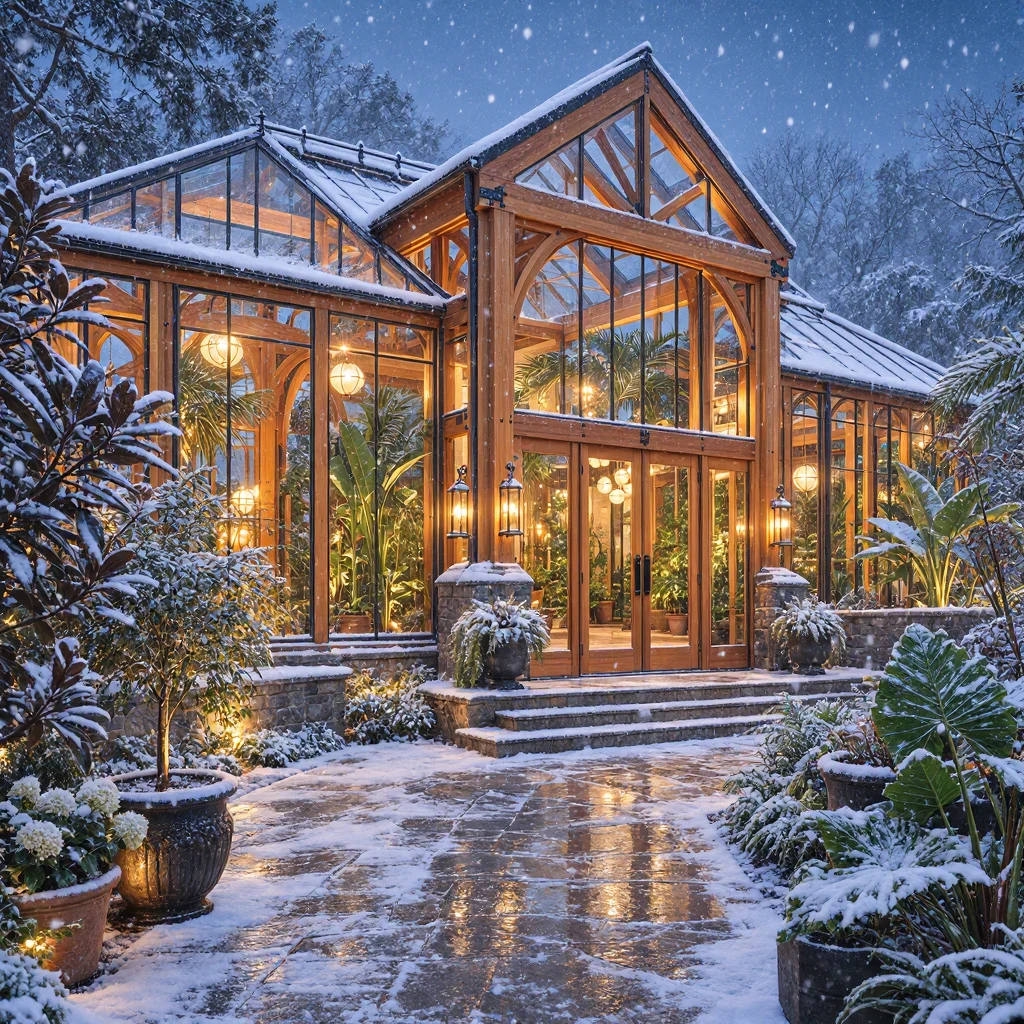
Generated with MAI-Image-2.7 on SeedRouter
MAI-Image-2.7 pricing
MAI-Image-2.7 is billed across three token categories: text input, image input, and image output. Live rates below come straight from the SeedRouter billing ledger.
Each MAI-Image-2.7 task settles strictly on measured token usage across text input, reference image input, and PNG output. Failed requests are not charged.
Measured MAI-Image-2.7 token samples
| Sample | Text input | Image input | Image output | Total |
|---|---|---|---|---|
| 1K text-to-image | 59 | 0 | 1,024 | — |
| 2K text-to-image | 74 | 0 | 4,080 | — |
| Reference edit | 87 | 1,024 | 1,024 | — |
Actual MAI-Image-2.7 token counts vary with prompt length, reference images, and output dimensions.
Live MAI-Image-2.7 pricing is temporarily unavailable. Check back shortly.
What is MAI-Image-2.7?
MAI-Image-2.7 is Microsoft's multimodal image generation and editing model available through SeedRouter's unified asynchronous image API. MAI-Image-2.7 is the higher-detail flagship tier of the Microsoft MAI image family, built for commercial visuals, clean typography, and multi-reference editing up to 2048×2048.
With MAI-Image-2.7, a single POST request to /v1/images/generations handles text-to-image creation, surgical single-image editing, and multi-image composition with up to 5 public HTTPS reference URLs. Text-to-image supports integer aspect ratios from 1:4 to 4:1 paired with 1K or 2K resolution tiers, or exact pixel dimensions up to 4,194,304 pixels.
Model ID: mai-image-2.7. Output format: PNG. Maximum prompt length: 20,000 Unicode characters. Failed requests are not charged.
Two ways to run MAI-Image-2.7
Call MAI-Image-2.7 directly from your backend service or copy a ready-to-run instruction for your coding agent.
Integrate MAI-Image-2.7 in your application
Send JSON requests to /v1/images/generations with your SeedRouter API key, then poll /v1/tasks/{id} for the hosted PNG URL and token usage.
- 1Create a SeedRouter API key from your dashboard.
- 2POST model "mai-image-2.7" with your prompt, size/resolution, or reference image_urls.
- 3Poll /v1/tasks/{id} until completed and download output.data[0].url.
Hand MAI-Image-2.7 to your coding agent
Copy a self-contained prompt that tells your coding agent the exact MAI-Image-2.7 endpoint, schema, polling loop, and cost-approval rule.
- 1Copy the agent prompt below into your coding assistant.
- 2Confirm the request JSON and token estimate before submission.
- 3Receive the generated MAI-Image-2.7 PNG URL and task ID automatically.
What MAI-Image-2.7 does well
Key capabilities of the model across text-to-image synthesis, editing, and layout control.
Detailed prompt adherence
MAI-Image-2.7 accepts prompts up to 20,000 characters in English and Chinese, following lighting, camera framing, material texture, and scene instructions accurately.
Single-image surgical editing
Supply one URL in image_urls to modify colors, swap objects, adjust lighting, or update backgrounds while keeping the core subject recognizable in this model.
Multi-image composition
Pass up to 5 reference URLs to combine products, environments, and stylistic cues into one coherent the model scene.
Flexible aspect ratios from 1:4 to 4:1
Choose standard ratios like 1:1, 16:9, 9:16, 3:2, and 21:9, or any integer ratio between 1:4 and 4:1 for banners, posters, and mobile screens.
1K, 2K, or exact pixel sizing
Use 1K or 2K resolution presets with an aspect ratio, or specify exact pixel dimensions via size or width/height up to 2048×2048 (4,194,304 pixels).
Consistent PNG delivery
Every completed the model task delivers a lossless PNG hosted at a direct HTTPS URL alongside measured dimensions and token usage.
Common MAI-Image-2.7 use cases
E-commerce & product photography
Place catalog items into clean studio scenes or seasonal settings using the model reference URLs without reshooting physical inventory.
Editorial & campaign posters
Generate widescreen 16:9, 21:9, or tall 9:16 visuals with this model for articles, hero banners, and event posters.
Rapid creative iteration
Test multiple compositions, lighting moods, and framing choices with this model before committing to final production layouts.
Targeted photo edits
Change object colors, add props, or relight existing photography by sending a single reference URL and plain-language edit instructions to the model.
Multi-reference moodboards
Blend up to 5 reference images in this model to align lighting, palette, and subject placement across a visual series.
Automated design pipelines
Embed the model into SaaS editors, CMS workflows, and internal marketing tools using asynchronous task polling and predictable token billing.
Start using MAI-Image-2.7 in four steps
- 01
Create an API key
Sign in to SeedRouter, top up your pay-as-you-go balance, and generate a bearer API key for MAI-Image-2.7.
- 02
Submit a MAI-Image-2.7 task
POST to /v1/images/generations with model "mai-image-2.7", your prompt, and optional size, resolution, width/height, background, or image_urls.
- 03
Poll the task status
Call GET /v1/tasks/{id} every 5–10 seconds until your MAI-Image-2.7 task becomes completed or failed. Never resubmit on a network timeout.
- 04
Save the PNG output
Download the delivered PNG from output.data[0].url and inspect output.usage for exact MAI-Image-2.7 token billing.
MAI-Image-2.7 at a glance
Verified parameters and limits for MAI-Image-2.7 on SeedRouter.
- Input modes
- Text prompt (1–20,000 chars) + 0–5 HTTPS image URLs for MAI-Image-2.7
- Aspect ratios & tiers
- 1:4 to 4:1 with 1K or 2K resolution
- Exact pixel sizing
- size (WxH) or width + height, >= 768 per side, <= 4,194,304 px
- Images per request
- 1 PNG per task (submit separate tasks for batches)
- Background options
- auto or opaque (transparent not supported)
- Output delivery
- Asynchronous task ID + hosted PNG URL
- Billing model
- Measured text input, image input, and image output tokens
All MAI-Image-2.7 constraints are validated before submission so invalid payloads fail fast with HTTP 400 and zero charge.
Things to know before calling MAI-Image-2.7
One image per request
MAI-Image-2.7 generates exactly 1 image per task (n must be 1). Submit parallel MAI-Image-2.7 tasks when you need multiple variations.
No 4K, auto size, or transparent background
MAI-Image-2.7 supports 1K and 2K tiers only; passing 4K, size "auto", or background "transparent" returns HTTP 400.
Image-to-image sizing follows references
When image_urls is provided, MAI-Image-2.7 determines output dimensions from the reference images; size, resolution, width, and height apply to text-to-image only.
Public HTTPS URLs only
Pass publicly reachable HTTP(S) URLs without embedded credentials in MAI-Image-2.7 image_urls (JPEG, PNG, WebP, or GIF). Base64 data URIs are not accepted.
Why run MAI-Image-2.7 on SeedRouter
Transparent live token pricing
Every MAI-Image-2.7 rate on this page is read directly from the billing ledger. You pay only for measured text, reference image, and output tokens.
Failed requests are not charged
If a MAI-Image-2.7 generation fails before delivering an image, no charge is applied to your SeedRouter balance.
Pay-as-you-go balance
Top up once and use your balance for MAI-Image-2.7 and every other model on SeedRouter. Credits never expire and require no subscription.
Hosted PNG outputs
Completed MAI-Image-2.7 images are delivered as direct HTTPS URLs with measured dimensions and token usage metadata.
One key for every model
Use the same SeedRouter API key for MAI-Image-2.7, MAI-Image-2.7 Flash, and every other image, video, and language model in the catalog.
Other image models on SeedRouter
Compare live pricing and capabilities across other image generation and editing models.
MAI-Image-2.7 guides
Practical notes, prompt patterns, and integration walkthroughs for MAI-Image-2.7.
Guides for MAI-Image-2.7 are coming soon.
MAI-Image-2.7 FAQ
How is MAI-Image-2.7 priced on SeedRouter?
MAI-Image-2.7 is billed by measured token usage across three categories: text input tokens, reference image input tokens, and image output tokens (currently from — per 1M image output tokens). Failed requests are not charged.
What is the difference between MAI-Image-2.7 and MAI-Image-2.7 Flash?
Both MAI-Image-2.7 and MAI-Image-2.7 Flash share the exact same 9-field API contract, 5-reference editing limit, and 1K/2K or exact pixel sizing. MAI-Image-2.7 prioritizes maximum visual fidelity, while MAI-Image-2.7 Flash offers faster turnaround at lower token rates.
Can MAI-Image-2.7 edit existing images or combine multiple references?
Yes. Pass 1 to 5 public HTTPS URLs in image_urls on /v1/images/generations to edit a single image or compose multiple references into one output. Output dimensions are determined from the reference images.
What dimensions and aspect ratios does MAI-Image-2.7 support?
For text-to-image, MAI-Image-2.7 accepts integer aspect ratios from 1:4 to 4:1 paired with 1K or 2K resolution, or exact pixel dimensions (via size or width and height) where each side is at least 768 pixels and width × height does not exceed 4,194,304 pixels. Each side is rounded down to a multiple of 32.
Does MAI-Image-2.7 support 4K, transparent backgrounds, or multiple images per request?
No. MAI-Image-2.7 supports 1K and 2K tiers only, auto or opaque backgrounds, and n = 1 image per task. Passing 4K, background "transparent", size "auto", or n > 1 returns HTTP 400 before billing.
What file format does MAI-Image-2.7 return?
MAI-Image-2.7 always outputs a lossless PNG delivered via an asynchronous task URL on /v1/tasks/{id}.
Build with MAI-Image-2.7 today
Test MAI-Image-2.7 in the browser playground or integrate the asynchronous image API in minutes.