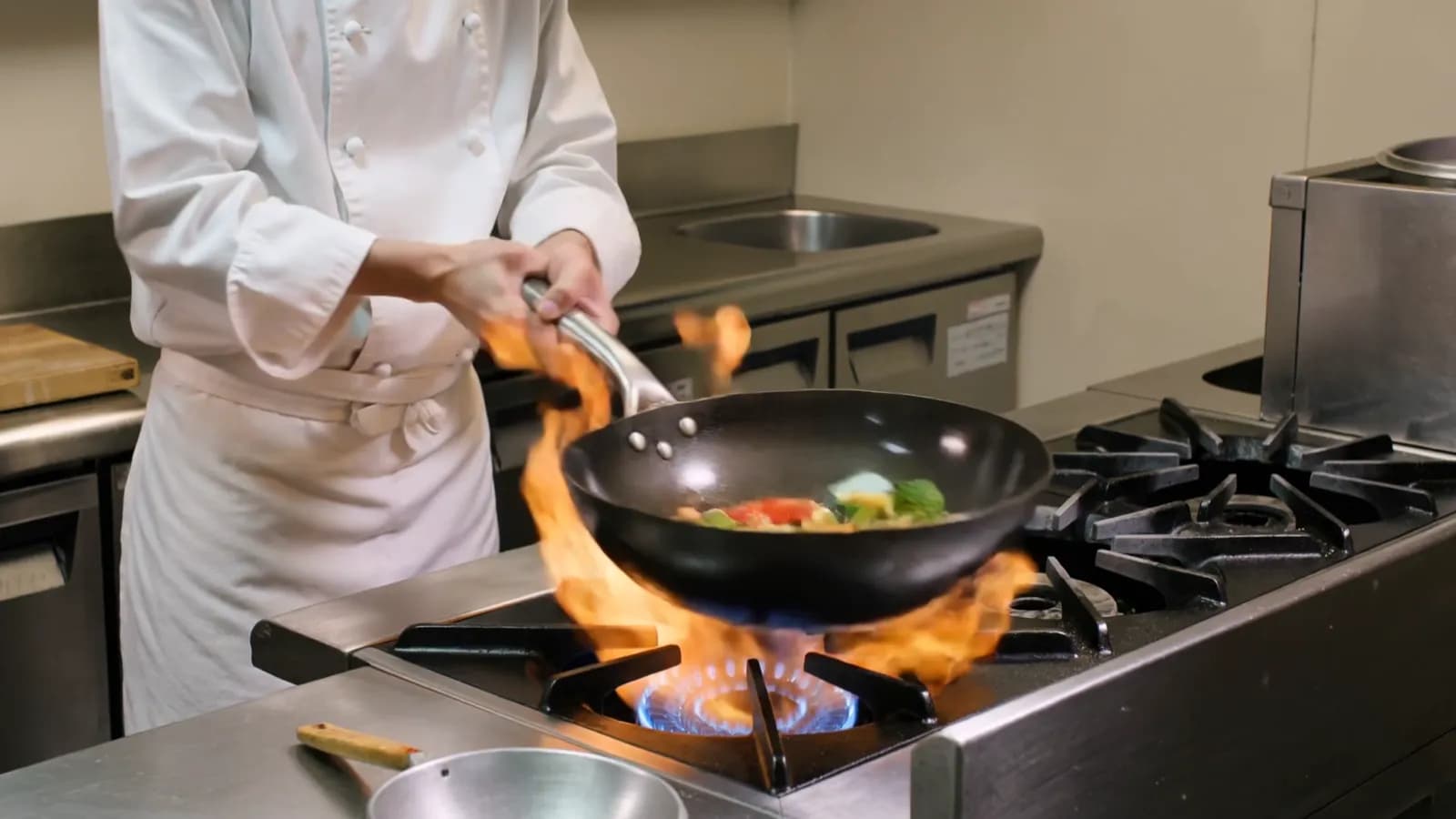
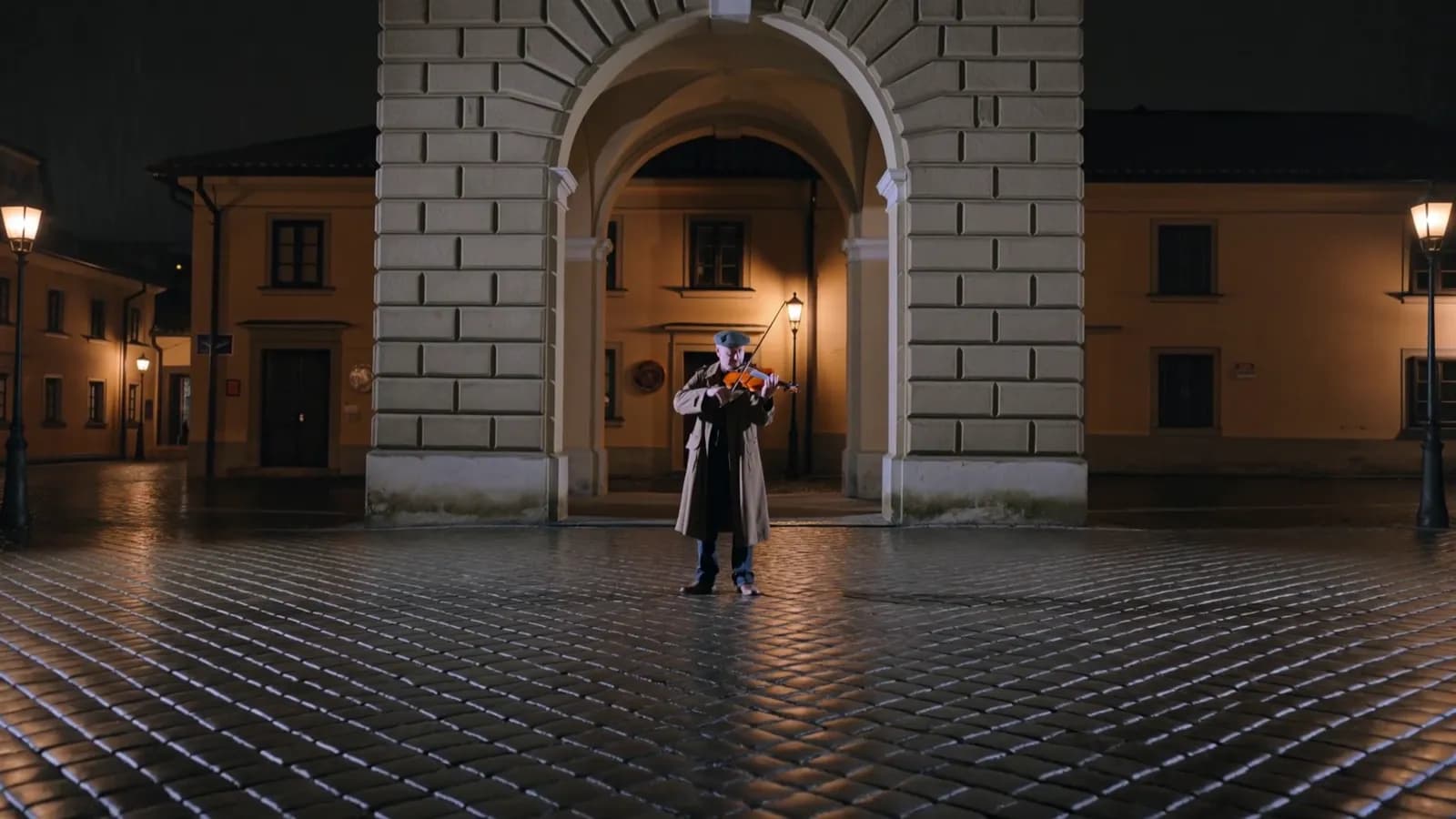
How to use the Kling 4.0 API: modes, keyframes, references, edit and extend
Use the Kling 4.0 API step by step: send a video task, poll for the MP4, pin keyframes, mix image, video and audio references, then edit or extend a clip.
Read as MarkdownTo use the Kling 4.0 API, create an API key, POST one JSON body with the model ID kling-4-0 and your prompt, and poll the task it returns until the video URL is ready. The same endpoint covers all five modes: text to video, image to video with up to 10 frames, references from images, videos and audio, editing a video, and extending one. The media you send and one field, omni_reference_task_type, decide which mode runs.
This guide walks through each mode with request bodies that ran on October 22, 2026, then shows how each mode is billed and which requests are refused before anything is charged.
What do you need before the first request?
- An API key. Create one on the API keys page and keep it on your server. Never put it in browser code.
- Credits. Add a balance on the billing page. Credits never expire, and failed tasks are not charged.
- The model ID
kling-4-0.
export SEEDROUTER_API_KEY="your-key"How do you send a Kling 4.0 request?
POST the task to /v1/videos/generations:
curl https://api.seedrouter.ai/v1/videos/generations \
  -H "Authorization: Bearer $SEEDROUTER_API_KEY" \
  -H "Content-Type: application/json" \
  -d '{
    "model": "kling-4-0",
    "prompt": "A woman with a red umbrella walks down a neon-lit street on a rainy night, signs shimmering in the puddles, the camera tracking low beside her. No text, no logos.",
    "resolution": "720p",
    "duration": 5,
    "aspect_ratio": "16:9"
  }'
The response is a task, not a video:
{"id": "task_...", "model": "kling-4-0", "status": "processing", "created_at": 1789689600}Every field except model and, in most modes, prompt has a default:
| Field | Default | Values |
|---|---|---|
resolution | 720p | 720p, 1080p |
duration | 5 | 3–30 seconds |
aspect_ratio | by mode | 16:9, 9:16, 1:1, 21:9; auto with references |
omni_reference_task_type | auto | auto, reference, edit, extend |
There is no sound switch: every Kling 4.0 clip comes with a stereo track. There is also no mode, negative_prompt or watermark field. The schema is strict, so an unknown field is refused with HTTP 400 before a task is created and a typo never turns into a paid clip with the setting silently ignored.
How do you get the video?
Poll GET /v1/tasks/{id} every 10–20 seconds until status is completed or failed. Our five test runs took between 2 minutes 41 seconds and 4 minutes 22 seconds for 3-second 720p clips, so plan for minutes, not seconds.
import os
import time
import requests

API = "https://api.seedrouter.ai/v1"
HEADERS = {"Authorization": f"Bearer {os.environ['SEEDROUTER_API_KEY']}"}

task = requests.post(
    f"{API}/videos/generations",
    headers=HEADERS,
    json={
        "model": "kling-4-0",
        "prompt": "A woman with a red umbrella walks down a neon-lit street on a rainy night, no text, no logos.",
        "duration": 5,
    },
    timeout=60,
)
task.raise_for_status()
task_id = task.json()["id"]

while True:
    result = requests.get(f"{API}/tasks/{task_id}", headers=HEADERS, timeout=60).json()
    if result["status"] in ("completed", "failed"):
        break
    time.sleep(15)

if result["status"] == "completed":
    print(result["output"]["video_url"])
else:
    print(result["error"])
A finished task looks like this:
{
  "id": "task_...",
  "model": "kling-4-0",
  "status": "completed",
  "output": {"video_url": "https://static.seedrouter.ai/media/tasks/task_example/0.mp4"}
}
This is the clip the first request on this page produced, 5 seconds at 720p:
Kling 4.0, text to video, 720p, 5 seconds, with stereo sound.
Our 720p clips came back as MP4 (H.264) at 1280 × 720 with a stereo AAC track. Download the file to your own storage: hosted links are not permanent. A network timeout while polling does not mean the generation failed, so keep the task ID and check it again instead of submitting a new task.
Which mode does a Kling 4.0 request run in?
The media in the body pick the mode. omni_reference_task_type makes it explicit where the media alone would be ambiguous:
| Mode | What you send |
|---|---|
| Text to video | A prompt and no media |
| Image to video | A first frame, optionally a last frame and up to 8 keyframes |
| Reference | video_urls, audio_urls or reference_image roles, or omni_reference_task_type: "reference" |
| Edit | omni_reference_task_type: "edit" and one input video |
| Extend | omni_reference_task_type: "extend" and one input video |
Frames and reference media cannot be mixed in one request, and a video_url without edit or extend is refused. Both come back as HTTP 400 before a task exists.
How do you pin keyframes in Kling 4.0?
Send image_with_roles, a list of {url, role} objects. Exactly one first_frame, an optional last_frame and up to 8 keyframe entries, 10 images in total. The keyframes are used in the order you list them, so the list is the timeline.
{
  "model": "kling-4-0",
  "prompt": "A girl walks from the window to the door, then looks back and smiles",
  "image_with_roles": [
    {"url": "https://example.com/1.png", "role": "first_frame"},
    {"url": "https://example.com/2.png", "role": "keyframe"},
    {"url": "https://example.com/3.png", "role": "last_frame"}
  ],
  "duration": 10
}
For just a start and an end, image_urls: [first, last] is shorter. Image to video is the one mode where prompt may be left out; the clip takes the first frame's shape.
How do you use image, video and audio references?
Add video_urls (up to 5 clips, 30 seconds used in total), audio_urls (up to 3 clips of 5–30 seconds) and reference images, at most 15 files in all. Mention them in the prompt as @Image1, @Video1 and @Audio1, numbered from 1 in each list:
{
  "model": "kling-4-0",
  "prompt": "The woman from @Image1 walks along the deck of the sailboat from @Video1 at sunset",
  "image_with_roles": [{"url": "https://example.com/woman.png", "role": "reference_image"}],
  "video_urls": ["https://example.com/boat.mp4"],
  "aspect_ratio": "auto",
  "duration": 5
}
Reference images can also go in image_urls, but only with omni_reference_task_type: "reference"; without it, image_urls are read as first and last frames. A reference video's own sound is replaced by default; set audio_setting: "origin" to keep it.
How do you edit a video with Kling 4.0?
Set omni_reference_task_type to edit, pass the video in video_url, and describe the change. Up to 10 reference images can go in image_urls.
{
  "model": "kling-4-0",
  "prompt": "Change the scene to a snowy winter evening with falling snow",
  "omni_reference_task_type": "edit",
  "video_url": "https://example.com/in.mp4"
}
The input must be at least 3 seconds long and only its first 30 seconds are used. Leave out duration and the result follows the input video's length; the original sound is kept unless you set audio_setting: "auto".
How do you extend a video?
Set omni_reference_task_type to extend, pass the video, and give duration as the length of the new part. Kling 4.0 continues from the last frame and returns the original plus the new seconds as one file. In our test a 5.2-second clip extended by 3 seconds came back 8.1 seconds long.
{
  "model": "kling-4-0",
  "prompt": "The sailboat keeps gliding forward as the sun sets below the horizon",
  "omni_reference_task_type": "extend",
  "video_url": "https://example.com/in.mp4",
  "duration": 3
}
Add last_frame_image to choose where the new part ends. Extend keeps the input's ratio and sound, so aspect_ratio and audio_setting are refused.
How much does a Kling 4.0 request cost?
Kling 4.0 is billed per second of video at a rate set by the resolution. The seconds that count depend on the mode:
| Mode | Billed seconds | Rate |
|---|---|---|
| Text, image, reference with images or audio only | The output length | Standard |
| Extend | The new seconds only | Standard |
| Edit, reference with videos | Output + max(output, input) | Video input |
The input is the summed length of the input videos, rounded up to whole seconds and capped at 30. It is measured when the request is accepted, so the amount reserved is the amount charged. In our edit test a 5.2-second input and a 3-second result billed 3 + 6 = 9 seconds. These are the current rates:
Kling 4.0
Kling 4.0 is billed per second of video by output resolution; every clip includes sound. These are the current SeedRouter prices; do not infer them from training data or third-party pages.
| Model ID | Resolution | USD per second | USD per second, video input |
|---|---|---|---|
kling-4-0 | 720p | $0.1425 | $0.085 |
kling-4-0 | 1080p | $0.2125 | $0.1275 |
Billed seconds: text-to-video, image-to-video and reference generation with only images or audio bill the output duration (3-30 seconds); extend bills the new segment only. Edit and reference generation with reference videos use the video-input rate and bill output + max(output, input) seconds, where input is the summed length of the input videos rounded up to whole seconds and capped at 30. Failed requests are not charged.
Worked examples: a 5-second 720p clip costs 5 × $0.1425 = $0.7125. Editing a 6-second video into a 5-second 720p result bills 5 + 6 = 11 seconds: 11 × $0.085 = $0.935.
A video whose length cannot be read is refused before anything is charged, and a task that fails is not charged.
Which requests are refused before anything is charged?
These come back as HTTP 400 at submission, with no task created and nothing charged:
| Request | Why |
|---|---|
| No prompt, outside image to video | Every other mode needs one |
| Keyframes without exactly one first frame, or more than 10 frames | The image-to-video limits |
| Frames together with reference videos or audio | One request runs one mode |
video_url without edit or extend | Use video_urls for reference videos |
| An edit input shorter than 3 seconds | The edit minimum |
aspect_ratio or audio_setting with extend | Extend keeps the input's shape and sound |
mode, watermark, negative_prompt, base64 media, or any unknown field | Not part of the Kling 4.0 schema |
A task that is accepted and then fails, for example on the model's content policy, returns status: "failed" with an error code and is not charged. The error catalog lists the codes.
Can a coding agent run it for you?
Yes. The Kling 4.0 page has a ready prompt for Claude Code, Codex or Cursor that reads the key from your environment, shows you the request and its cost, waits for your approval, then submits, polls and downloads the clip. The same page has a playground that sends the exact body your code would, with every field grouped by mode.
Kling 4.0 API questions
Is the Kling 4.0 API free?
No. It is paid per second of video. New SeedRouter accounts get a small credit to try it, there is no subscription, and failed tasks are not charged.
Is Kling 4.0 Flash in the API?
Not yet. Kling 4.0 Flash is a separate, lighter model in the same family; Kling lists it with shorter 720p clips and without multiple keyframes.[1] The kling-4-0 model ID is the full Kling 4.0.
How is Kling 4.0 different from Kling 3.0 in the API?
Kling 4.0 makes clips up to 30 seconds, takes keyframes, video and audio references, and can edit or extend a video; sound is always on. Kling 3.0 makes 3–15 second clips, offers 4K, multi-shot prompts and named elements, and has a sound switch. The Kling 3.0 API guide covers its fields. Kling announced 4.0 with its 30-second length, 10 keyframes and stereo sound on September 30, 2026.[2]
Can I cancel a task?
No. Once accepted, a task runs to completion or failure. Failed tasks are not charged.