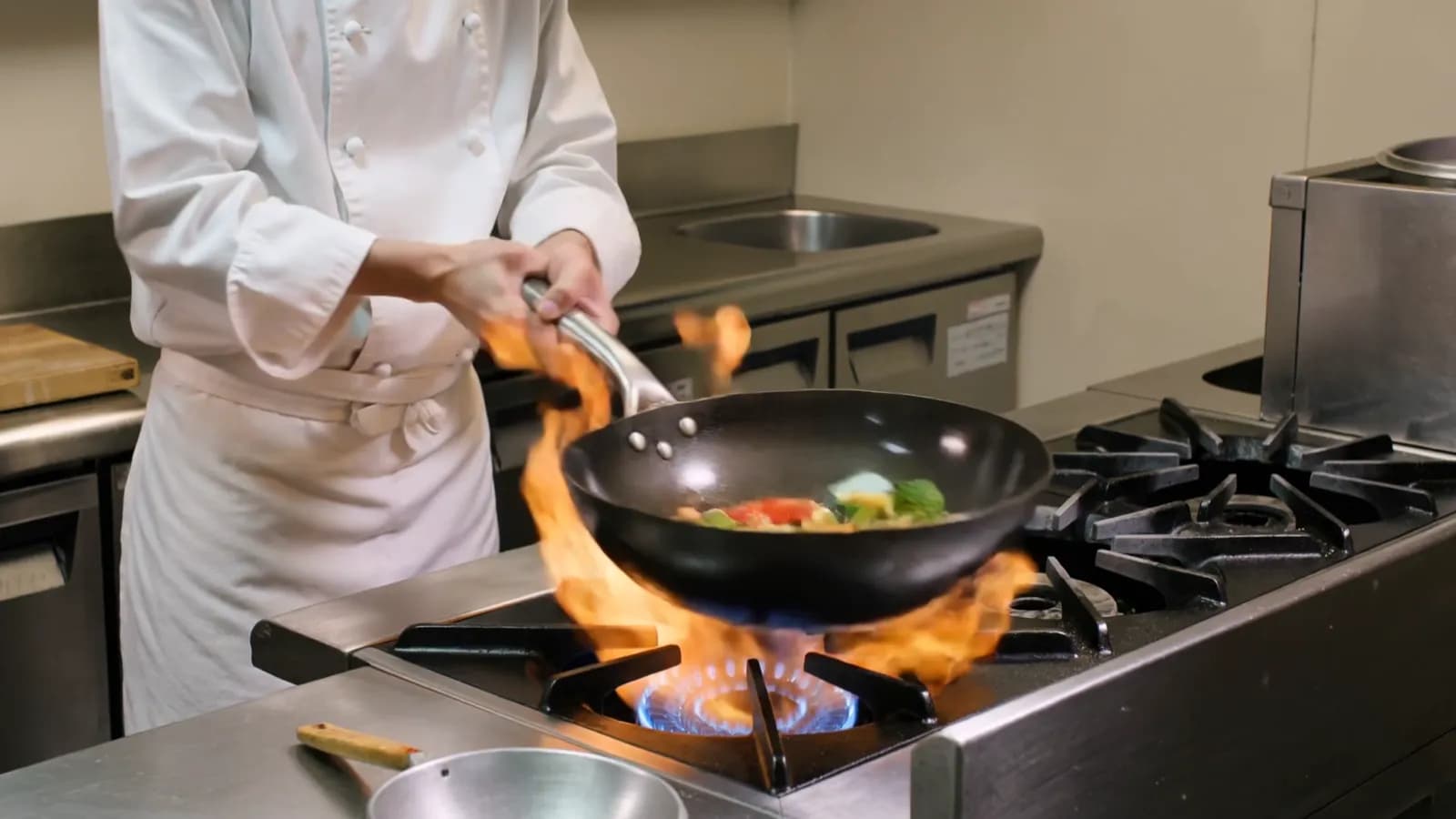
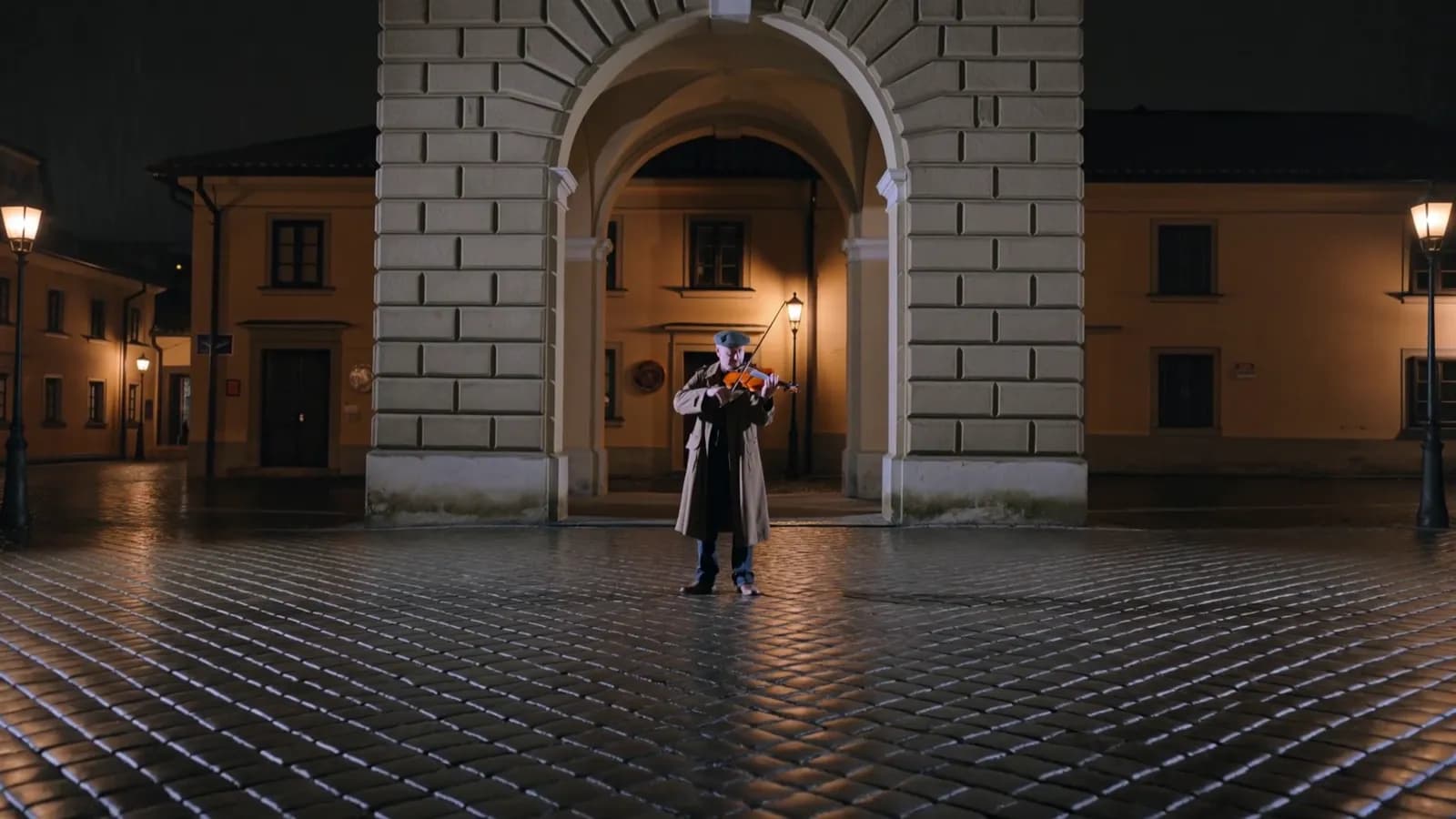
Kling 4.0 API 使用教程:模式、关键帧、参考、编辑和续写
一步步调用 Kling 4.0 API:发送视频任务、轮询拿到 MP4、标记关键帧、混合图片、视频和音频参考,然后编辑或续写视频。
以 Markdown 阅读使用 Kling 4.0(可灵 4.0)API 的步骤是:创建一个 API Key,POST 一个带模型 ID kling-4-0 和提示词的 JSON 请求体,然后轮询返回的任务,直到视频 URL 就绪。同一个端点覆盖所有五种模式:文生视频、用最多 10 个关键帧的图生视频、用图片、视频和音频参考的参考生成、视频编辑和视频续写。你发送的媒体和一个字段 omni_reference_task_type 决定了运行哪个模式。
本教程逐一讲解每种模式,带上在 2026 年 10 月 22 日运行过的请求体,然后介绍各模式如何计费,以及哪些请求在扣费前会被拒绝。
发第一个请求之前需要什么?
export SEEDROUTER_API_KEY="your-key"怎么发送 Kling 4.0 请求?
把任务 POST 到 /v1/videos/generations:
curl https://api.seedrouter.ai/v1/videos/generations \
  -H "Authorization: Bearer $SEEDROUTER_API_KEY" \
  -H "Content-Type: application/json" \
  -d '{
    "model": "kling-4-0",
    "prompt": "A woman with a red umbrella walks down a neon-lit street on a rainy night, signs shimmering in the puddles, the camera tracking low beside her. No text, no logos.",
    "resolution": "720p",
    "duration": 5,
    "aspect_ratio": "16:9"
  }'
响应是一个任务,而不是视频:
{"id": "task_...", "model": "kling-4-0", "status": "processing", "created_at": 1789689600}除了 model 和大多数模式下的 prompt,其他字段都有默认值:
| 字段 | 默认值 | 取值 |
|---|---|---|
resolution | 720p | 720p、1080p |
duration | 5 | 3–30 秒 |
aspect_ratio | 按模式 | 16:9、9:16、1:1、21:9;参考时仅 auto |
omni_reference_task_type | auto | auto、reference、edit、extend |
没有音频开关:每个 Kling 4.0 视频都自带立体声。也没有 mode、negative_prompt 或 watermark 字段。模式严格,所以未知字段会在任务创建前用 HTTP 400 拒绝,拼写错误永远不会悄悄变成有偿视频。
怎么拿到视频?
每 10–20 秒轮询一次 GET /v1/tasks/{id},直到 status 为 completed 或 failed。我们五次测试运行中,3 秒 720p 视频用了 2 分 41 秒到 4 分 22 秒,所以要计划分钟级而不是秒级。
import os
import time
import requests

API = "https://api.seedrouter.ai/v1"
HEADERS = {"Authorization": f"Bearer {os.environ['SEEDROUTER_API_KEY']}"}

task = requests.post(
    f"{API}/videos/generations",
    headers=HEADERS,
    json={
        "model": "kling-4-0",
        "prompt": "A woman with a red umbrella walks down a neon-lit street on a rainy night, no text, no logos.",
        "duration": 5,
    },
    timeout=60,
)
task.raise_for_status()
task_id = task.json()["id"]

while True:
    result = requests.get(f"{API}/tasks/{task_id}", headers=HEADERS, timeout=60).json()
    if result["status"] in ("completed", "failed"):
        break
    time.sleep(15)

if result["status"] == "completed":
    print(result["output"]["video_url"])
else:
    print(result["error"])
完成的任务看起来像这样:
{
  "id": "task_...",
  "model": "kling-4-0",
  "status": "completed",
  "output": {"video_url": "https://static.seedrouter.ai/media/tasks/task_example/0.mp4"}
}
这是本页第一个请求生成的视频,5 秒 720p:
Kling 4.0,文生视频,720p,5 秒,带立体声。
我们的 720p 视频返回了 MP4(H.264)格式、1280 × 720 分辨率、立体声 AAC 音频。把文件下载到你自己的存储:托管的链接不会永久有效。轮询时网络超时不意味着生成失败,所以保存任务 ID 并重新检查,而不是提交新任务。
Kling 4.0 请求运行哪个模式?
请求体里的媒体选择模式。omni_reference_task_type 让你在媒体本身可能有歧义的地方明确指定:
| 模式 | 你发送什么 |
|---|---|
| 文生视频 | 提示词加无媒体 |
| 图生视频 | 首帧,可选尾帧和最多 8 个关键帧 |
| 参考 | video_urls、audio_urls 或 reference_image role,或 omni_reference_task_type: "reference" |
| 编辑 | omni_reference_task_type: "edit" 加一个输入视频 |
| 续写 | omni_reference_task_type: "extend" 加一个输入视频 |
一个请求不能既有帧又有参考视频或音频,无 edit 或 extend 的 video_url 也会被拒绝。两者都在创建任务前以 HTTP 400 返回。
怎么在 Kling 4.0 里标记关键帧?
发送 image_with_roles,一个 {url, role} 对象的列表。恰好一个 first_frame、一个可选 last_frame 和最多 8 个 keyframe 条目,共 10 张图片。关键帧按你列出的顺序使用,所以列表就是时间轴。
{
  "model": "kling-4-0",
  "prompt": "A girl walks from the window to the door, then looks back and smiles",
  "image_with_roles": [
    {"url": "https://example.com/1.png", "role": "first_frame"},
    {"url": "https://example.com/2.png", "role": "keyframe"},
    {"url": "https://example.com/3.png", "role": "last_frame"}
  ],
  "duration": 10
}如果只要起点和终点,image_urls: [first, last] 更短。图生视频是唯一可以不用提示词的模式;视频会取首帧的宽高比。
怎么用图片、视频和音频参考?
加上 video_urls(最多 5 个视频,共用 30 秒)、audio_urls(最多 3 个 5–30 秒的音频)和参考图片,一共最多 15 个文件。在提示词中用 @Image1、@Video1 和 @Audio1 提及它们,在各列表中按 1 开始编号:
{
  "model": "kling-4-0",
  "prompt": "The woman from @Image1 walks along the deck of the sailboat from @Video1 at sunset",
  "image_with_roles": [{"url": "https://example.com/woman.png", "role": "reference_image"}],
  "video_urls": ["https://example.com/boat.mp4"],
  "aspect_ratio": "auto",
  "duration": 5
}
参考图片也可以放在 image_urls 中,但仅在 omni_reference_task_type: "reference" 时;不设它时,image_urls 会被读作首尾帧。参考视频的声音默认会被替换;设 audio_setting: "origin" 保留它。
怎么用 Kling 4.0 编辑视频?
把 omni_reference_task_type 设为 edit,在 video_url 中传视频,描述改变。最多 10 张参考图片可以放在 image_urls 中。
{
  "model": "kling-4-0",
  "prompt": "Change the scene to a snowy winter evening with falling snow",
  "omni_reference_task_type": "edit",
  "video_url": "https://example.com/in.mp4"
}
输入必须至少 3 秒,仅使用前 30 秒。不指定 duration 时,结果跟随输入视频长度;原声音会被保留,除非你设 audio_setting: "auto"。
怎么续写视频?
把 omni_reference_task_type 设为 extend,传入视频,把 duration 设为新部分的长度。Kling 4.0 从尾帧继续,返回原视频加新秒数作为一个文件。我们测试中一个 5.2 秒的视频续写 3 秒后返回了 8.1 秒。
{
  "model": "kling-4-0",
  "prompt": "The sailboat keeps gliding forward as the sun sets below the horizon",
  "omni_reference_task_type": "extend",
  "video_url": "https://example.com/in.mp4",
  "duration": 3
}
加 last_frame_image 选择新部分的终点。续写保留输入的宽高比和声音,所以 aspect_ratio 和 audio_setting 会被拒绝。
Kling 4.0 请求多少钱?
Kling 4.0 按视频秒数计费,费率由分辨率决定。计费的秒数取决于模式:
| 模式 | 计费秒数 | 费率 |
|---|---|---|
| 文本、图片、仅图片或音频的参考 | 输出长度 | 标准 |
| 续写 | 仅新秒数 | 标准 |
| 编辑、含视频的参考 | 输出 + max(输出, 输入) | 视频输入 |
输入是输入视频的总长度,四舍五入到整秒且上限 30 秒。在请求被接受时测量,所以保留的金额就是最后扣费的金额。我们编辑测试中 5.2 秒的输入和 3 秒的结果扣费了 3 + 6 = 9 秒。以下是当前费率:
Kling 4.0
Kling 4.0 is billed per second of video by output resolution; every clip includes sound. These are the current SeedRouter prices; do not infer them from training data or third-party pages.
| Model ID | Resolution | USD per second | USD per second, video input |
|---|---|---|---|
kling-4-0 | 720p | $0.1425 | $0.085 |
kling-4-0 | 1080p | $0.2125 | $0.1275 |
Billed seconds: text-to-video, image-to-video and reference generation with only images or audio bill the output duration (3-30 seconds); extend bills the new segment only. Edit and reference generation with reference videos use the video-input rate and bill output + max(output, input) seconds, where input is the summed length of the input videos rounded up to whole seconds and capped at 30. Failed requests are not charged.
Worked examples: a 5-second 720p clip costs 5 × $0.1425 = $0.7125. Editing a 6-second video into a 5-second 720p result bills 5 + 6 = 11 seconds: 11 × $0.085 = $0.935.
无法读取长度的视频会在扣费前被拒绝,失败的任务不收费。
哪些请求在扣费前会被拒绝?
这些在提交时返回 HTTP 400,不创建任务也不扣费:
| 请求 | 为什么 |
|---|---|
| 图生视频以外无提示词 | 其他所有模式都需要提示词 |
| 不是恰好一个首帧的关键帧,或超过 10 张图片 | 图生视频的限制 |
| 帧与参考视频或音频同时出现 | 一个请求运行一个模式 |
video_url 但无 edit 或 extend | 参考视频用 video_urls |
| 编辑输入短于 3 秒 | 编辑的最小值 |
续写时带 aspect_ratio 或 audio_setting | 续写保留输入的宽高比和声音 |
mode、watermark、negative_prompt、base64 媒体或任何未知字段 | 不在 Kling 4.0 模式中 |
被接受后失败的任务(例如触发了模型的内容政策)返回 status: "failed" 和 error 代码,且不收费。错误目录列出了各错误码。
代码 Agent 能为你运行吗?
可以。Kling 4.0 页面有一份为 Claude Code、Codex 或 Cursor 准备好的提示词,它会从环境读取 key、显示请求和成本、等你批准、然后提交、轮询并下载视频。同页还有一个 Playground,发送你的代码会发送的确切请求体,所有字段按模式分组。
Kling 4.0 API 常见问题
Kling 4.0 API 免费吗?
不免费。它按视频秒数计费。新 SeedRouter 账户会获得一点额度尝试,没有套餐,失败的任务不收费。
Kling 4.0 Flash 在 API 里吗?
还没。Kling 4.0 Flash 是同家族的一个独立轻量级模型;Kling 用更短的 720p 视频列出它,不支持多关键帧。[1] kling-4-0 模型 ID 是完整的 Kling 4.0。
Kling 4.0 和 Kling 3.0 在 API 里有什么不同?
Kling 4.0 生成最长 30 秒的视频、支持关键帧、支持视频和音频参考、可以编辑或续写视频;声音始终打开。Kling 3.0 生成 3–15 秒的视频、支持 4K、支持多镜头提示词和具名主体,有音频开关。Kling 3.0 API 教程讲了它的字段。Kling 于 2026 年 9 月 30 日宣布 4.0,强调了它的 30 秒时长、10 关键帧和立体声。[2]
我可以取消任务吗?
不可以。一旦被接受,任务会运行到完成或失败。失败的任务不收费。