Gemini 4 Argon API: a Python chat with native streaming
Build a Gemini 4 Argon API conversation in Python. Read native SSE, preserve signed content parts, handle empty answers and inspect token usage.
Read as MarkdownA Gemini 4 Argon API conversation uses native Gemini content: contents, roles and parts. The first request is small. The harder part is preserving the response correctly before sending a follow-up. Reconstructing a model turn from visible text can lose signed content; adding an empty loading message to history can make the next request invalid.
This walkthrough uses Python's standard library and SeedRouter's native endpoint. It covers text chat and streaming. The full API reference owns the complete parameter contract; this article follows one request through a usable conversation.
Before the first request
You need Python 3, a SeedRouter API key and sufficient account balance. Keep the key in an environment variable named SEEDROUTER_API_KEY; do not put it into source code or a browser-delivered bundle. Each message you submit can incur charges. The example has no automatic request retries or continuation calls.
The model ID is gemini-4-argon, and the model belongs in the endpoint path. Google documents this format in its native generation guide. SeedRouter uses Bearer authentication, as shown below.
Send one Gemini 4 Argon API request
curl --no-buffer --fail-with-body \
  'https://api.seedrouter.ai/v1beta/models/gemini-4-argon:streamGenerateContent?alt=sse' \
  -H "Authorization: Bearer $SEEDROUTER_API_KEY" \
  -H 'Content-Type: application/json' \
  -d '{"contents":[{"role":"user","parts":[{"text":"Explain a mutex in one sentence."}]}],"generationConfig":{"maxOutputTokens":1024,"thinkingConfig":{"thinkingLevel":"low"}}}'
The response is a sequence of server-sent events, not a single JSON document. Each data: event contains native Gemini JSON. Visible text appears in candidates[].content.parts[].text; some parts contain thinking or signatures instead. usageMetadata may arrive separately from the text, so read through the final event before calling the answer complete.
This deliberately small output budget is for a smoke check. Thinking consumes the budget too, so an incomplete response is possible. Increase it deliberately for harder work; don't turn an incomplete answer into an invisible retry loop.
Run a two-turn Python conversation
Download the complete Python example, save it locally, and run:
python3 gemini-4-argon-chat.pyAsk “Explain a mutex in one sentence,” then ask “Give a Python example of that idea.” The script waits for you before each request. Enter an empty line to finish. Its core history rule is:
user = {"role": "user", "parts": [{"text": text}]}
body = {"contents": [*history, user]}
history = [*history, user, {"role": "model", "parts": parts}]
The downloadable script also supplies the generation settings, parses SSE frames, prints only non-thought text, and commits history only after a STOP finish reason with nonempty parts. An API error, interrupted stream or empty answer leaves the previous history intact. It does not silently resubmit a message.
The smaller snippet above explains the data shape; run the full file for the complete request handling. For a non-streaming response, the companion operation is generateContent, and the reference examples show cURL, Python, Node.js and Go.
Keep native parts, not the loading indicator
The second request should contain three real turns: the first user message, the completed model response and the second user message. The UI's “thinking…” placeholder is not another model turn.
An error such as contents.3.parts: Too small: expected array to have >=1 items means the fourth content entry has an empty parts array. The index is zero-based. Inspect how history is built before changing the prompt or the model. A loading indicator belongs in display state; it should never become { "role": "model", "parts": [] } in the request.
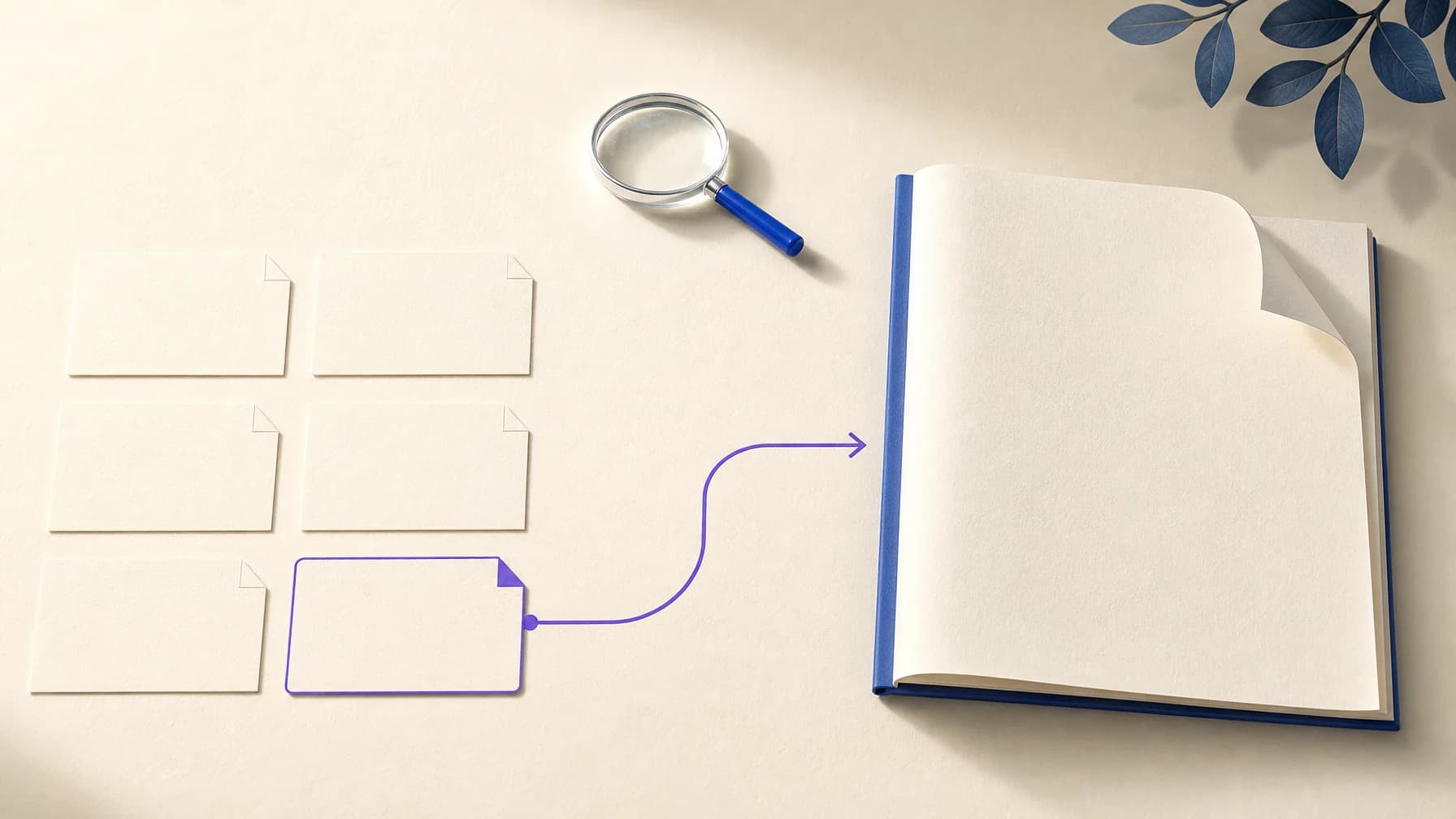
Keep every returned part in order, including thoughtSignature and any thought-marked parts, even if the display hides them. Google's thought-signature guide explains why these opaque fields must survive a later turn. Do not edit, invent or reconstruct a signature. Store native history separately from the text shown in your interface.
For tool conversations, the same preservation principle applies, but executing a tool and returning its result requires a larger application loop. This text example does not implement that loop and should not be presented as a complete coding agent.
Read usage and handle stopping
For raw requests, retain the latest reported usage values from the stream. Do not sum repeated cumulative snapshots within the same request. Ordinary input is promptTokenCount minus cachedContentTokenCount; billed output includes both candidatesTokenCount and thoughtsTokenCount. The pricing guide turns those counts into a budget.
Ctrl+C stops the example and sends no further request. Stopping local reading does not prove that remote generation used no tokens. If the stream ends before usage arrives, consult your account's usage record. The example conservatively excludes the incomplete turn from future history; preserving partial answers is a separate application decision.
Long decode is another distinct case. A CONTINUATION finish reason resumes the original generation with a continuation token; it is not a new user message. Google requires the original request and the latest token, without appending partial output to contents. See the long-decode guide. This introductory script stops instead of implementing automatic continuation.
What has been verified?
Basic text streaming has passed a local end-to-end check through the SeedRouter Playground. The example's parsing and history behavior are checked with synthetic streams, including signed parts, empty responses and interruptions. Those fixtures are software checks, not additional model runs. Tools, media and continuation still require separate capability checks before being described as verified integrations.
API questions
Can I replace an OpenAI model name with gemini-4-argon?
That alone does not convert message formats. This guide uses native Gemini contents and parts. Verify the client supports that protocol and the authentication and endpoint you configure.
Why is the answer empty even though tokens were used?
Thinking can consume the output budget, and safety or incomplete generation can also prevent visible text. Inspect the finish reason and usage. Do not insert an empty model turn or automatically repeat the paid request.
Does a million-token context mean one million output tokens?
No. Input, thinking and output share the context. Long generations also have per-request limits and may require continuation. Budget for the shared total, not separate input and output allowances.
Add features after the conversation works
Start with one complete answer, then confirm that the second turn receives the original native content. Keep the Gemini 4 Argon API history and display state separate as you add attachments, tools or persistence. The model Playground and access guide are the next stops for interactive use and account requirements.