
Lead classification that keeps the enquiry in view
Watch the case videoTurn inbound messages into a clear category, supported details and a next step. Build lead classification with SeedRouter’s text APIs, giving your team the original enquiry and the reason for each suggested handoff.
For sales operations, service teams and CRM developers.
What lead classification should give your team
Lead classification assigns incoming enquiries to categories your business can act on. With SeedRouter, a text model reads the supplied message; your application retrieves it, preserves the source and applies the rules for creating or updating CRM records.
Lead classification with missing details
A short enquiry can still be genuine. Lead classification should preserve messages with clear buying or service intent even when budget, timing or company details are absent; missing fields become follow-up questions.
Explore this use caseLead classification with supporting evidence
Use lead classification to capture requested service, stated location and contact preference with supporting phrases. The receiving teammate can then see what the person actually asked, rather than inheriting an unexplained hot-or-cold label.
Explore this use caseLead classification for uncertain enquiries
Build a review category into lead classification for forwarded threads, mixed requests and messages that resemble spam. Your team can check those cases without losing potential business in an automatic discard pile.
Explore this use case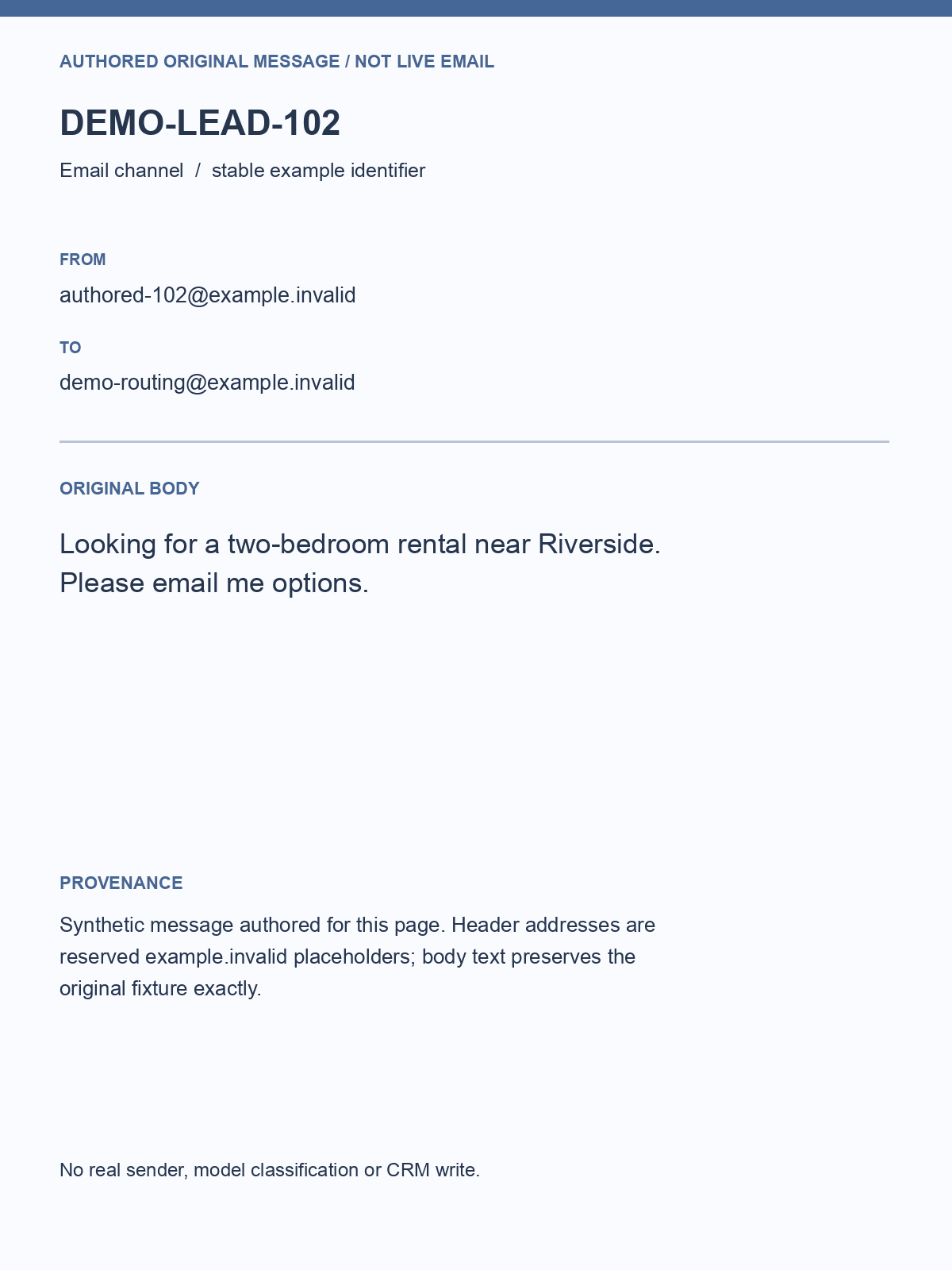
Read intent before assigning priority
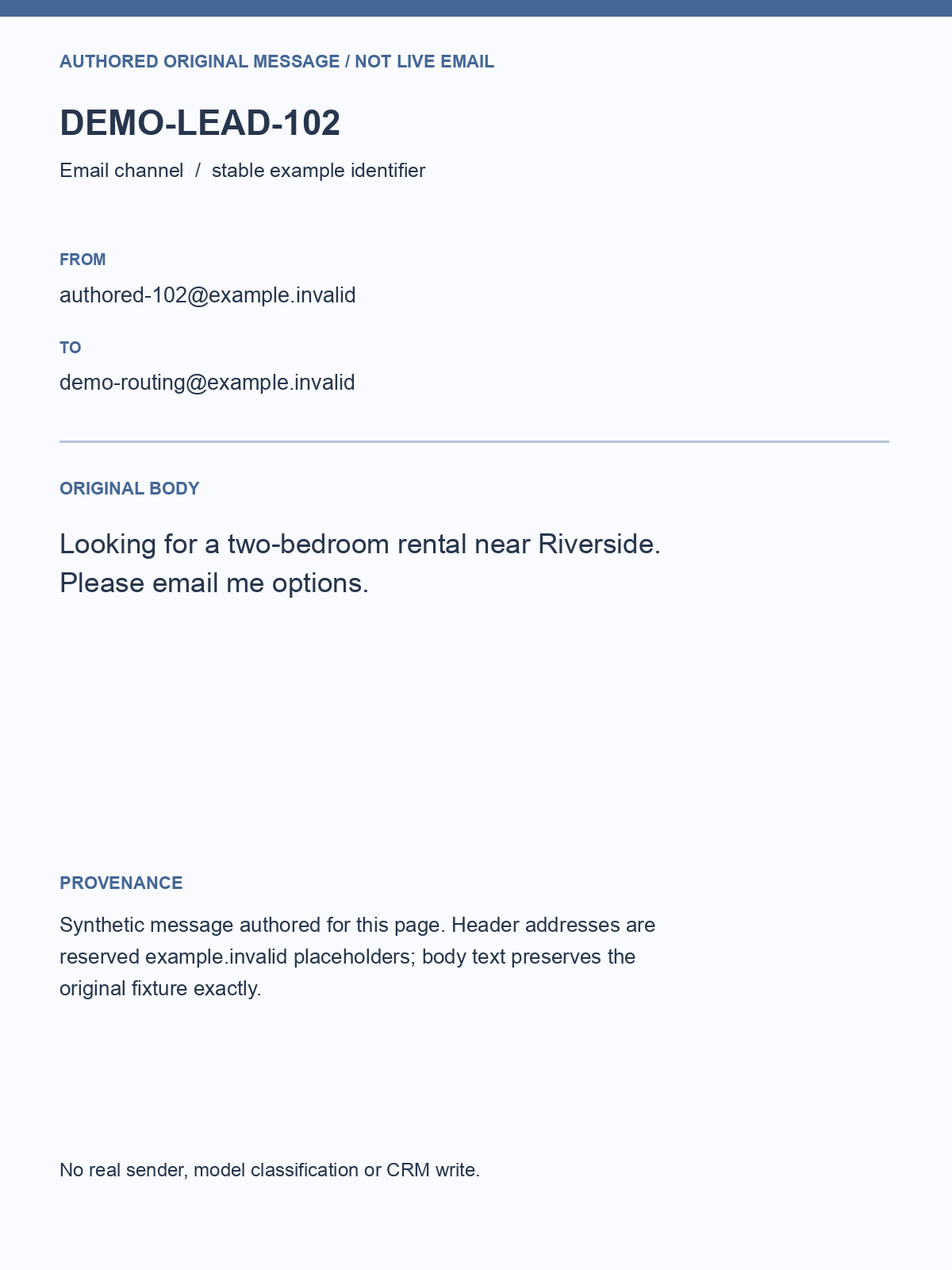
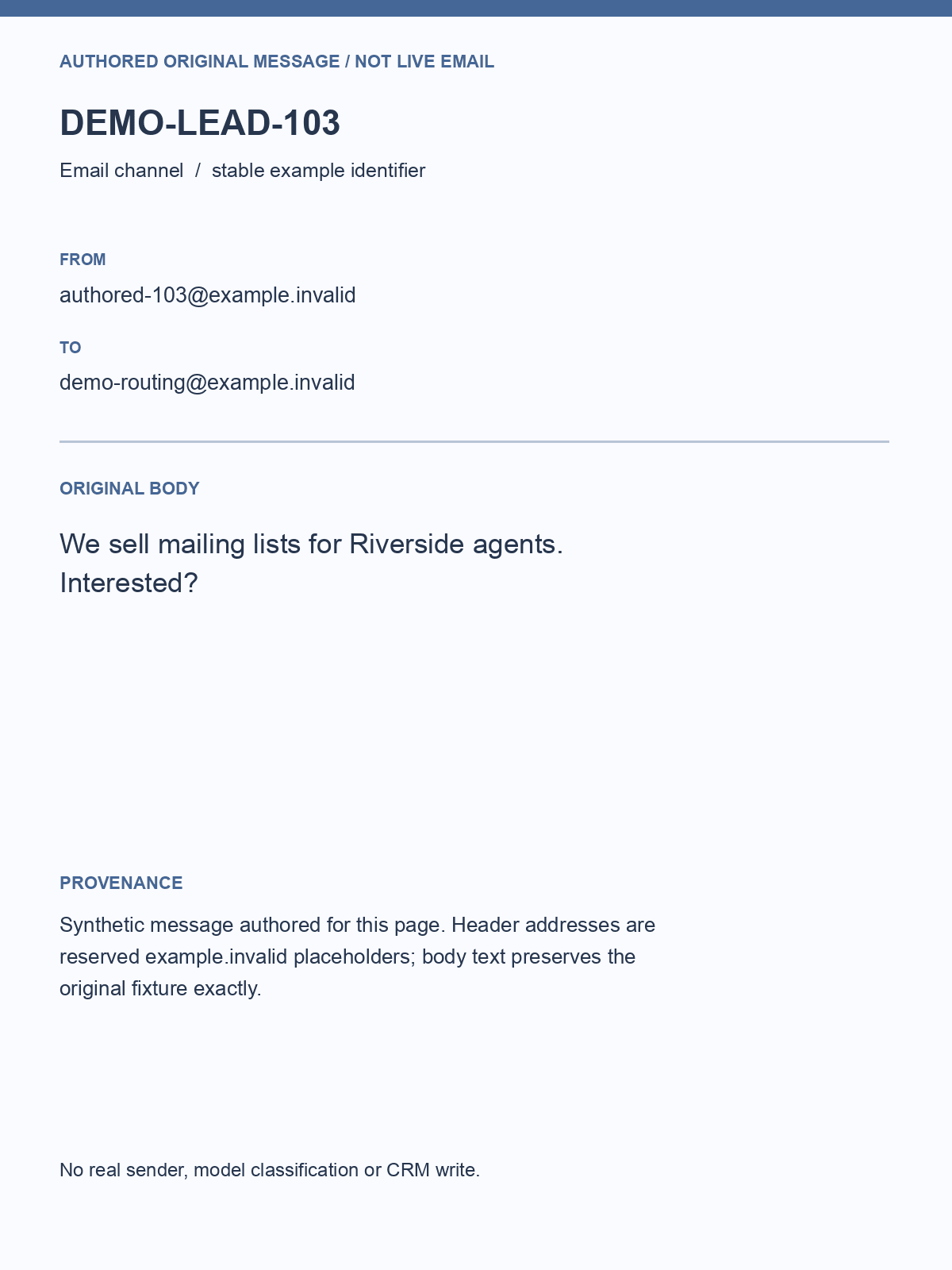
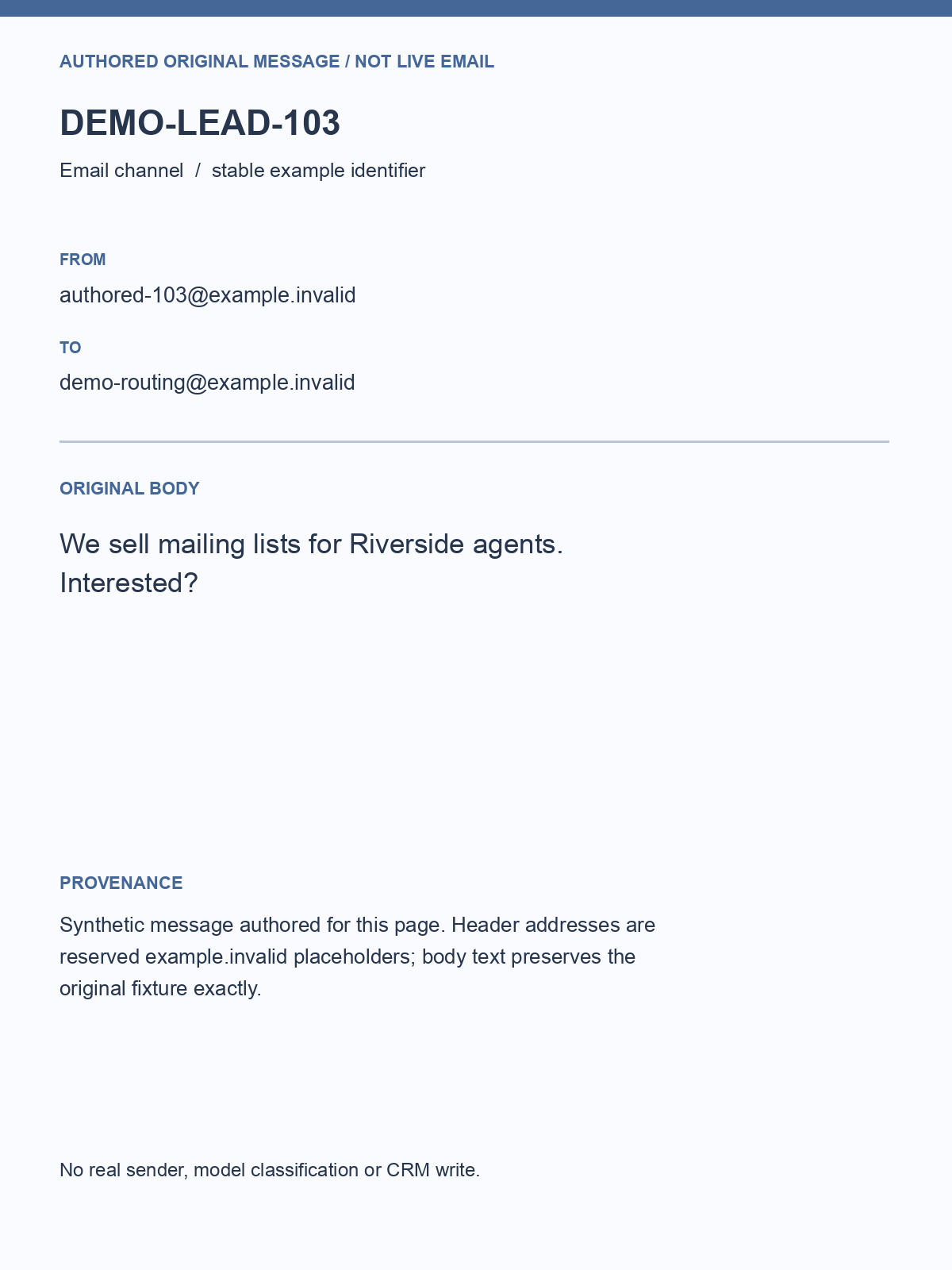
Make lead classification useful at first glance: what does the sender want, and which words support that reading? Separate a request for a rental from an unsolicited property promotion even when both mention the same neighborhood.
- Keep the source message and identifier with each lead classification.
- Test lead classification with genuine short enquiries and promotional messages.
- Leave priority unresolved when your business criteria are not present.
Lead classification records your CRM can use
Lead classification can produce an orderly record from an untidy message. Keep stated facts separate from unanswered questions so a sales representative receives useful context without an invented budget, company size or purchase deadline.
- Use lead classification categories that match your actual teams.
- Validate lead classification records before creating CRM entries.
- Retain the message link so a teammate can resolve ambiguity.
Lead classification with room for unknowns
- Source
- DEMO-LEAD-102
- Request
- Two-bedroom rental
- Area
- Riverside
- Budget
- Not stated
- Handoff
- Rental team · preferences needed
A category identifies the enquiry type; it does not establish that the prospect meets a sales qualification standard.
Measure the enquiries lead classification could miss
Use a labeled sample to inspect lead classification decisions before connecting automatic actions. The downloadable fixture includes a real-intent message, an unsolicited offer and an ambiguous follow-up so you can compare accepted, rejected and uncertain cases.
- Review rejected messages as well as accepted ones.
- Compare lead classification against your team’s labels, not model confidence.
- Match expected and returned identifiers before handing records onward.
Choose the right lead classification method
Lead classification works best when each technique has a clear job. Keep exact matching and CRM ownership rules in ordinary code, and use a model where people express the same intent in different words.
| Need | Starting point | Acceptance check |
|---|---|---|
| Lead classification by intent | GPT-6 Sol or Claude Opus 5.5 | Category supported by the actual message. |
| Lead classification with duplicates | Text extraction plus CRM lookup | Existing record matched by approved identifiers. |
| Lead classification handoff | Your script or n8n workflow | Correct owner and saved delivery status. |
From a new enquiry to a useful record
Build lead classification around the place your team already works. The first version can suggest categories for review while your existing inbox or CRM remains the system of record.
- 1
Define the categories
Prepare lead classification examples that your team agrees on, including uncertainty. Specify which fields are required for a handoff and which may remain empty.
- 2
Compare the decisions
Run lead classification on the same saved sample when changing prompts or models. Inspect mistaken rejections and confusing categories before adjusting automatic actions.
- 3
Connect one destination
Send approved lead classification records through your existing CRM integration. Track duplicates and delivery outcomes so rerunning a message does not create another lead.
Lead classification questions
Is lead classification the same as lead scoring?
No: classification identifies a category, while scoring ranks leads against defined criteria. Lead classification can provide evidence for a score, but it should not invent purchase intent, budget or authority merely to produce a complete-looking sales record.
Can I classify email and form submissions together?
Yes, if your application supplies the message content and source identifiers in a consistent format. Keep lead classification results connected to the original channel so a missing field from a short email is not confused with an unanswered form question.
How should uncertain enquiries be handled?
Send them to a named review destination and show the unresolved question. Good lead classification preserves a genuine enquiry even when it lacks qualification details; a short message should not be rejected merely because it fails to resemble a complete sales form.
Can I trust a model confidence percentage?
Treat a supplied confidence value as an uncalibrated model output unless you have validated it. Evaluate lead classification using labeled messages and the actual missed-enquiry rate, with separate checks for your busiest categories and messages your team finds ambiguous.
Does SeedRouter connect to my CRM automatically?
No, your application or workflow tool owns mailbox access and CRM updates. SeedRouter provides the text model calls used for lead classification; authentication, duplicate matching, record ownership and any follow-up message sending remain explicitly configured in your business tools.
What should I include in a first evaluation?
Include genuine enquiries, unsolicited offers, forwarded threads and short follow-ups that need context. Judge lead classification on correct categories, supported fields and the time required to review mistakes; use live model prices to measure the cost of the same sample.
Inspect the messages and expected handoffs
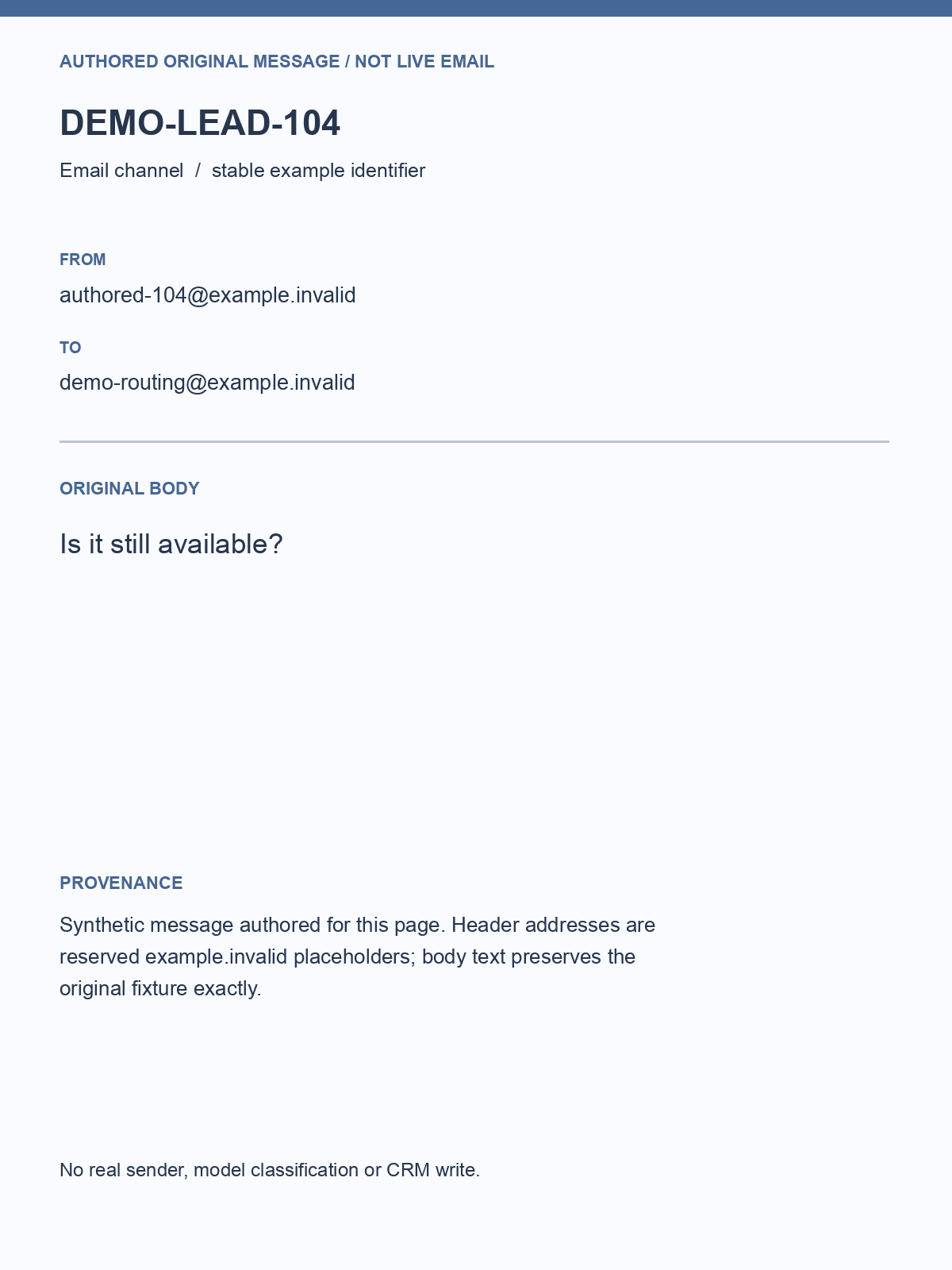
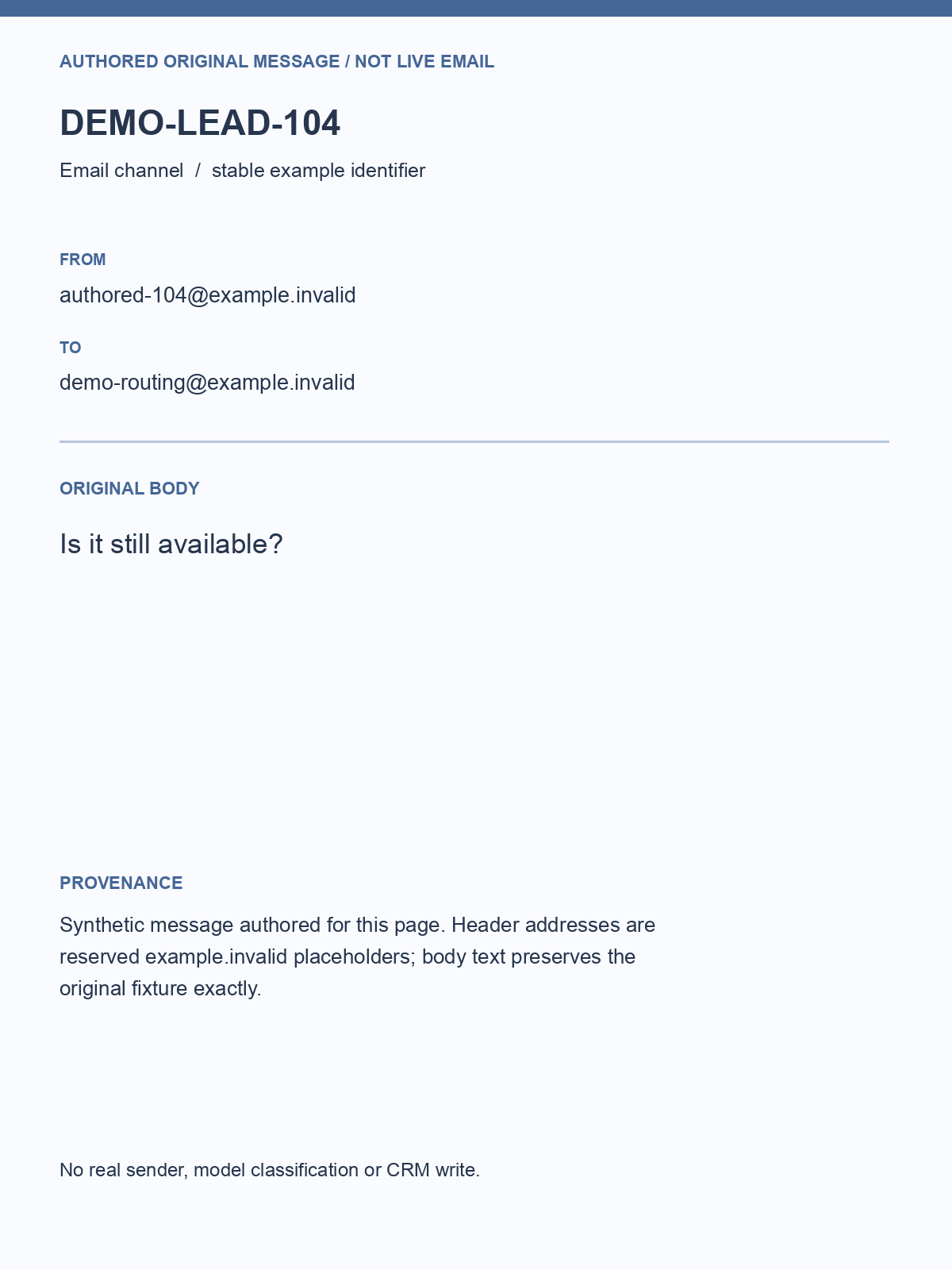
Inspect the three original lead classification messages, manual target labels and exact supporting phrases. The local validator checks source text, missing fields and repeated identifiers; it does not evaluate model accuracy. A forwarded copy retains the same identifier, so four events still represent three distinct messages.
- Download the lead classification fixture
- Read the rental enquiry
- Read the promotional offer
- Read the short review case
- Compare source text and expected labels
- Reproduce the evidence checks
- n8n integration guide
- GPT-6 Sol model and pricing
- Current model prices
Related solutions
- Ecommerce operations
Create reviewable product copy and campaign drafts from approved product and business information.
- Customer support workflows
Connect sourced answers to explicitly approved actions in your existing customer systems.
- Invoice and document extraction
Extract invoice fields and line items, then validate quantities, totals and source evidence.
- Internal knowledge assistants
Build answers around retrieved passages, technical terminology and traceable document sources.
- Business data queries
Turn business questions into reviewable queries and explain results calculated by your data systems.
- Monthly reports
Combine deterministic spreadsheet processing with model-assisted classification and written analysis.
Start with the enquiries your team already understands
Bring a small labeled sample and a clear handoff rule. Test lead classification on the messages you would least want to lose, then decide which categories are ready for an automatic next step.