
AI for games, with the story state in view
Watch the case videoGenerate scene illustrations and narrative drafts from the state your game supplies. Use AI for games through SeedRouter APIs, while your application decides what players can see and which assets belong to the current scene.
For interactive fiction, prototypes and game developers.
Where AI for games can support the experience
AI for games can turn supplied story context into text and scene images. SeedRouter provides model APIs; the game engine owns rules, state changes, asset delivery and what happens while a request is in progress.
Illustrate the current scene
Use AI for games to create a visual brief from the location, visible characters and relevant objects. An image should reinforce the player’s situation without revealing information that the story has not disclosed.
Explore this use caseDevelop reusable visual references
Prepare characters and environments before using AI for games during play. Keep approved references so later images have a visual target instead of reinventing the appearance of a familiar place.
Explore this use casePlan the application connection
Connect AI for games through your own backend or an application workflow. Keep model credentials away from the player’s device and retain the scene identifier with the resulting asset.
Explore this use case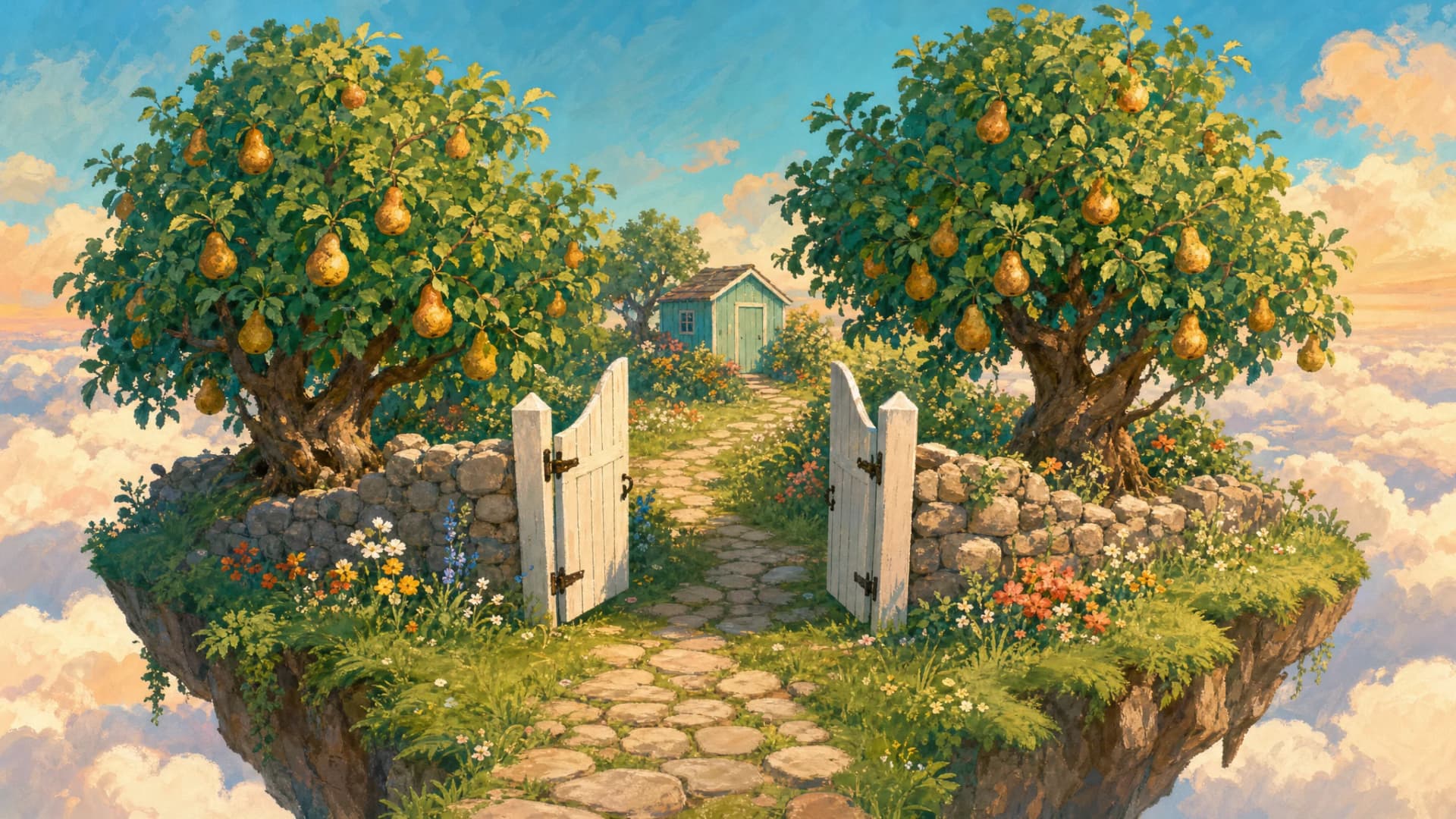
Describe what the player can actually see
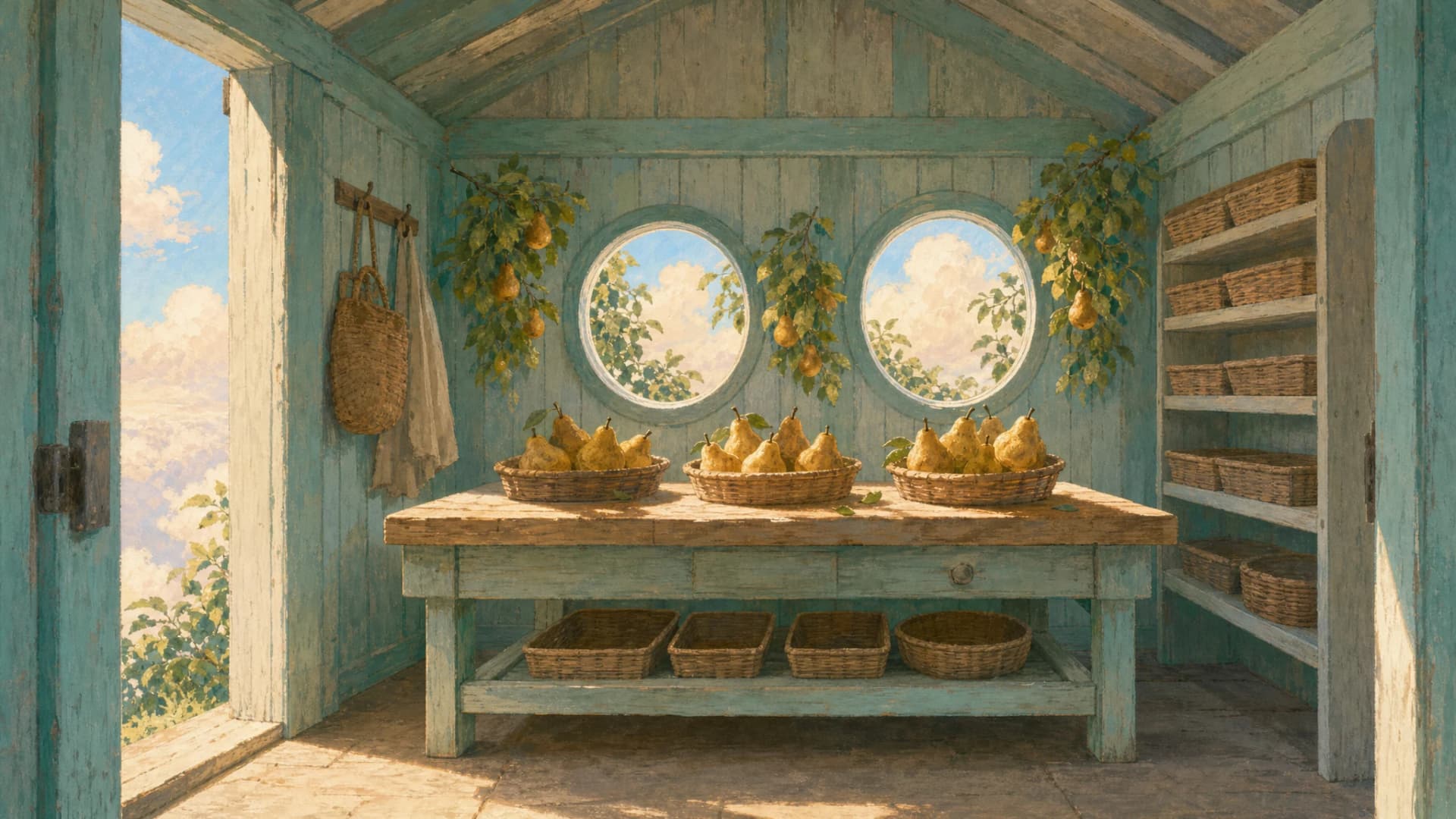
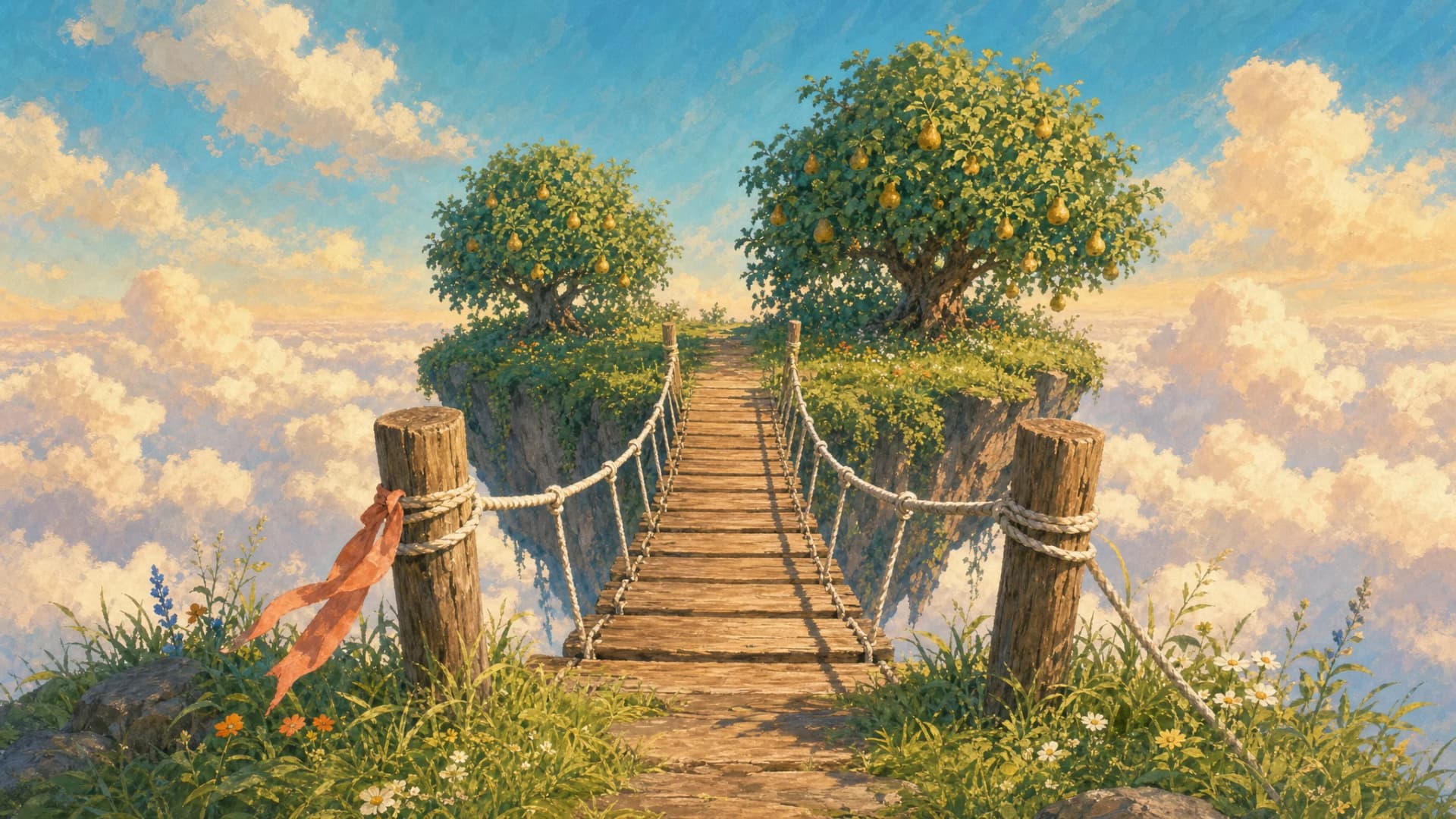
Cloud Orchard has three original locations: a white orchard gate, a turquoise packing room and a footbridge above the clouds. AI for games should keep those scenes distinct while carrying the same painted palette through the world.
- Attach each location’s approved art to its own scene identifier.
- Review AI for games images at the size players will see.
- Keep hidden destinations and invented inventory out of the visible brief.
Keep a late image out of the wrong scene
A gate illustration can finish after the player enters the packing room. Associate AI for games results with their requested scene, then save a late gate image for reuse without replacing the room currently on screen.
- Retain the scene and state version with the request.
- Reuse AI for games assets only when their visible facts still match.
- Define a waiting state or existing illustration in the game UI.
Budget for changes the player notices
The sample visit order is gate, packing room, unchanged gate, then bridge. AI for games can use three distinct scene assets across these four illustrative visits; this is an authored reuse example, not a measured production saving.
- Reuse gate art only when its visible state is unchanged.
- Count AI for games revisions separately from first requests for new locations.
- Keep generation expense separate from hosting, game services and human review.
AI for games session worksheet
- Visit 1
- Gate · new location art
- Visit 2
- Packing room · new location art
- Visit 3
- Unchanged gate · reuse the accepted gate asset
- Visit 4
- Bridge · new location art
- Scope
- 3 scene assets across 4 illustrative visits
AI for games reuse is a decision in your application. These scene choices are authored examples, not recorded game-engine execution.
Choose AI for games by the asset you need
Test AI for games with representative story states. Resolution is only one criterion; a useful image must match the action, arrive at a suitable moment and fit the game’s visual style.
| Task | Starting point | What to evaluate |
|---|---|---|
| AI for games scene art | Nano Banana 2 Lite or GPT Image 2 | Required objects, cast, framing and unwanted additions. |
| AI for games narrative drafts | GPT-6 Sol or Claude Opus 5.5 | Consistency with supplied state and the player’s available choices. |
| AI for games reference assets | Character reference sheet tool | A clear visual target for later scene generation. |
Test a short playable sequence
Evaluate AI for games across transitions, not just isolated prompts. A compact sequence can expose stale images, hidden-information leaks and excessive generation.
- 1
Prepare visible state
Choose a few scenes and supply AI for games only the facts visible to the player. Give each state a stable identifier and define the required art.
- 2
Connect the result
Save AI for games output with its originating state. Have the application decide when to display it and what to retain if the player moves on.
- 3
Review a play session
Track AI for games requests, accepted art and revisits during a complete session. Inspect timing and scene fit before expanding the number of generated moments.
AI for games questions for your prototype
Is SeedRouter an AI for games engine?
SeedRouter provides text, image and video model APIs. Your application connects AI for games to player state and controls the rules, save data, delivery and rendering; it is not a hosted game engine or a ready-made gameplay system.
Can AI for games generate every scene immediately?
Generation time depends on the model and request, so instant delivery is not promised. Plan AI for games around a suitable waiting experience, existing artwork or earlier generation, and measure timing in your own application.
Can AI for games reuse earlier illustrations?
Your game can save accepted images and reuse them when the visible scene remains compatible. For AI for games, include style and state details in your reuse decision so returning to a location does not show outdated characters or props.
How do I keep AI for games from revealing secrets?
Do not include hidden story facts in the visual brief. Review AI for games output for invented clues as well as supplied information, and keep access to private story state controlled by your application.
Does AI for games include adaptive music?
Standalone music and speech APIs are planned, not currently offered here. An AI for games image workflow does not establish support for seamless audio loops or music that reacts immediately to gameplay; those need separate implementation and evaluation.
What should I compare when choosing AI for games models?
Use the same scene briefs and judge object accuracy, style, timing and revision work. Estimate AI for games spending from actual sessions and live model prices, rather than assuming each player generates the same number of images.
Inspect the scene records and implementation path
SeedRouter created these AI for games case images on October 12, 2026 with GPT Image 2 at high quality: 3 requests, one image per request, no retries. Later images use the documented earlier references. The downloadable file records inputs and observed limitations; no customer outcome or completed video is claimed.
Related solutions
- In-game scene illustrations
Generate illustrations from game state with controls for scene accuracy, latency and reuse.
Give your next scene a clear visual brief
Choose a moment with a recognizable location and a meaningful player action. Try AI for games with that scene, compare the image with its state and decide what your application should reuse.